Uptime Robot
Automatizează-ți pagina de stare folosind Uptime Robot
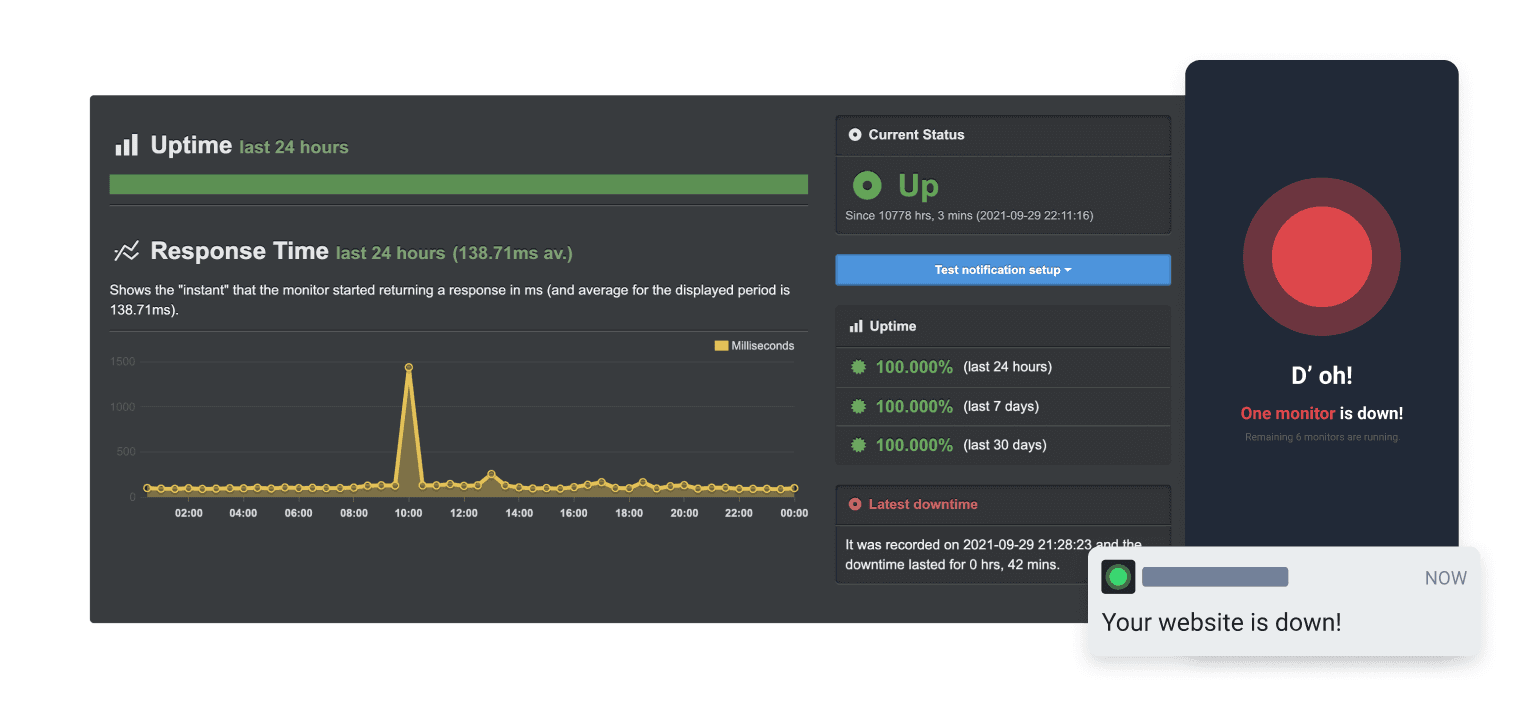
Actualizează-ți pagina când o verificare eșuează sau își revine

Pagina ta de stare se actualizează

Personalizează actualizările folosind șabloane
- Generați un webhook Uptime Robot
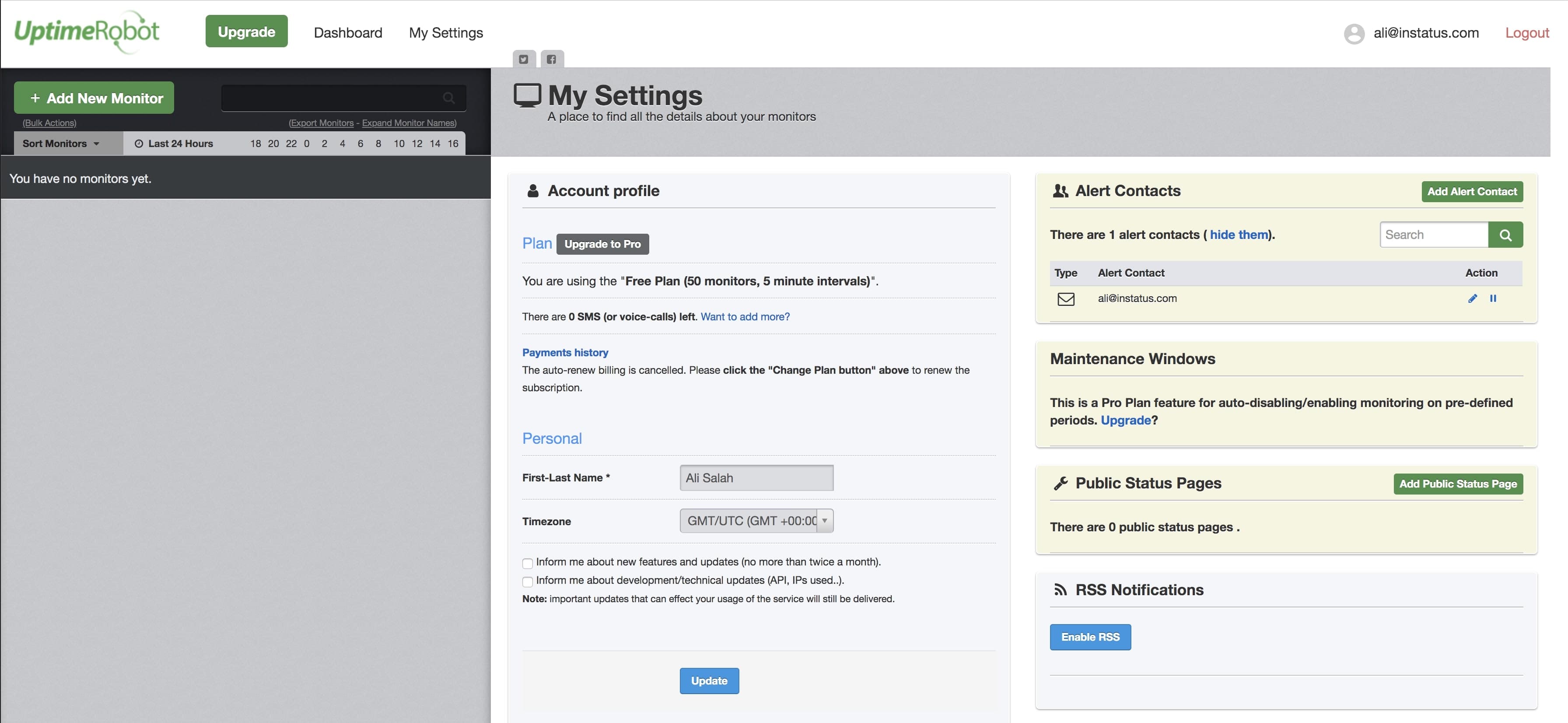
- Deschideți panoul Uptime Robot. Faceți clic pe My settings în navigare.
- Faceți clic pe Add Alert Contact.
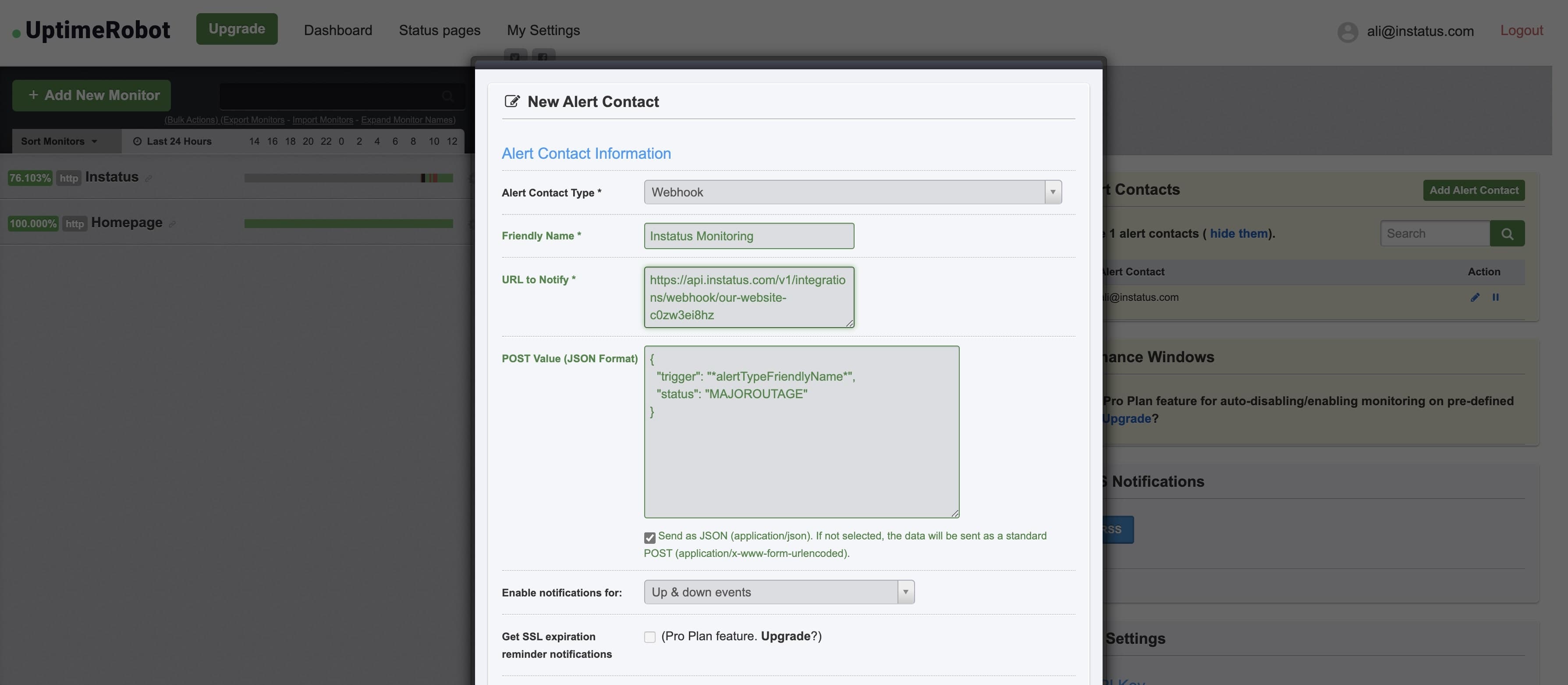
- Selectați tipul de contact: "Webhook" și adăugați adresa webhook copiată.
- Adăugați această valoare POST:{"trigger": "*alertTypeFriendlyName*","status": "MAJOROUTAGE"}
statuseste un câmp opțional. - ✅ Bifați Send as JSON
- Gata! 👌