Slack
Actualizează-ți pagina de stare direct din Slack!
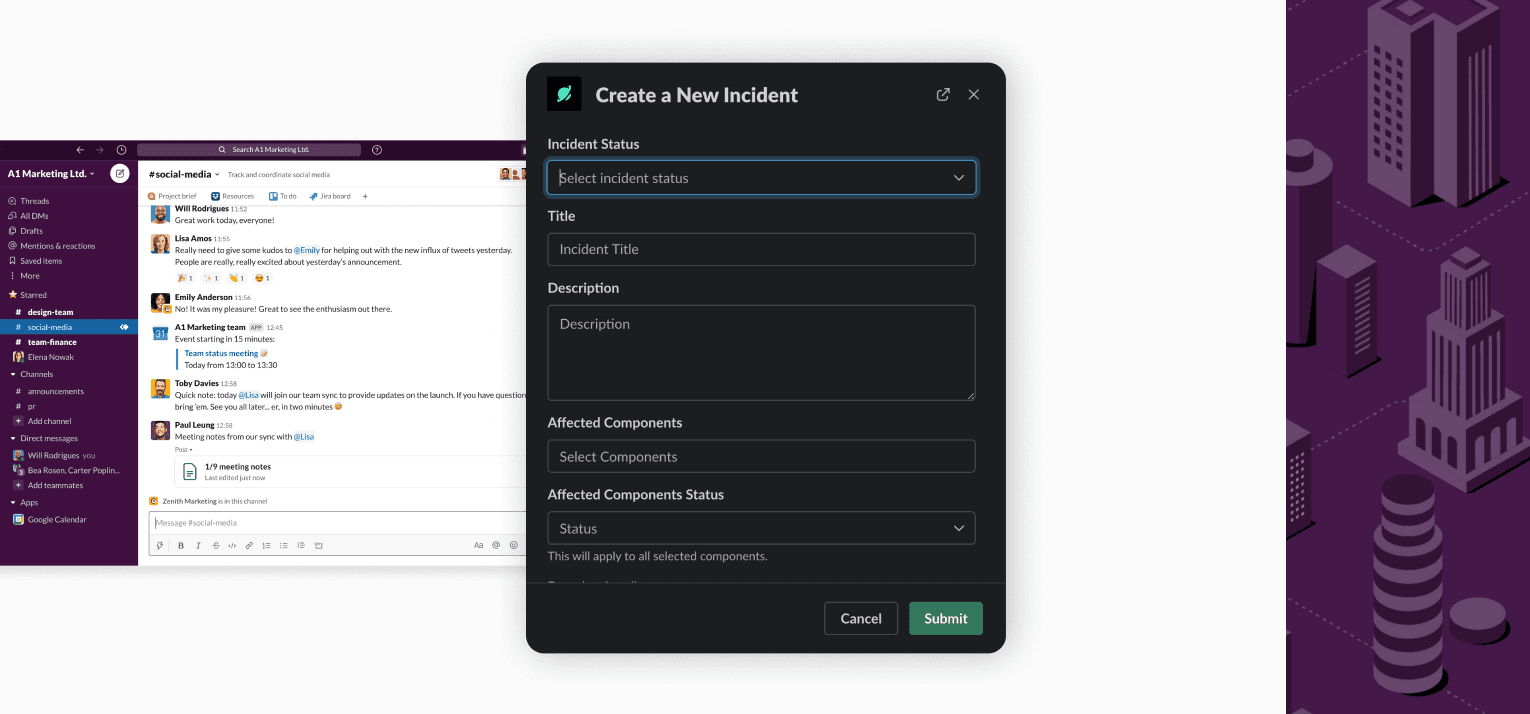
Creează incidente și programează perioade de mentenanță
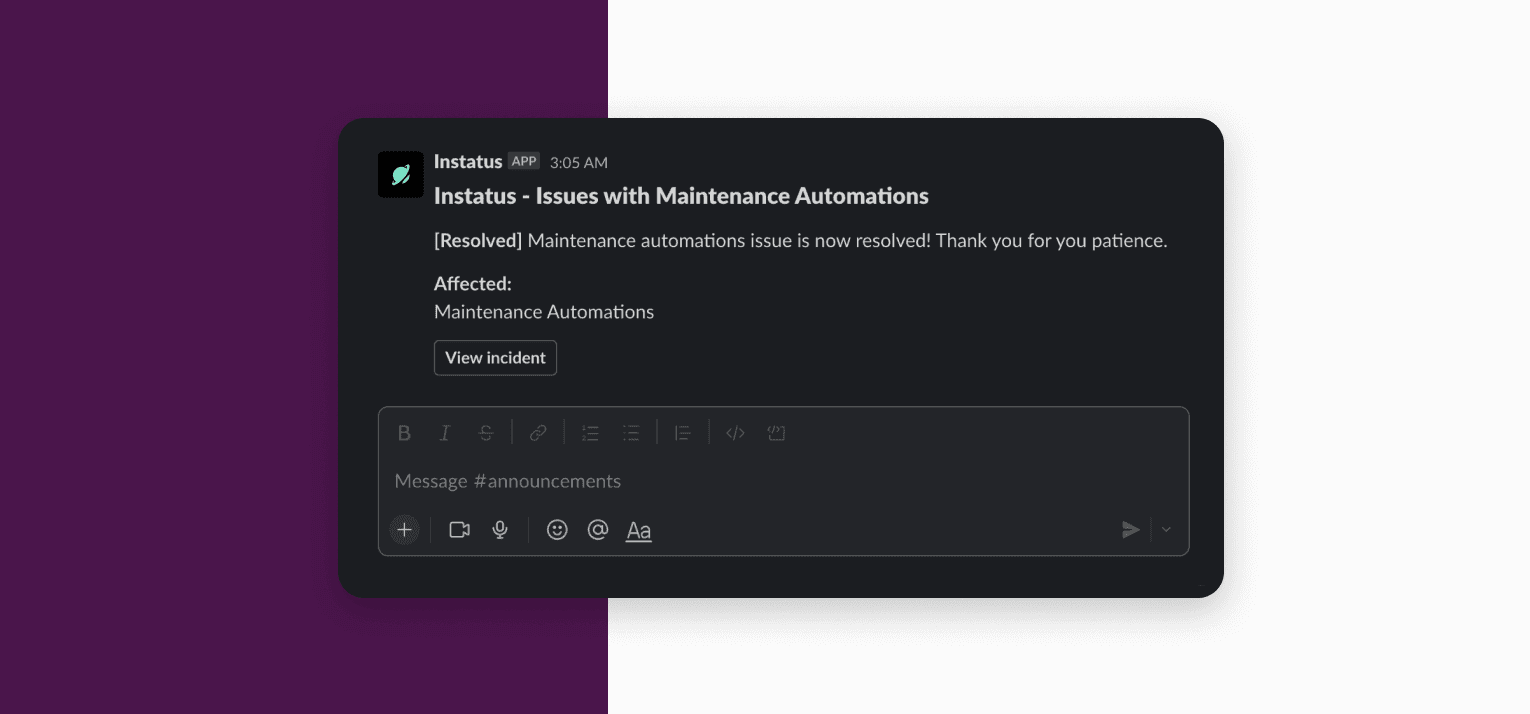
Primește actualizări în canalul tău din Slack
Prezentare generală
Păstrează-ți munca sincronizată atât în Slack, cât și în Instatus.
- Actualizează-ți pagina de stare din Slack
- Primește o notificare pe canalul tău de Slack când pagina ta este actualizată
Configurare
Pentru a adăuga un spațiu de lucru Slack în Instatus, urmați acești pași:
- Conectați-vă la Instatus.
- Selectați echipa.
- Selectați pagina de status.
- Accesați fila Integrations.
- Selectați Slack din listă.
- Faceți clic pe butonul „Add Slack To Instatus”. Urmați instrucțiunile (durează câțiva pași).
Utilizare
Tastați /instatus command în orice canal.
Comenzi disponibile
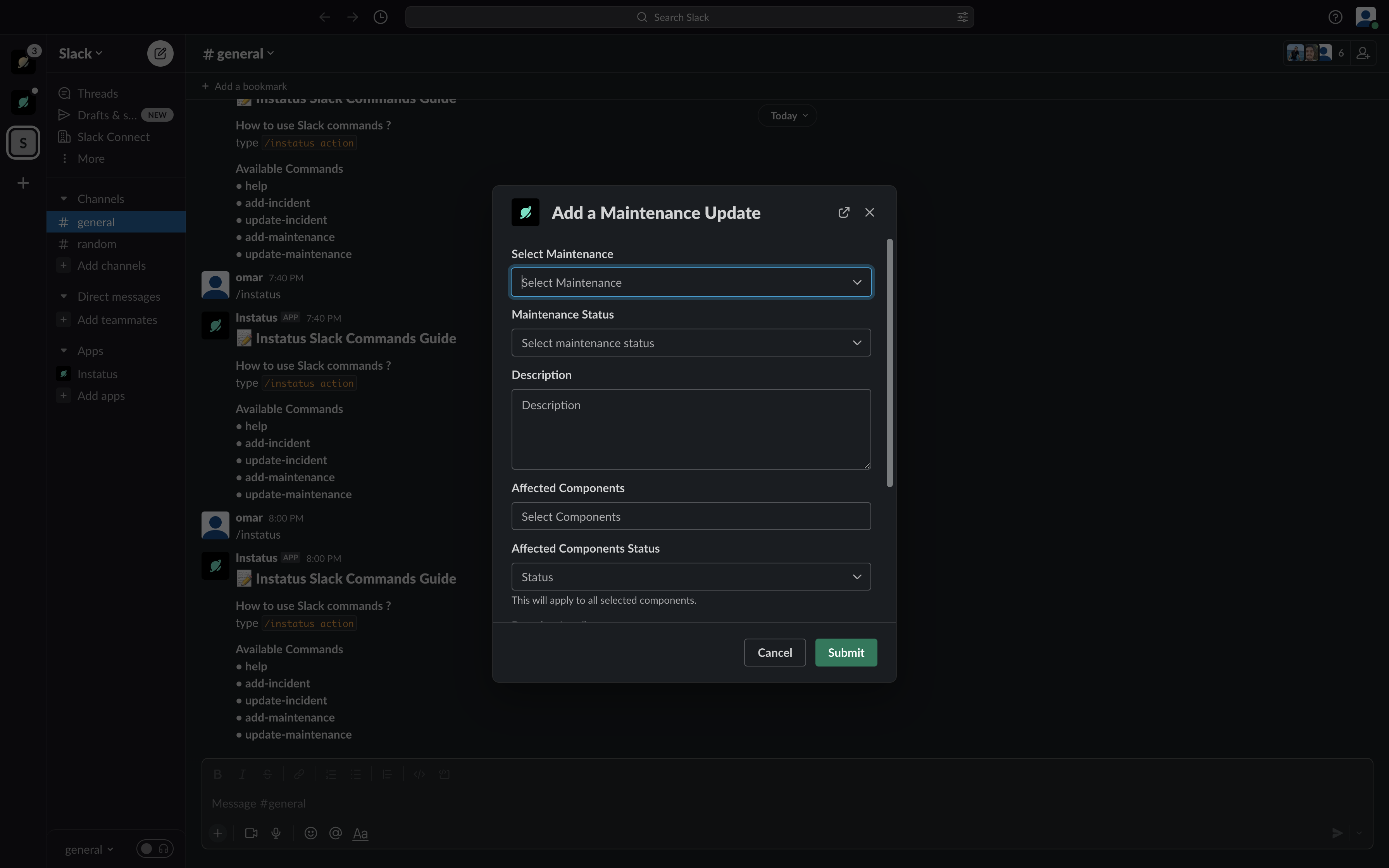
- help: Afișează lista comenzilor disponibile.
- add-incident: Adaugă un incident nou.
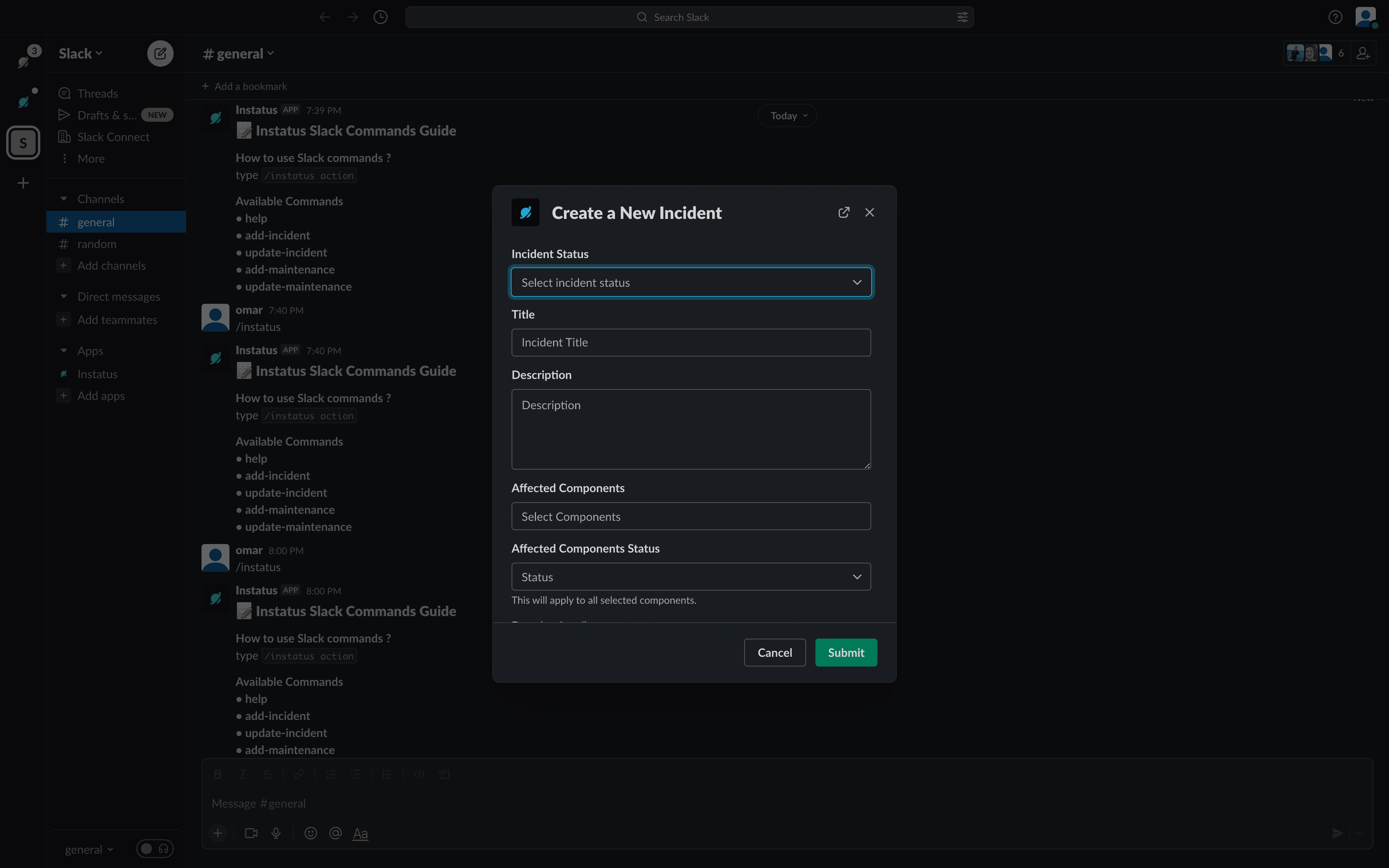
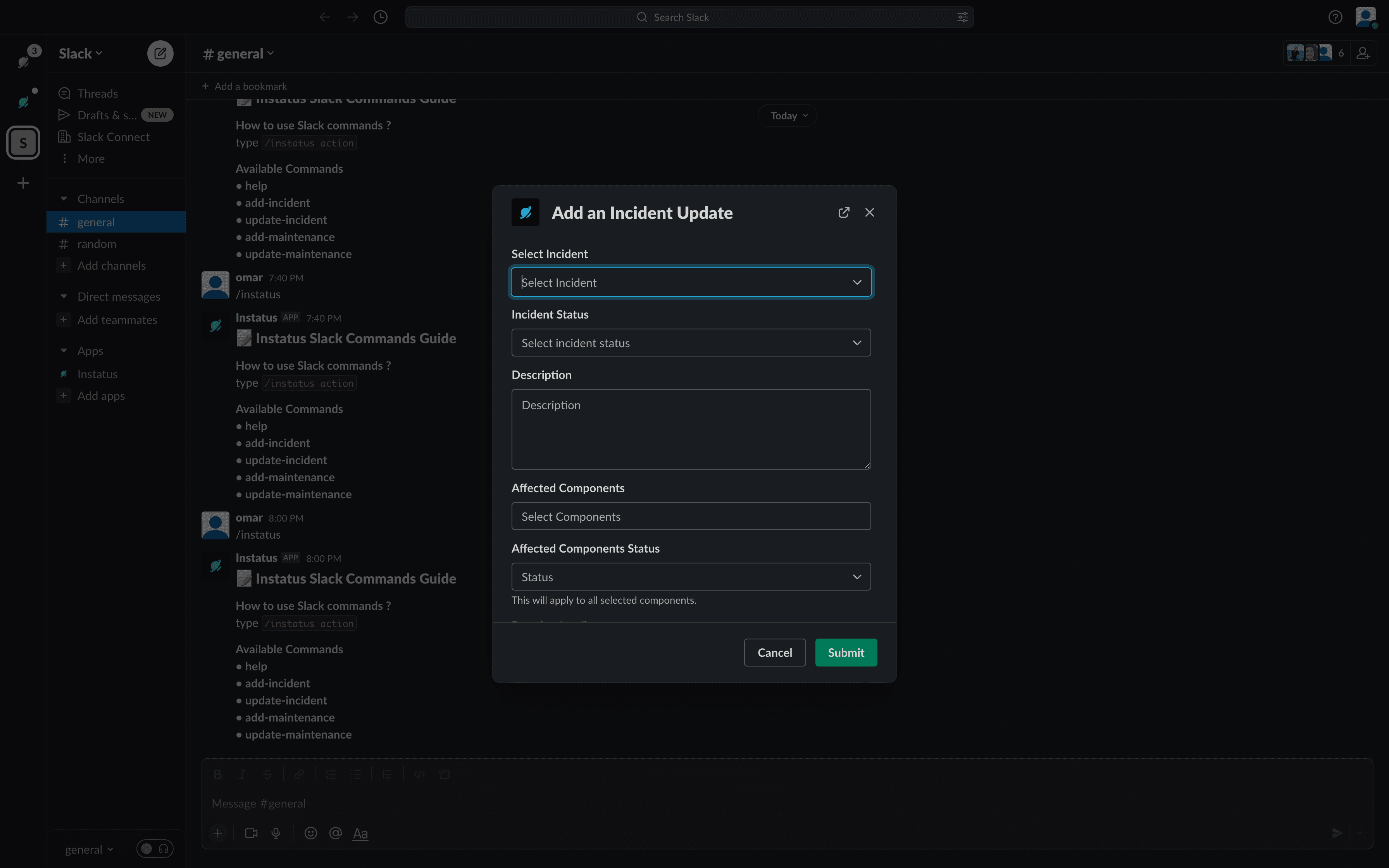
- update-incident: Adaugă o actualizare nouă la incident.
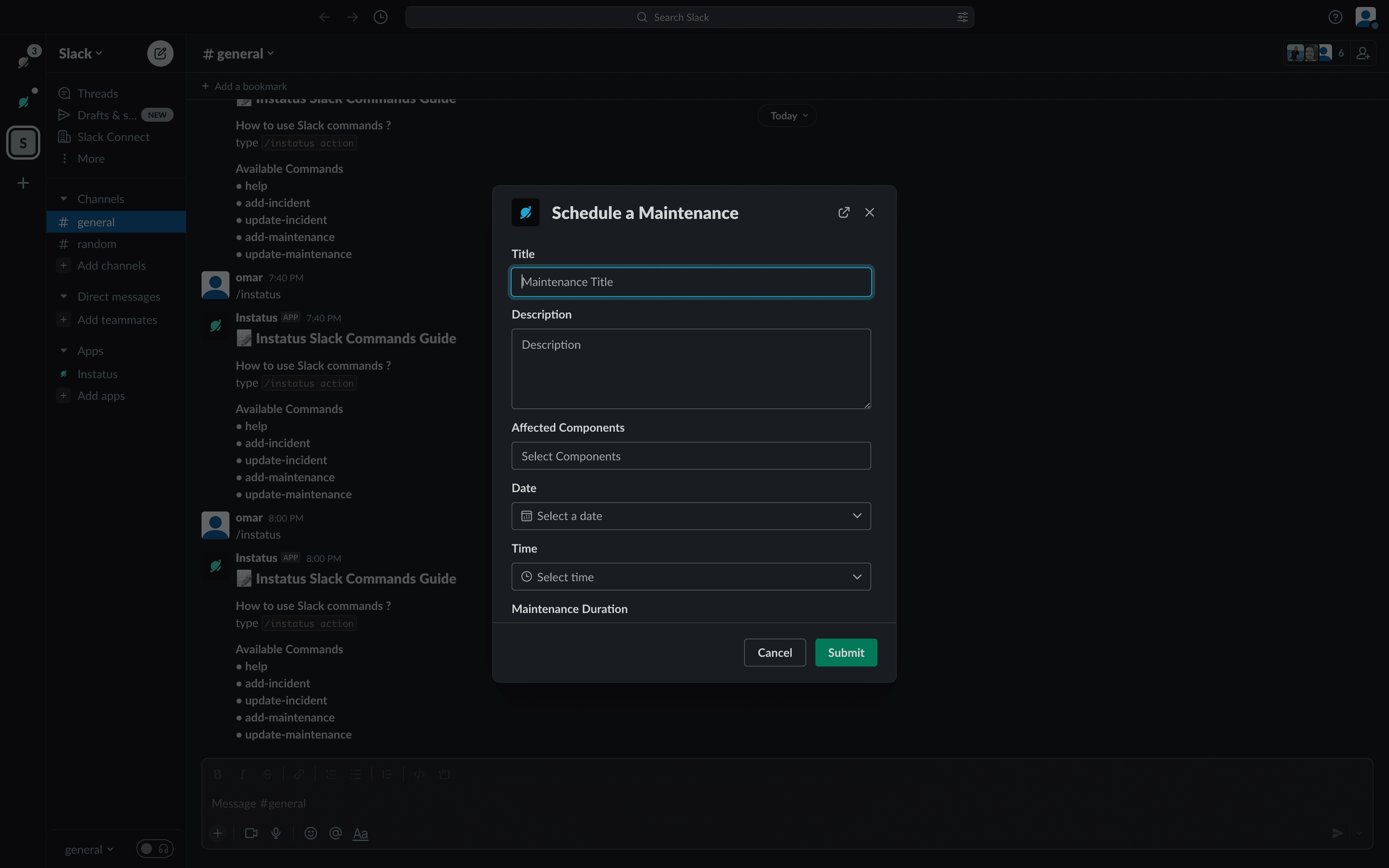
- add-maintenance: Adaugă o mentenanță nouă.
- update-maintenance: Adaugă o nouă actualizare de mentenanță.