Pingdom
Automatiser statussiden din med Pingdom
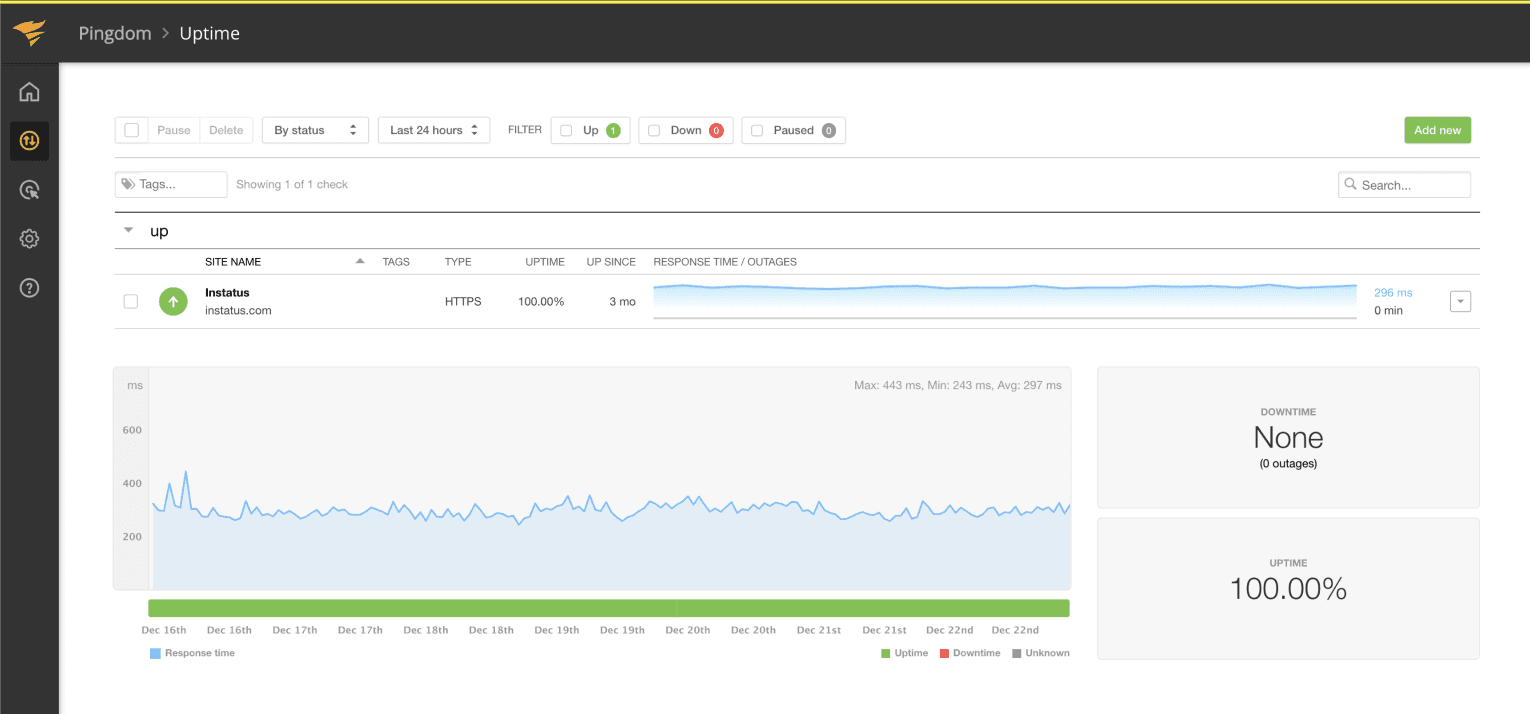
Oppdater siden din når en sjekk feiler eller kommer seg

Statussiden din blir oppdatert

Tilpass oppdateringer med maler
- Create a Pingdom webhook
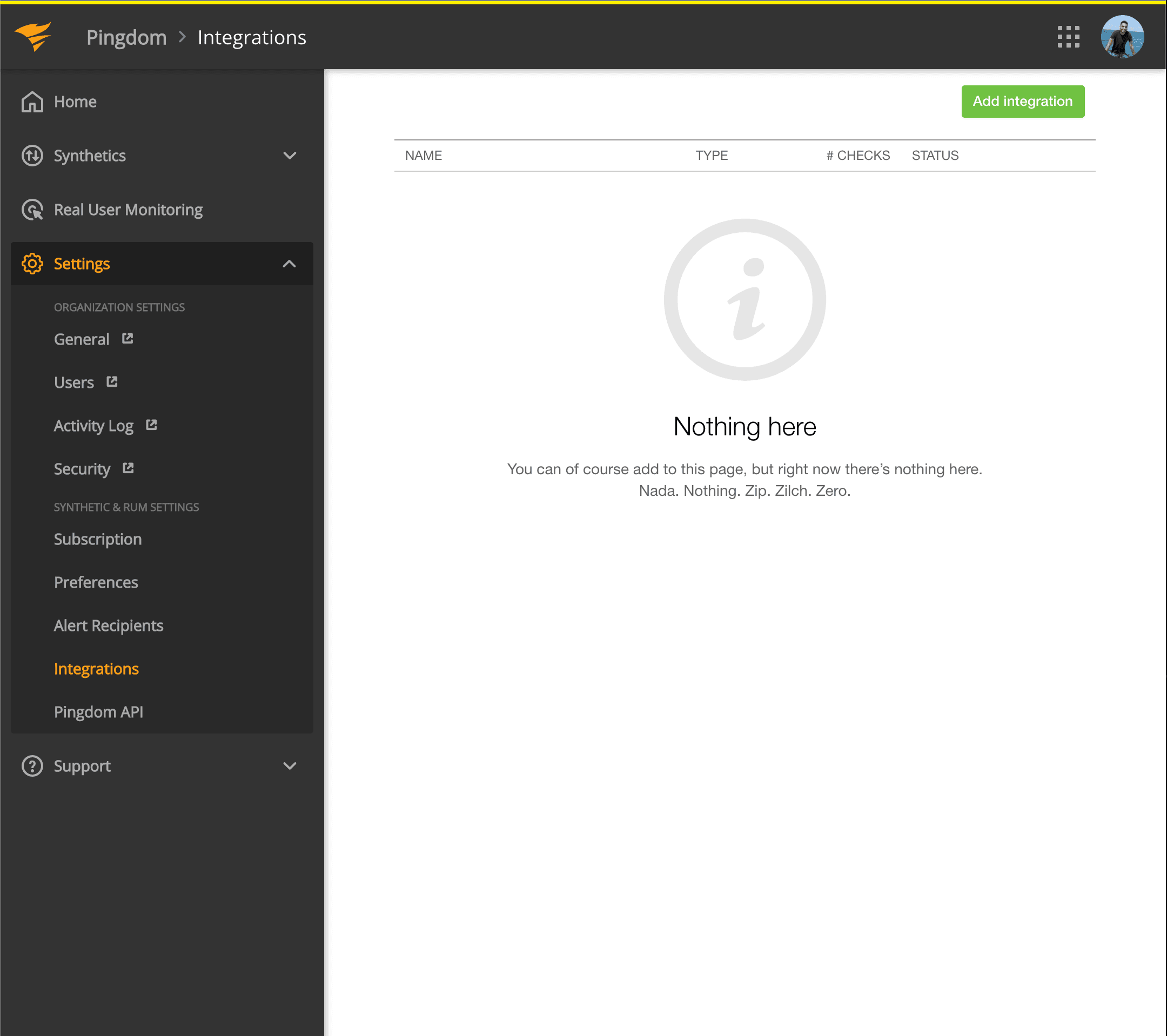
- Open your Pingdom dashboard. Click on Settings → Integrations
- Click Add integration button
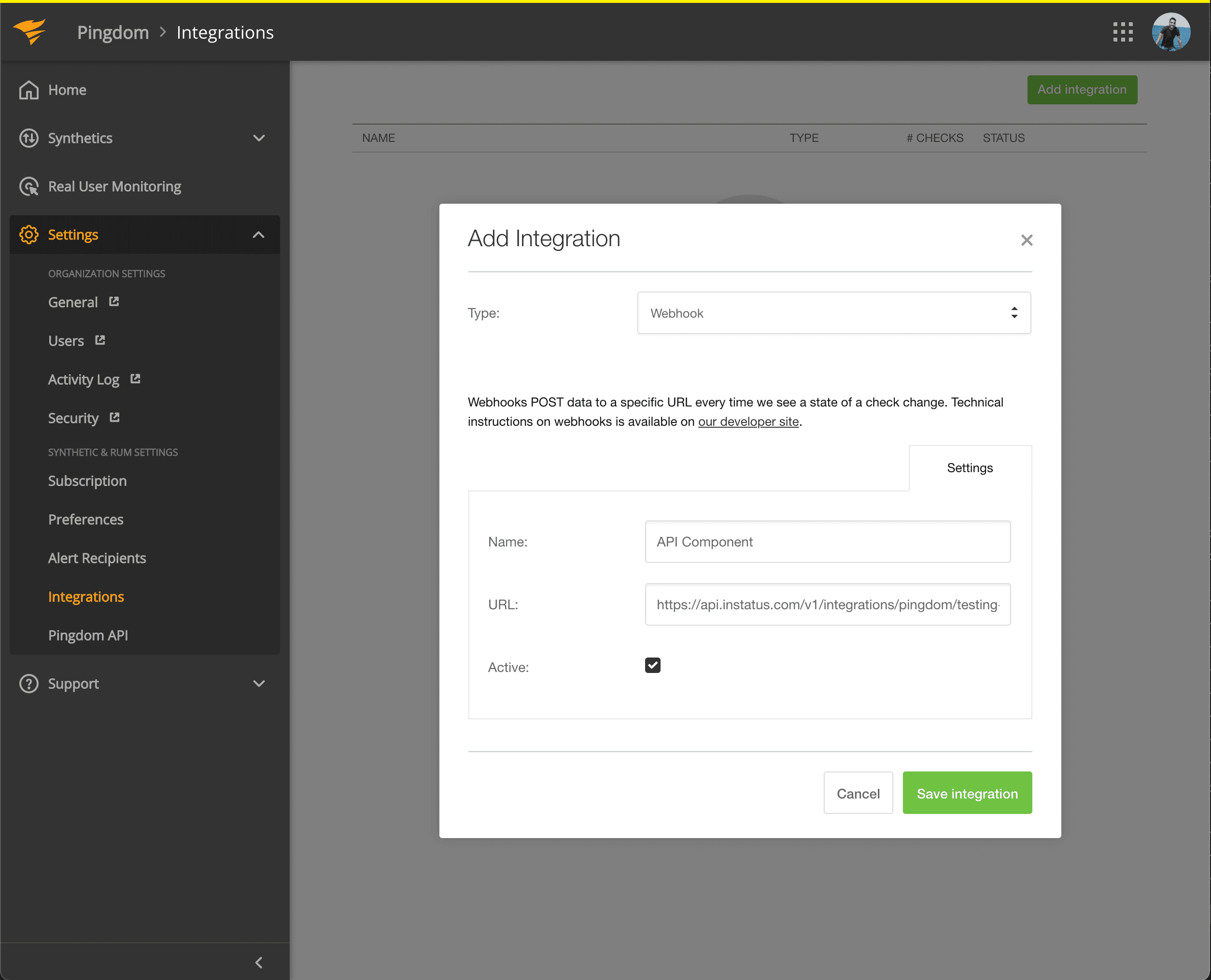
- Select Webhook type, add a name and the webhook URL of the component you just copied.
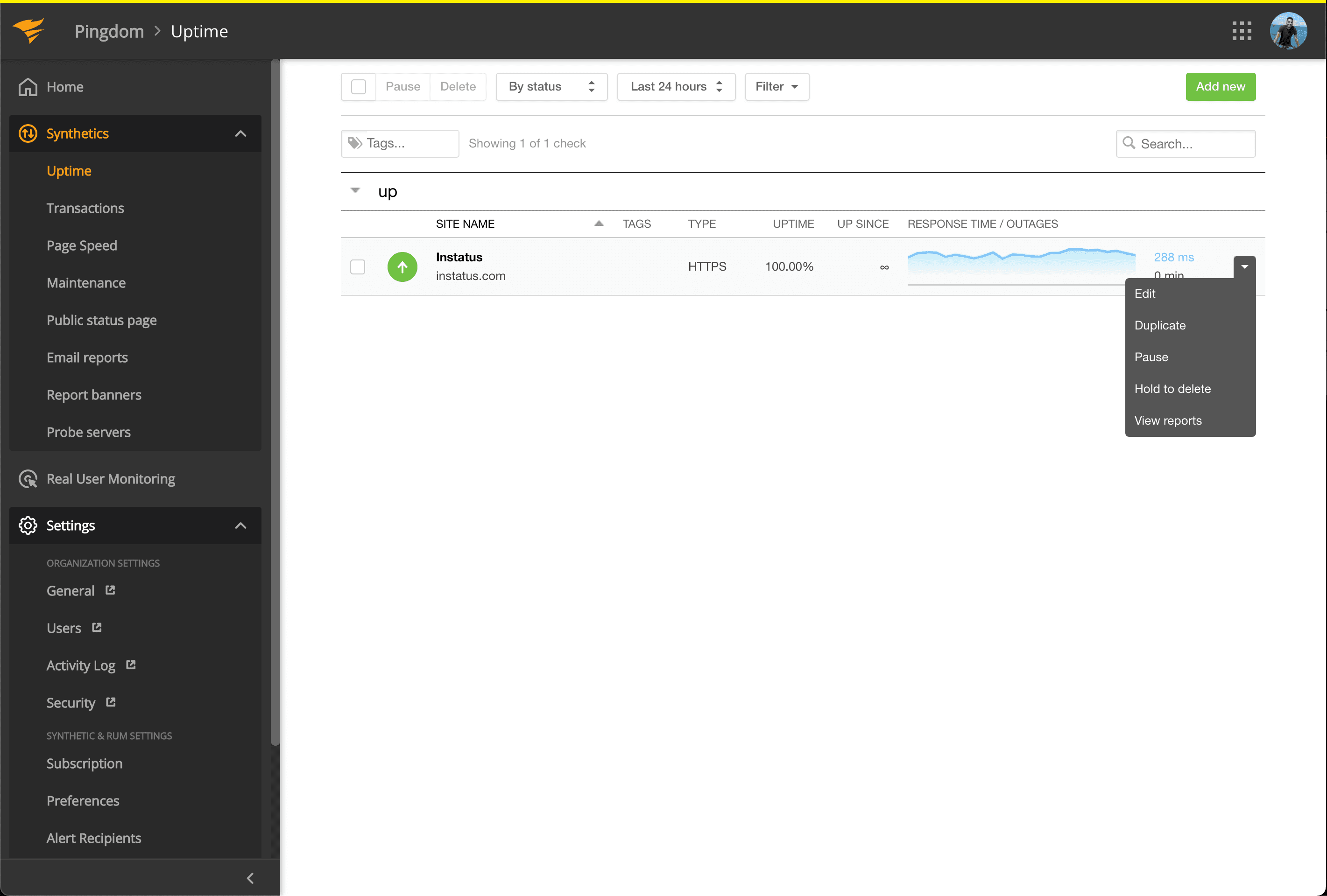
- Go to Synthetics → Uptime
- Edit the Uptime check that’s related to the component you want to get automated.
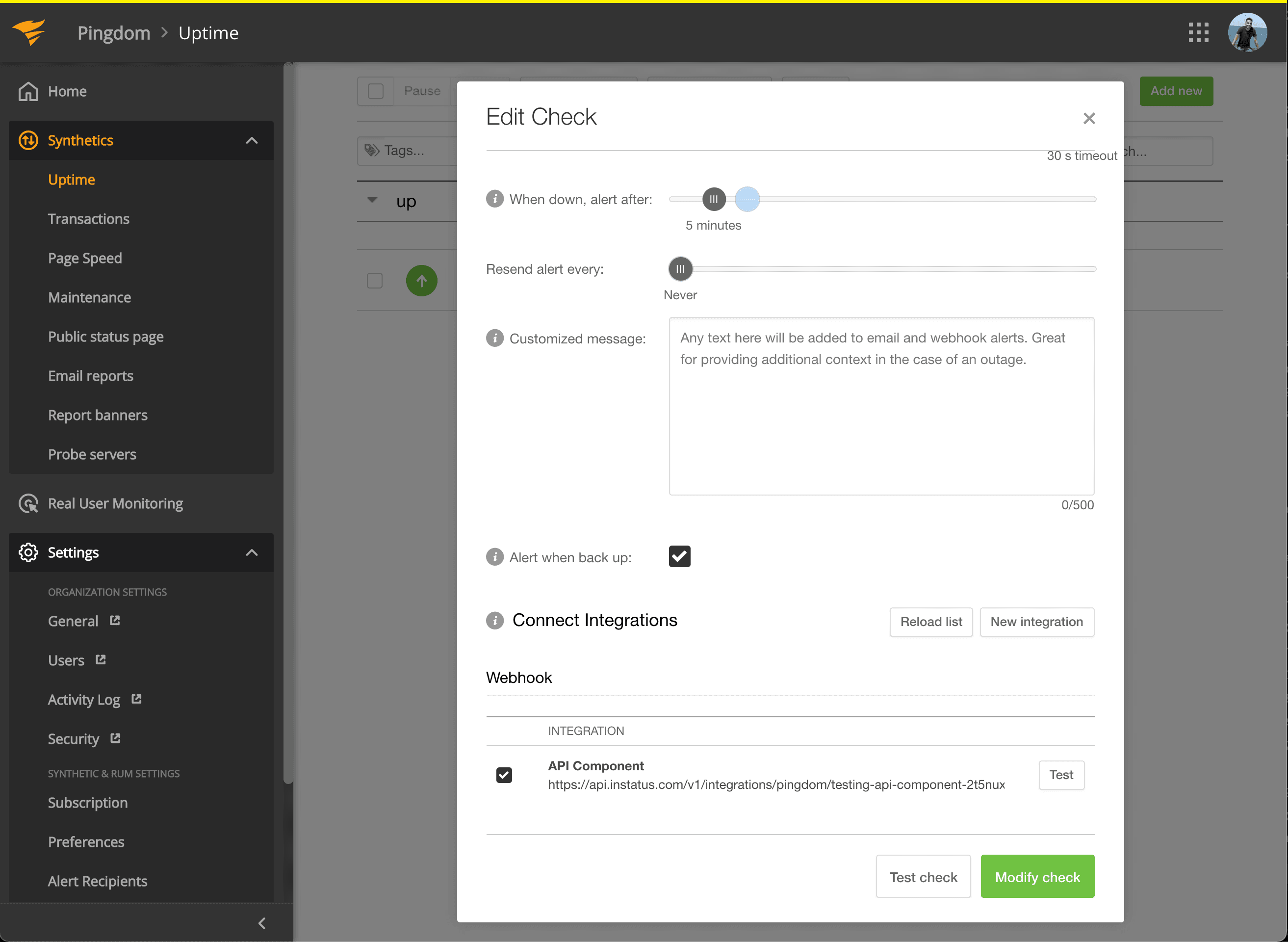
- Under Connect Integrations, check the integration you just created, and click modify check!
- You’re done! 🍪