Site24x7
Otomatiskan halaman status Anda menggunakan Site24x7
Perbarui halaman Anda saat pemeriksaan gagal atau pulih

Halaman status Anda diperbarui

Sesuaikan pembaruan menggunakan templat
- Buat webhook Site24x7
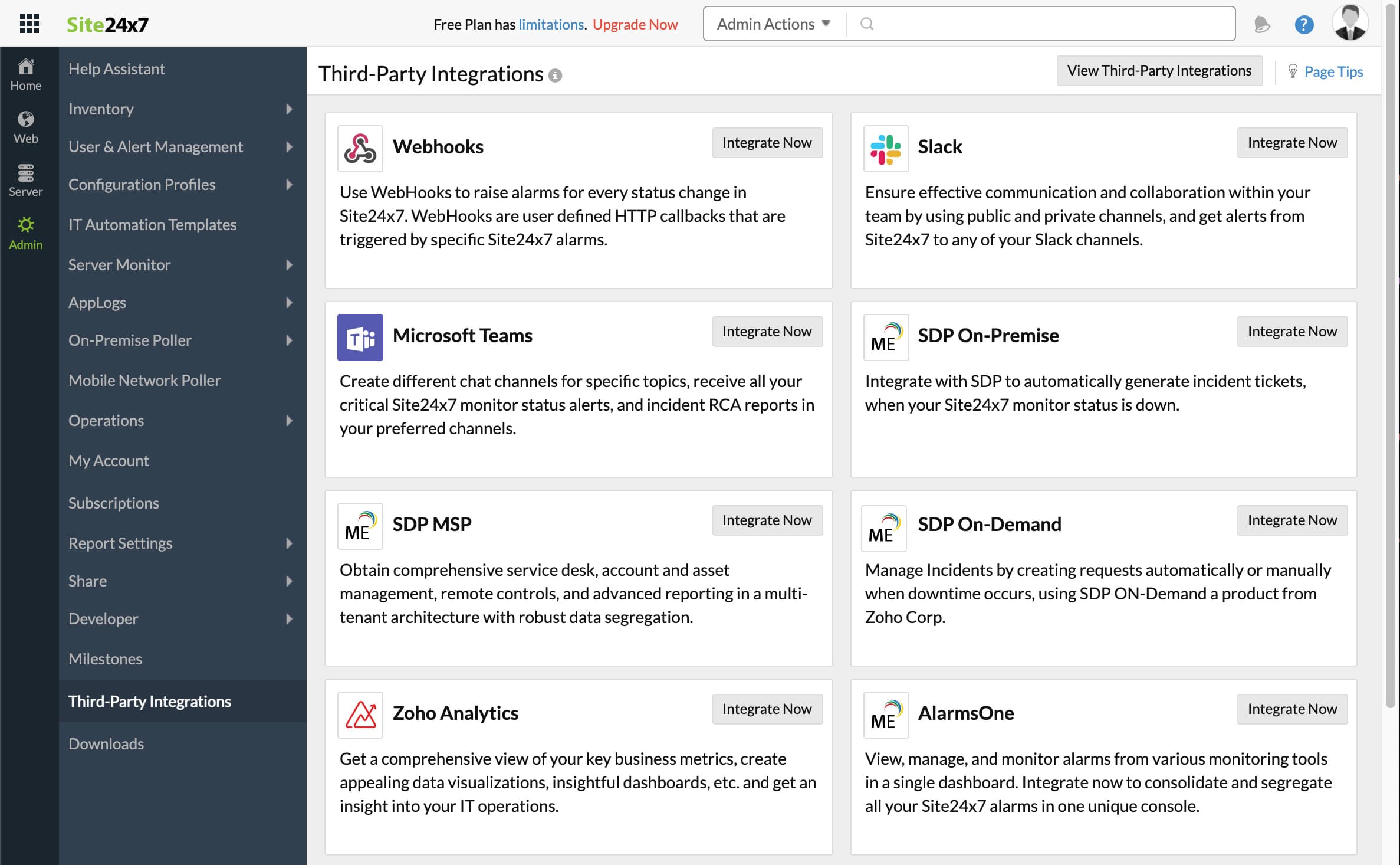
- Buka dasbor Site24x7 Anda. Klik Admin, lalu Third-Party integrations
- Klik Add Third-Party Integration, lalu klik Webhooks (Integrate Now).
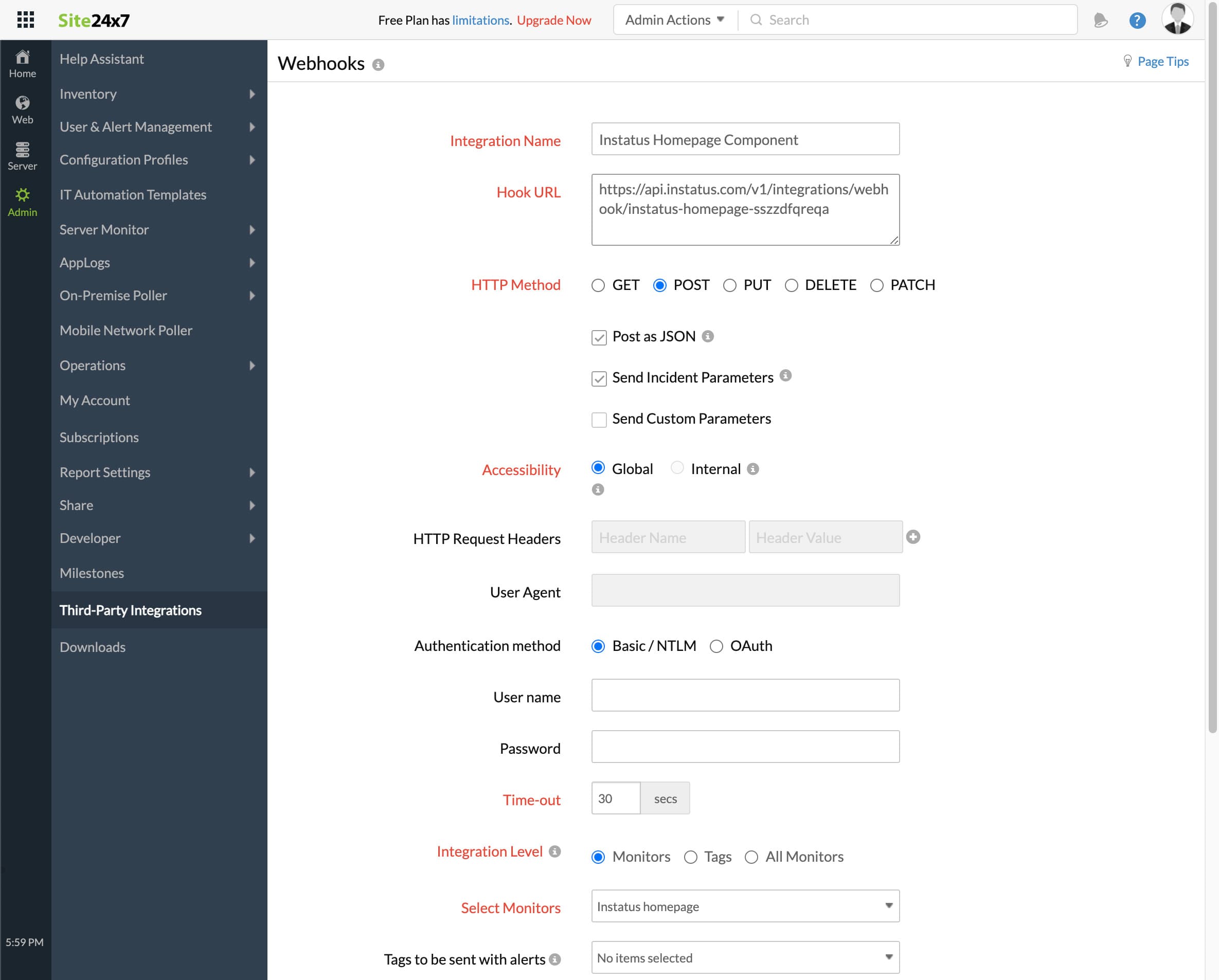
- Isi formulir
- Tambahkan nama integrasi apa saja
- URL webhook yang Anda salin sebelumnya
- HTTP method `POST`
- Pastikan kotak centang berikut dipilih:
- Post as JSON and Send Incident Parameters
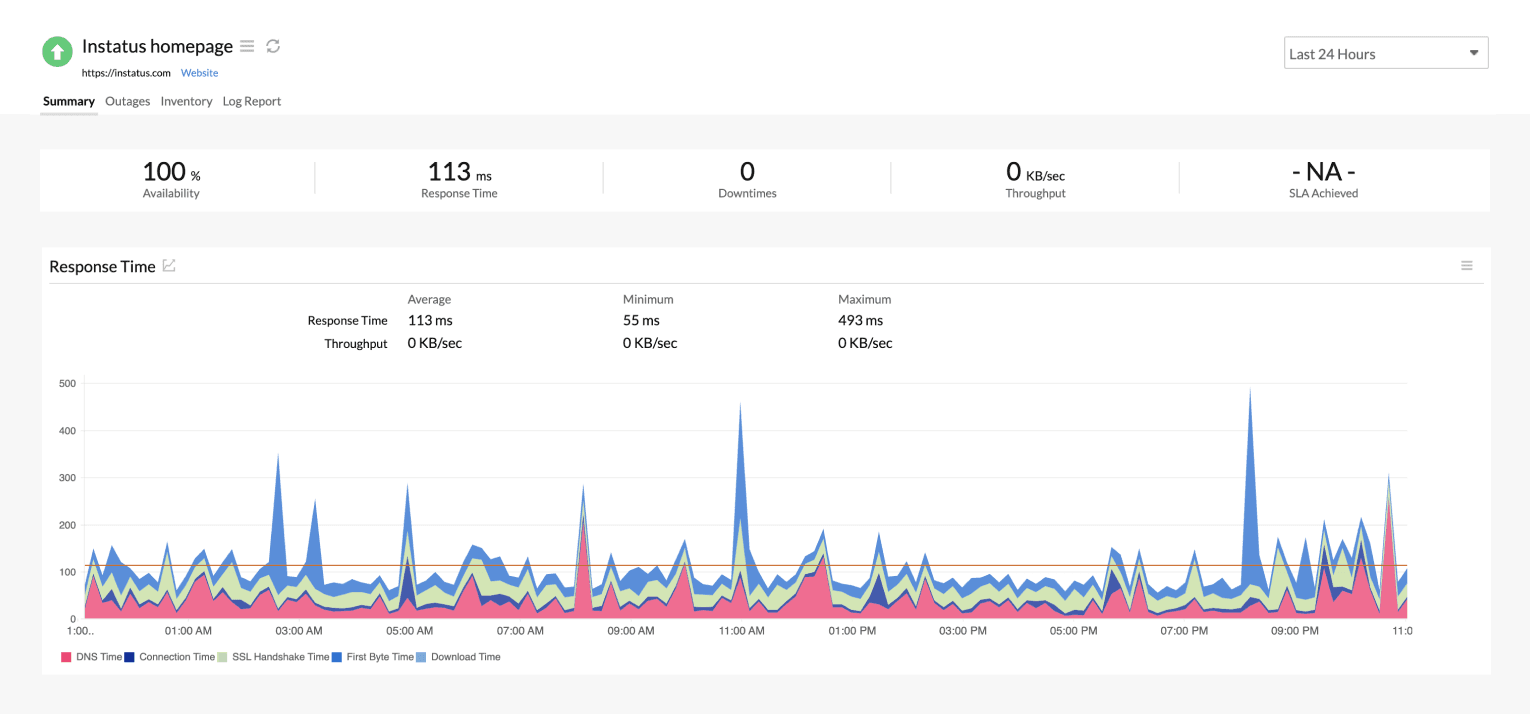
- Level integrasi: pilih monitor yang sesuai dengan komponen ini
- Untuk memicu insiden saat monitor berstatus Critical atau Trouble, pilih ya atau tidak sesuai keinginan
- Klik simpan!
- Selesai! 🎉