Pingdom
Otomatiskan halaman status Anda menggunakan Pingdom
Perbarui halaman Anda saat pemeriksaan gagal atau pulih

Halaman status Anda diperbarui

Sesuaikan pembaruan menggunakan templat
- Buat webhook Pingdom
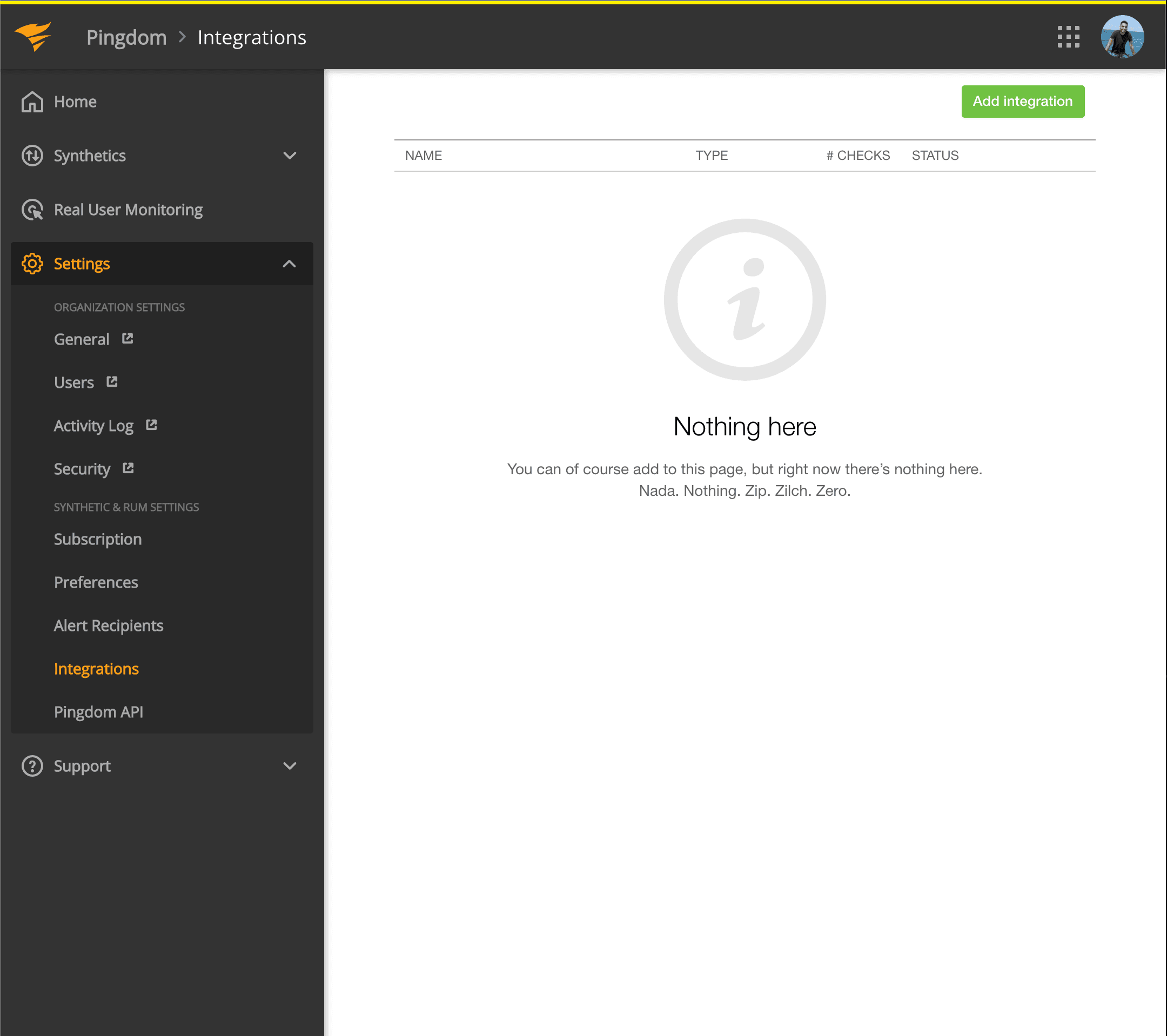
- Buka dasbor Pingdom Anda. Klik Settings → Integrations
- Klik tombol Add integration
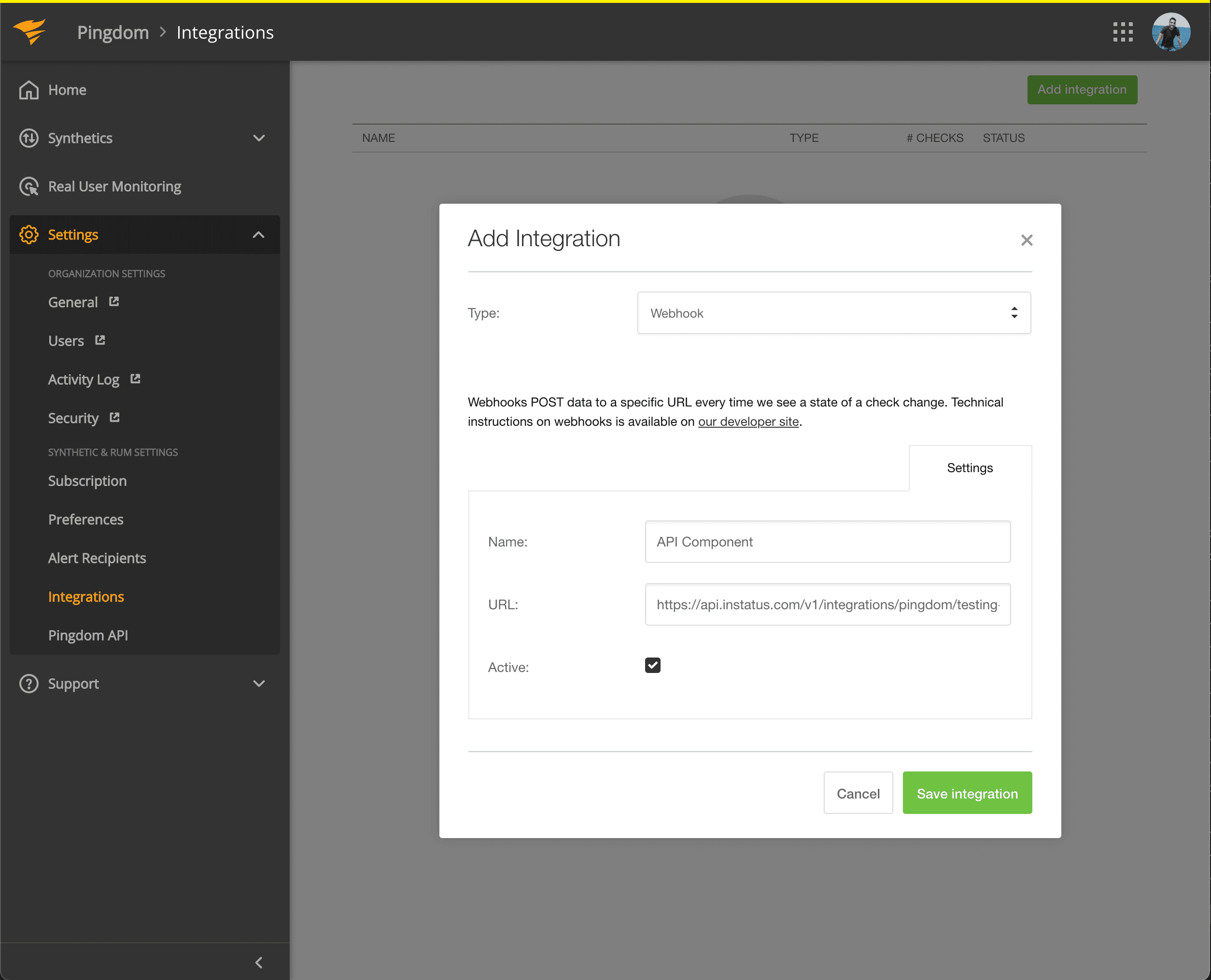
- Pilih tipe Webhook, tambahkan nama dan URL webhook komponen yang baru Anda salin.
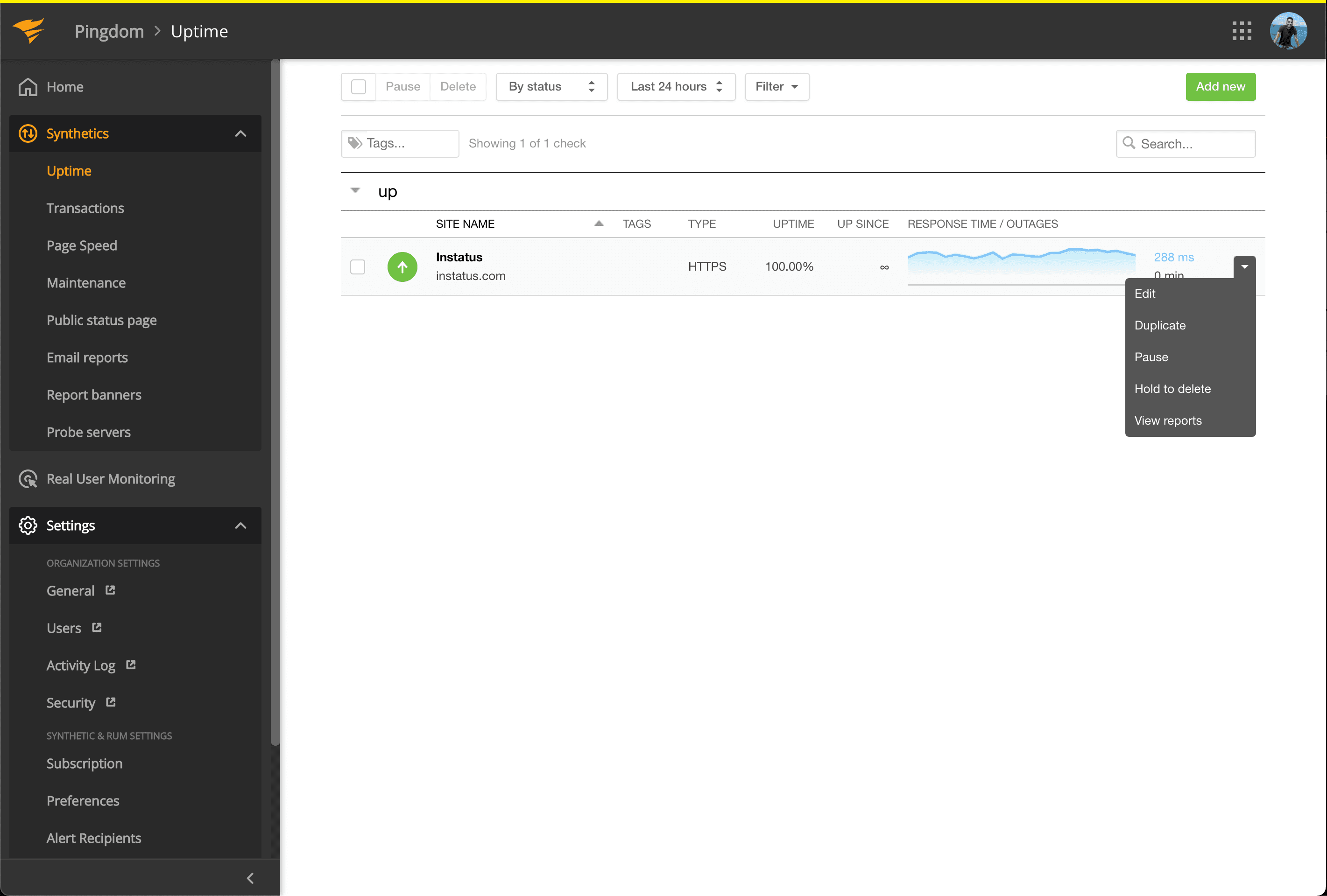
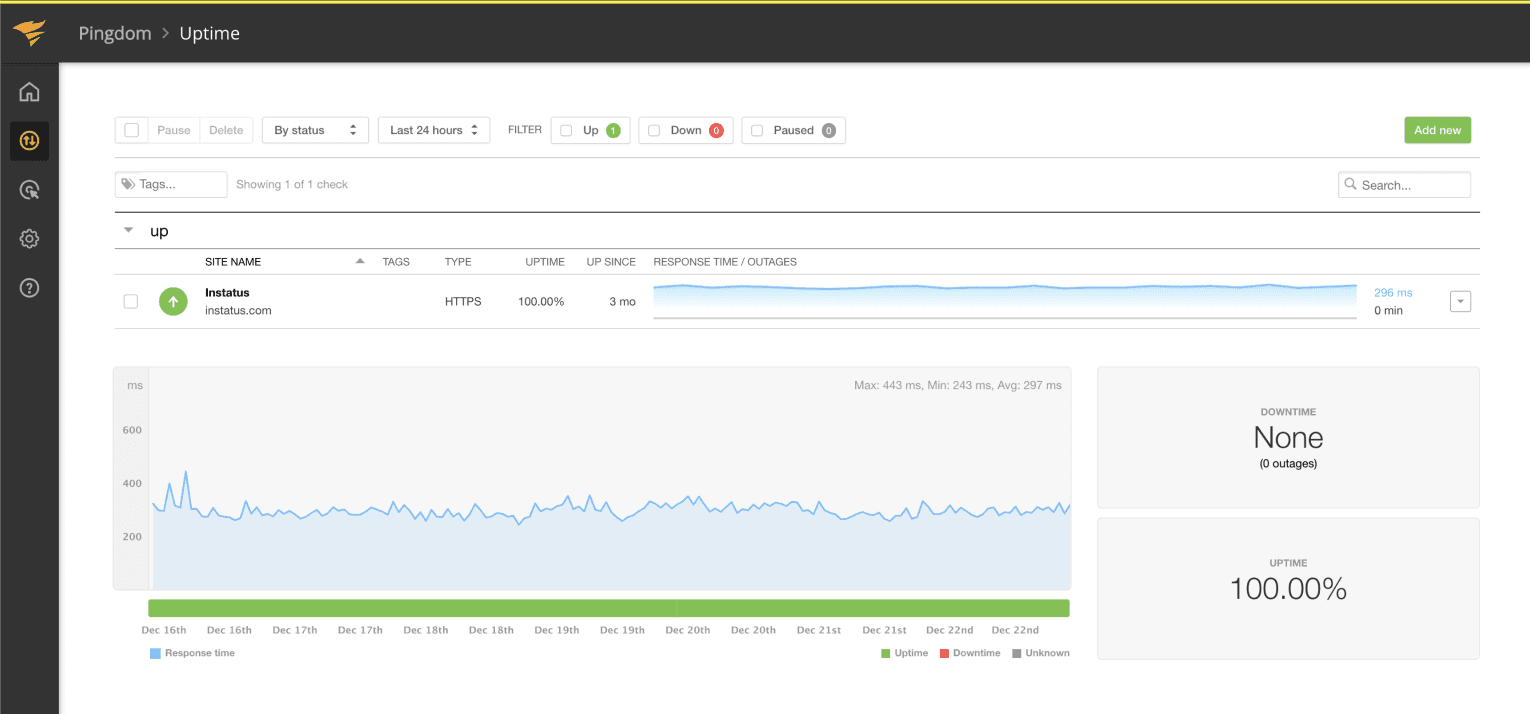
- Buka Synthetics → Uptime
- Edit pemeriksaan Uptime yang terkait dengan komponen yang ingin diotomatiskan.
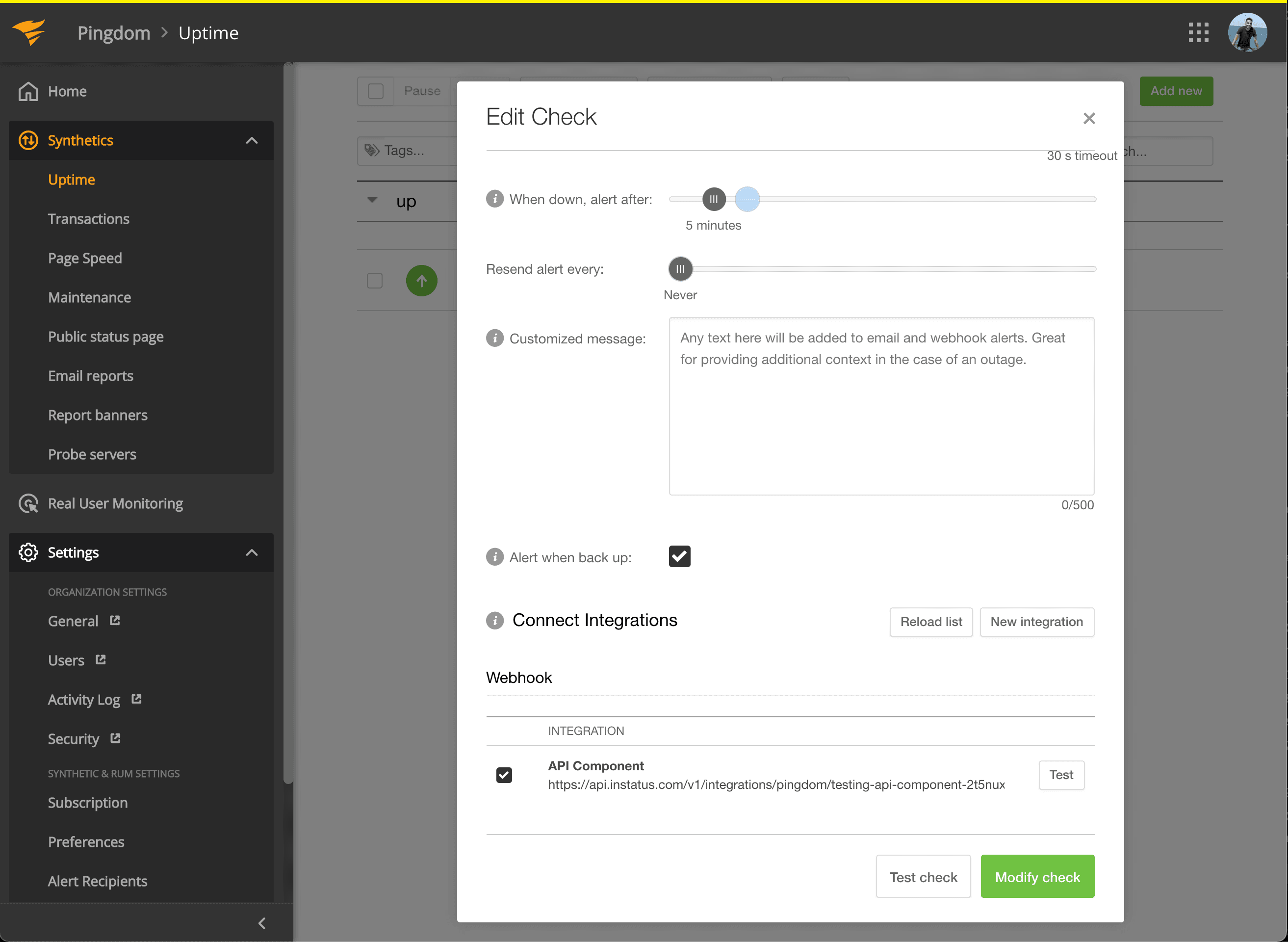
- Di bagian Connect Integrations, centang integrasi yang baru dibuat, lalu klik modify check!
- Selesai! 🍪