PagerDuty
Otomatiskan halaman status Anda menggunakan PagerDuty
Perbarui halaman Anda saat insiden dibuat atau diselesaikan

Halaman status Anda diperbarui

Sesuaikan pembaruan menggunakan templat
- Buat webhook PagerDuty
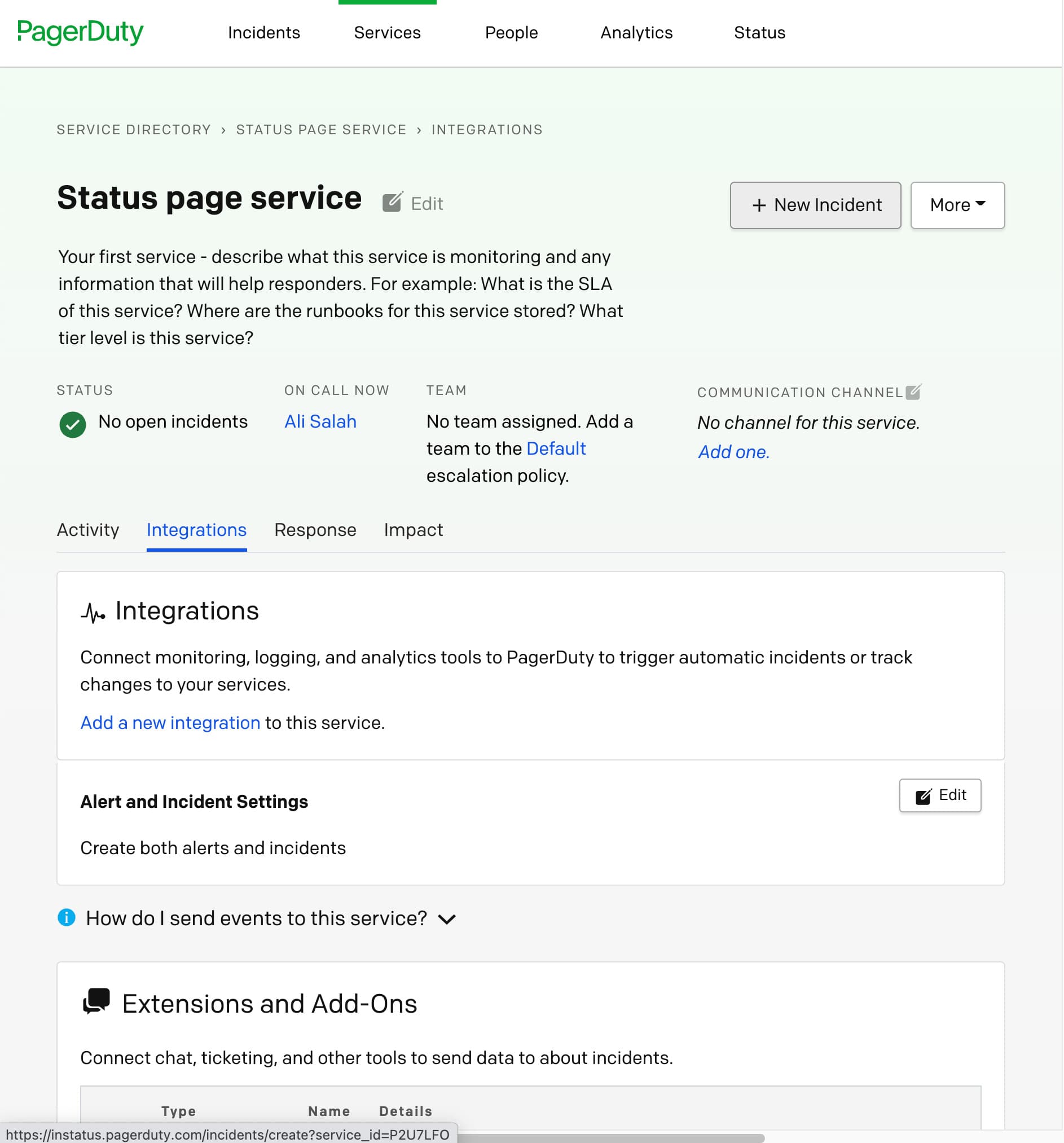
- Buka dasbor PagerDuty Anda. Di Service Directory, pilih layanan yang ingin diotomatiskan, atau buat yang baru.
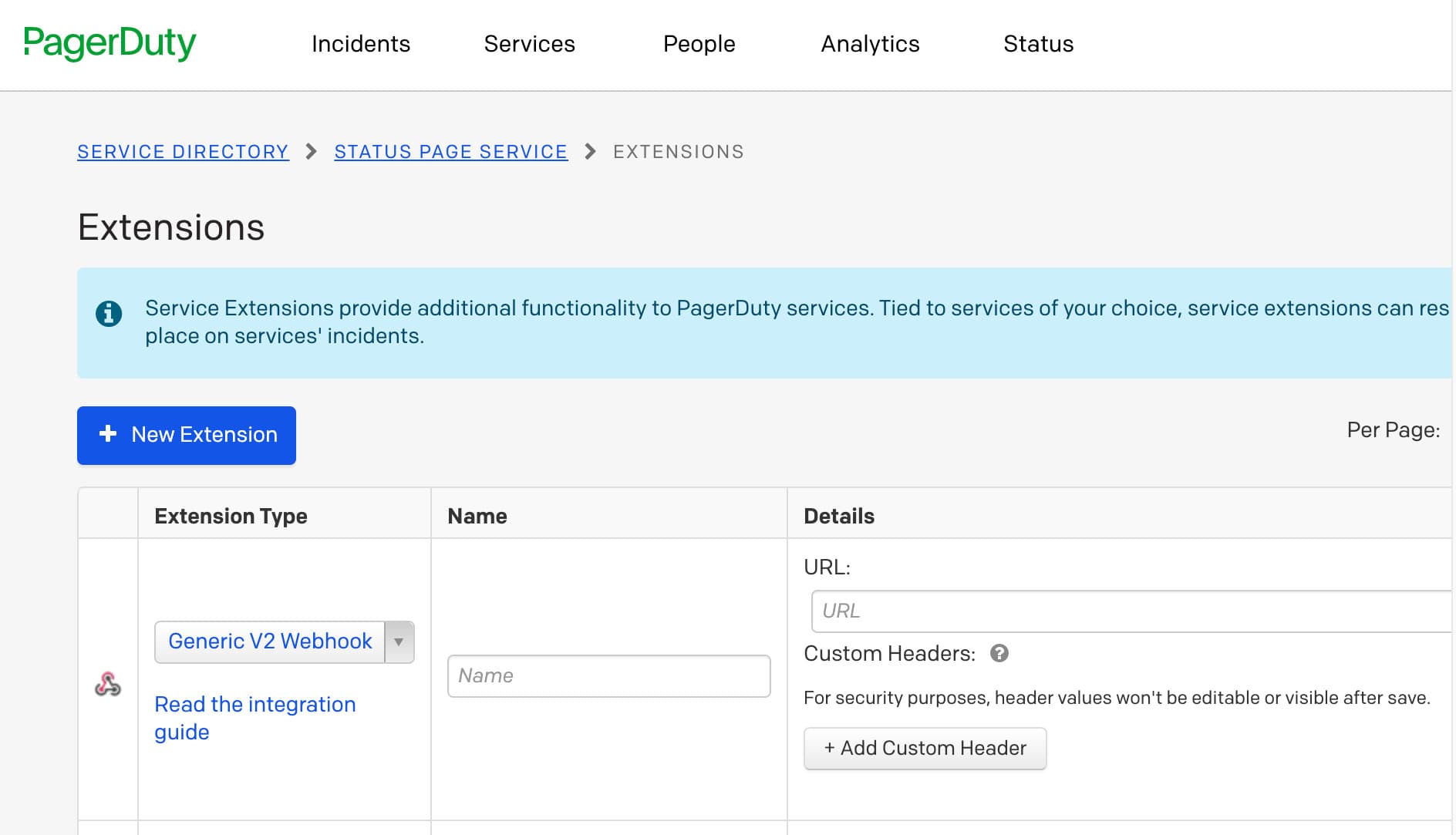
- Klik tab Integrations → Add or manage extensions → New extension → Generic V2 Webhook, pilih nama apa saja dan tambahkan URL webhook yang Anda salin dari dasbor Instatus
- Selesai! 🍪