Freshping
Otomatiskan halaman status Anda menggunakan Freshping
Kirim subjek ke alamat email unik

Halaman status Anda diperbarui

Sesuaikan pembaruan menggunakan templat
- Buat webhook Freshping
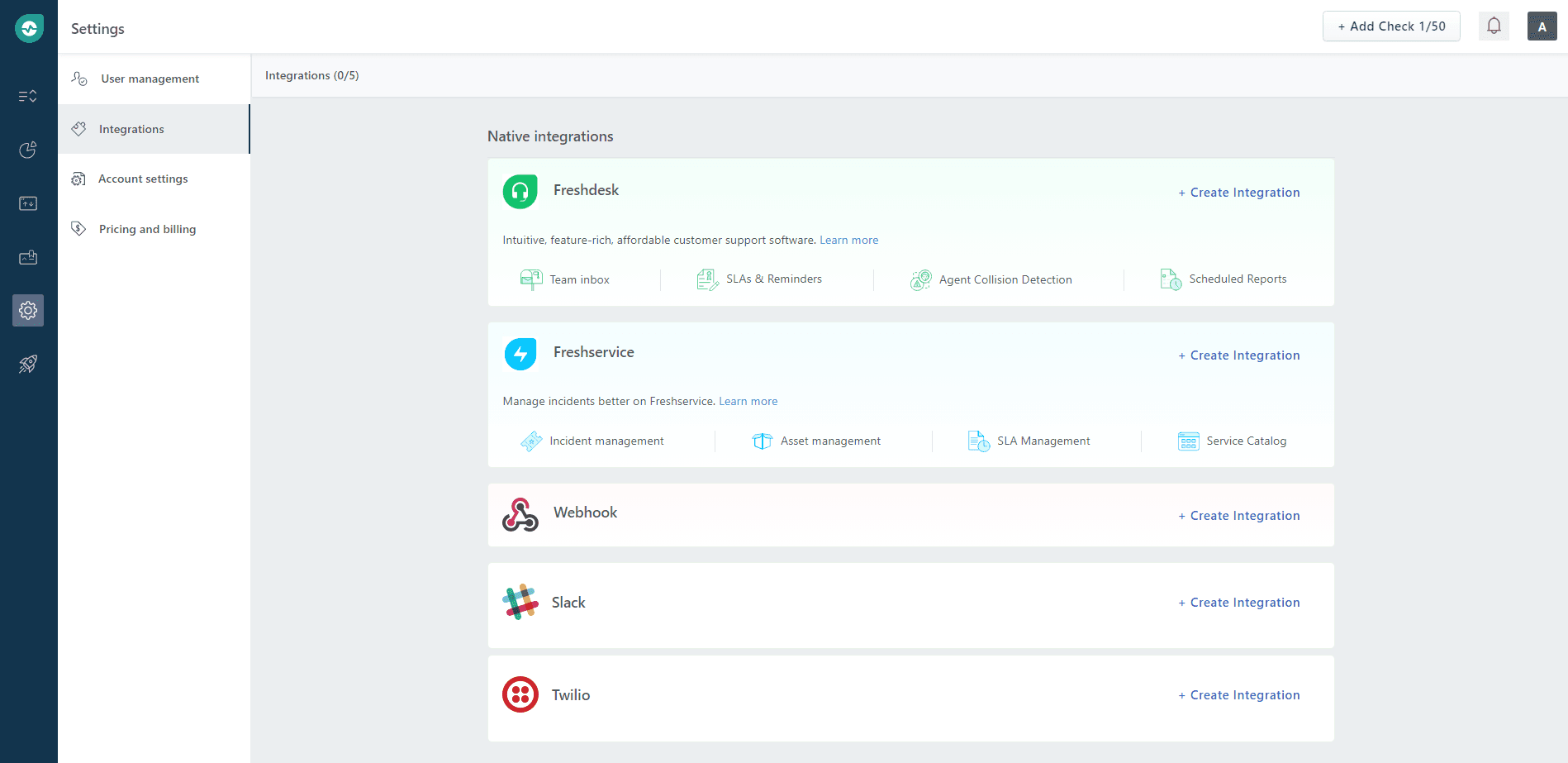
- Buka dasbor Freshping Anda. Klik Settings → Integrations, lalu di bagian Webhook klik Create Integration.
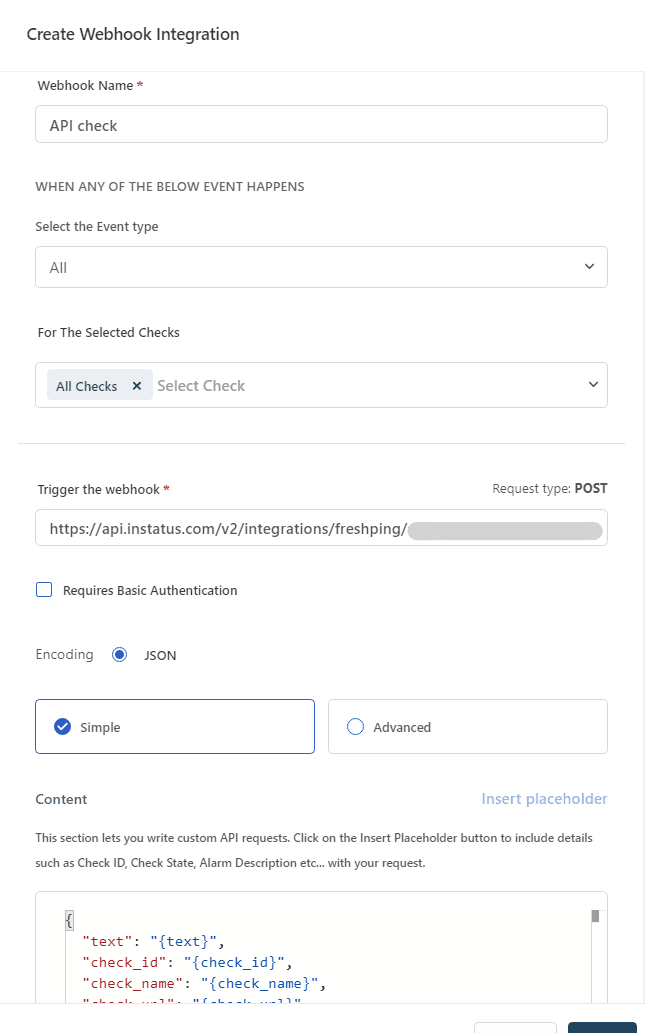
- Masukkan nama untuk webhook Anda, pilih tipe event Up/Down, pilih pemeriksaan yang ingin diberitahukan lewat webhook ini, tempel URL webhook Anda, lalu klik simpan.
- Selesai! 🍪