Pingdom
Automatisér din statusside med Pingdom
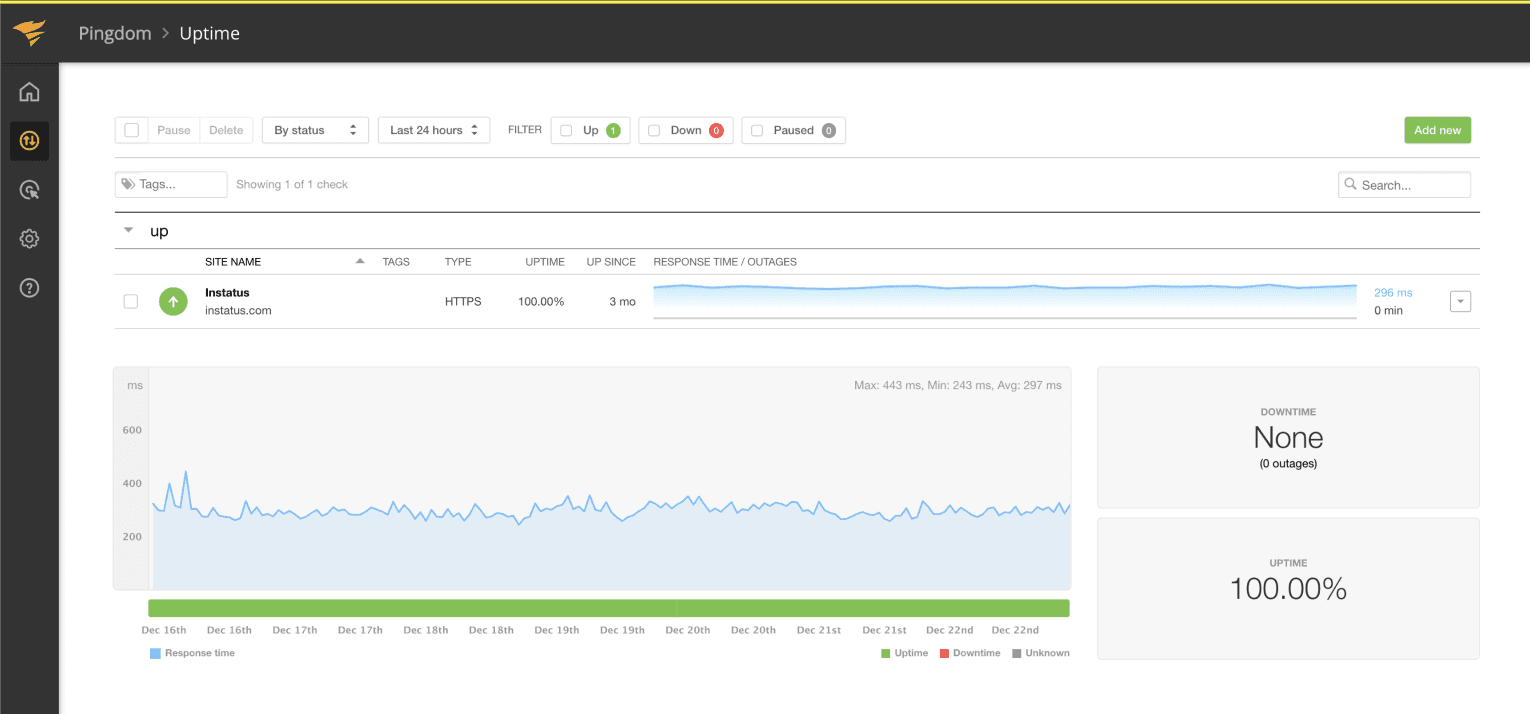
Opdater din side, når et tjek fejler eller kommer sig

Din statusside bliver opdateret

Tilpas opdateringer med skabeloner
- Generér et Pingdom-webhook
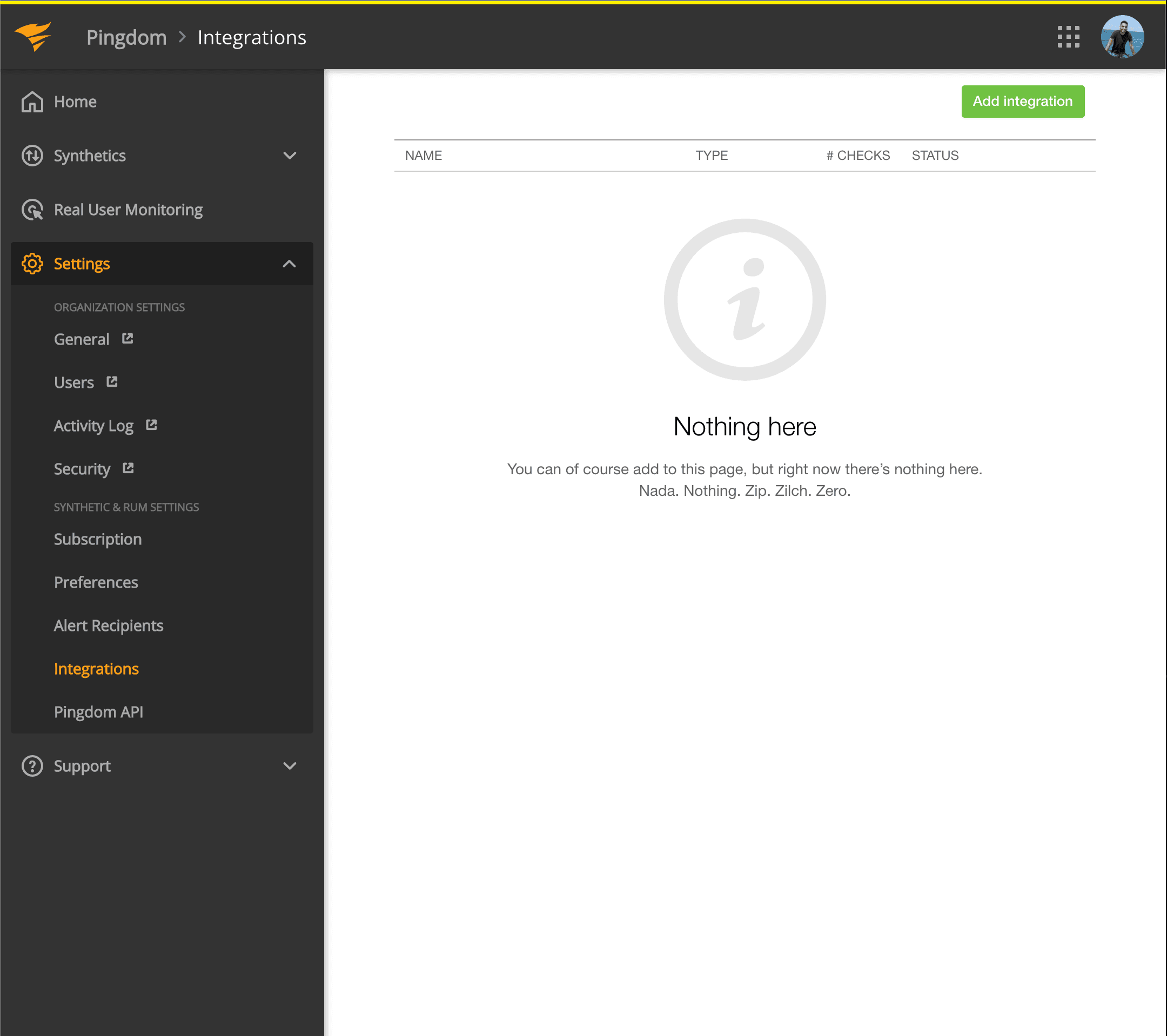
- Åbn dit Pingdom-dashboard. Klik på Settings → Integrations
- Klik på knappen Add integration
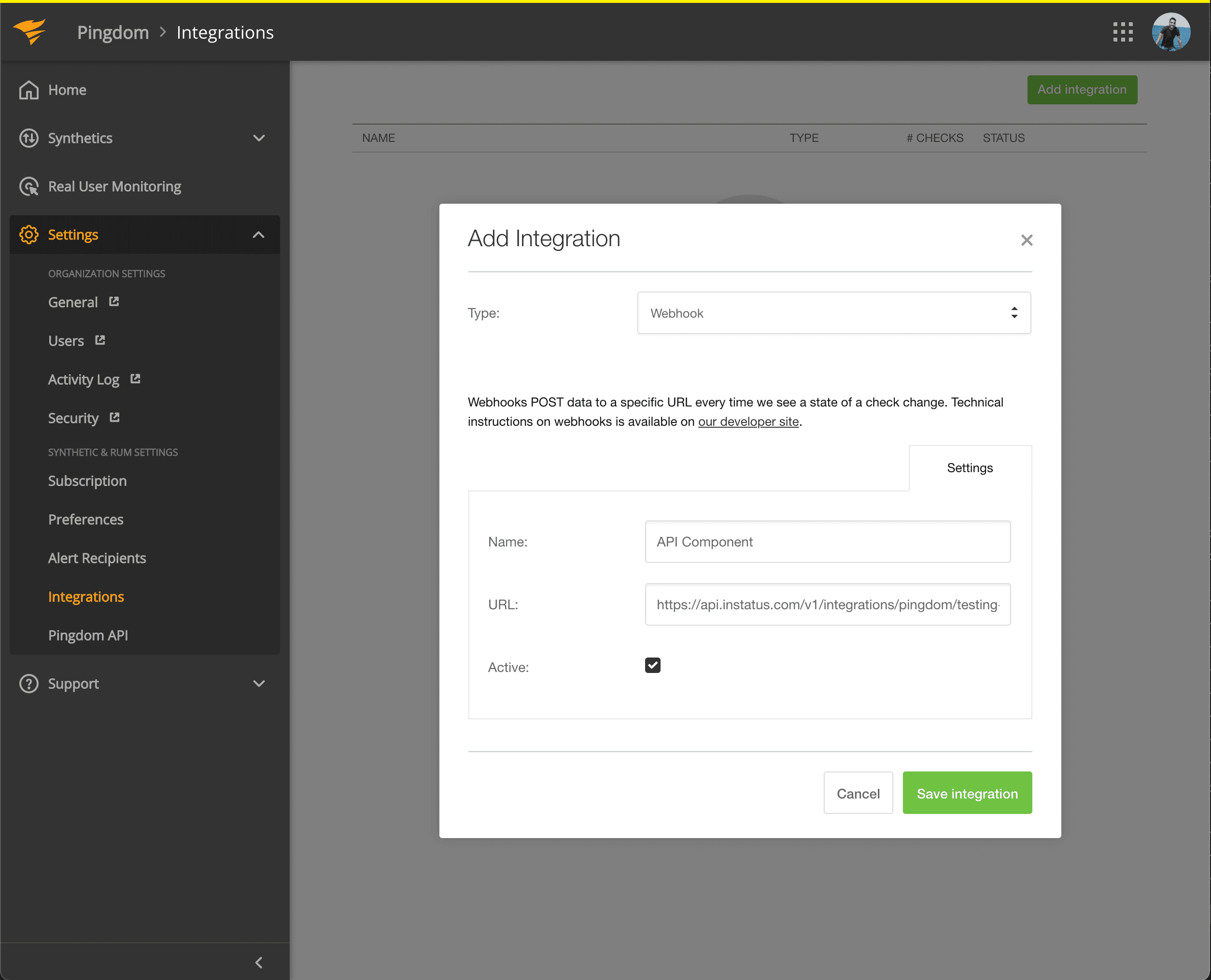
- Vælg typen Webhook, tilføj et navn og webhook-URL'en for den komponent, du netop kopierede.
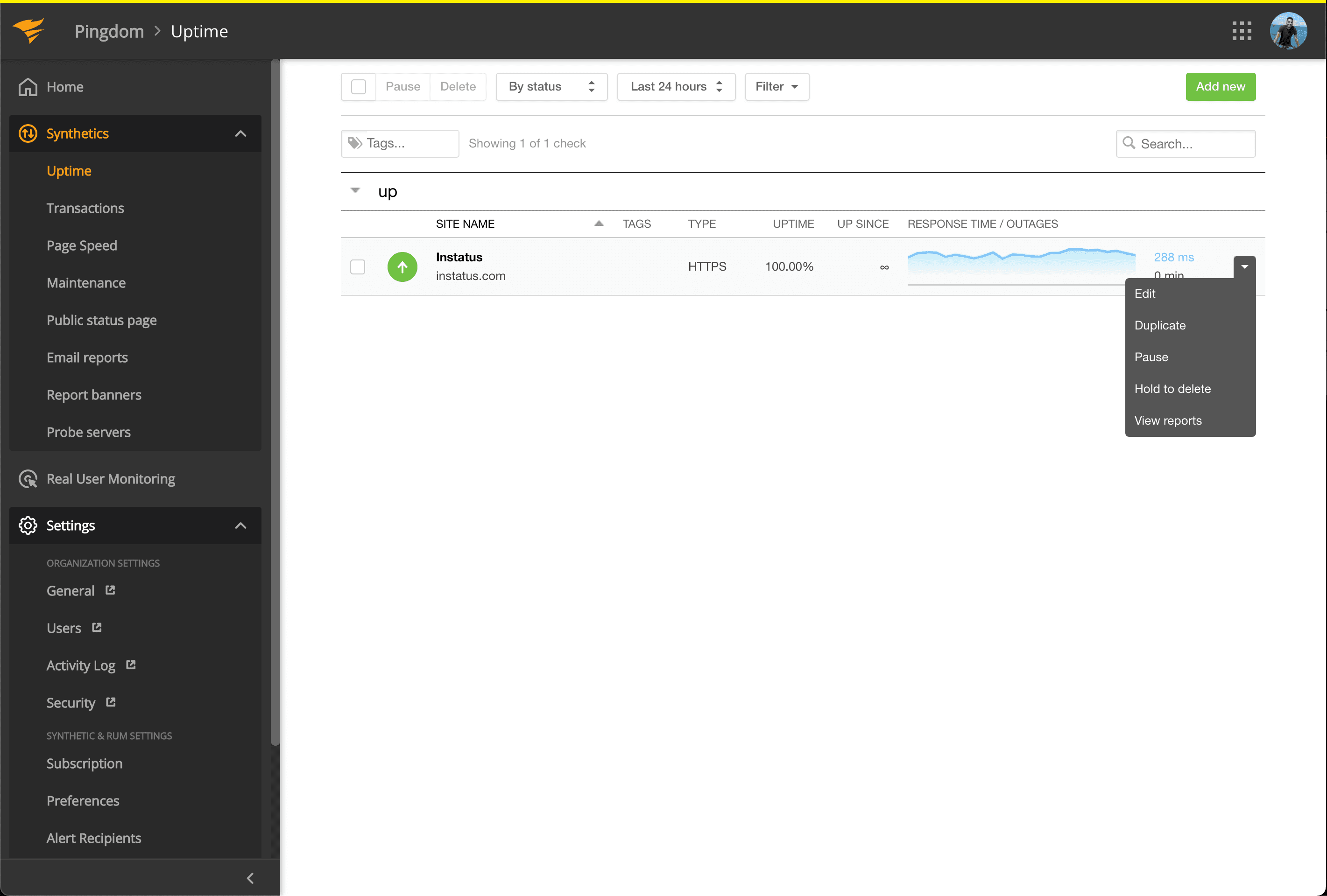
- Gå til Synthetics → Uptime
- Redigér det Uptime-tjek, der hører til den komponent, du vil automatisere.
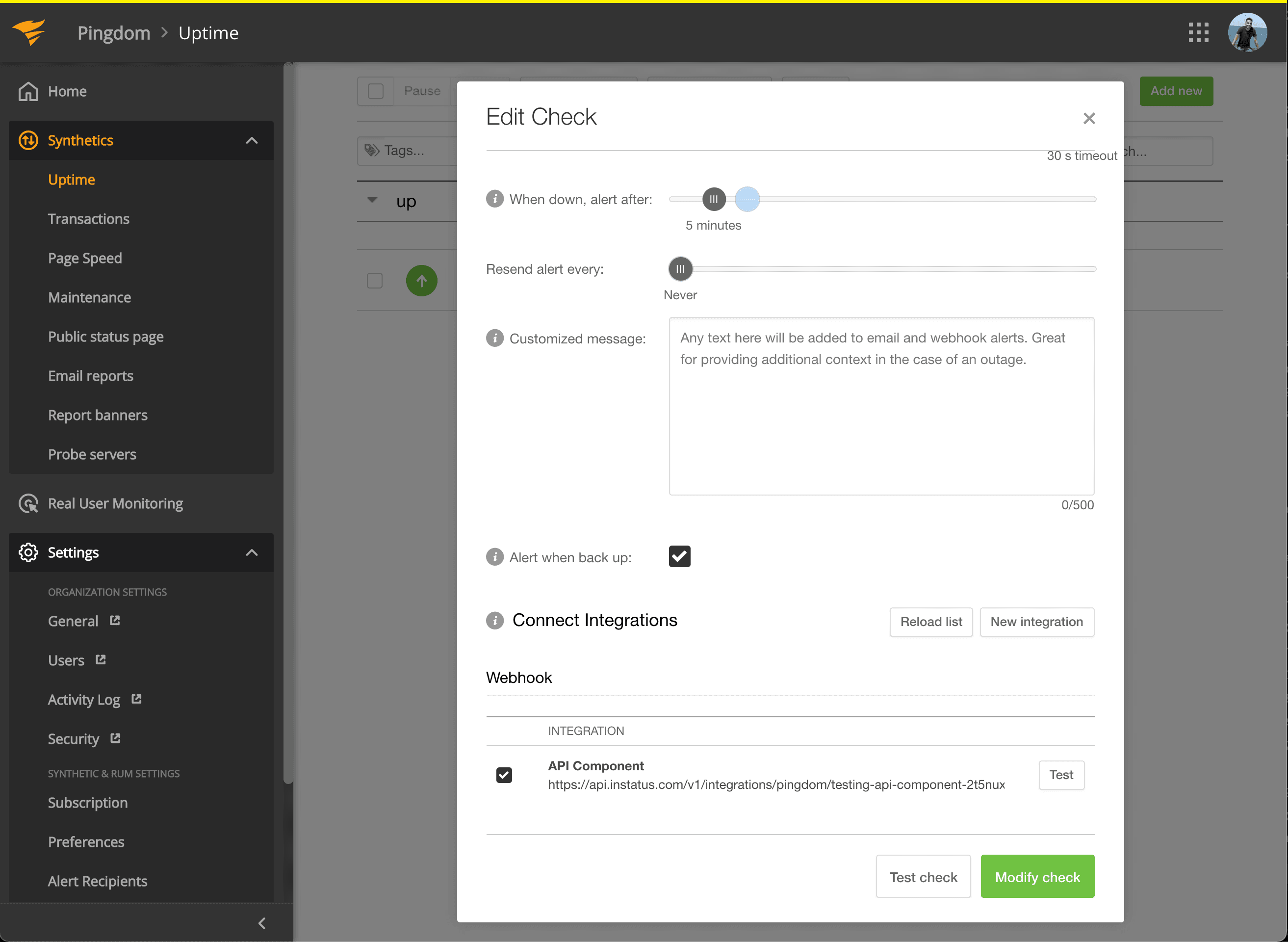
- Markér under Connect Integrations den integration, du netop oprettede, og klik på modify check!
- Så er du klar! 🍪