New Relic
Automatisér din statusside med New Relic
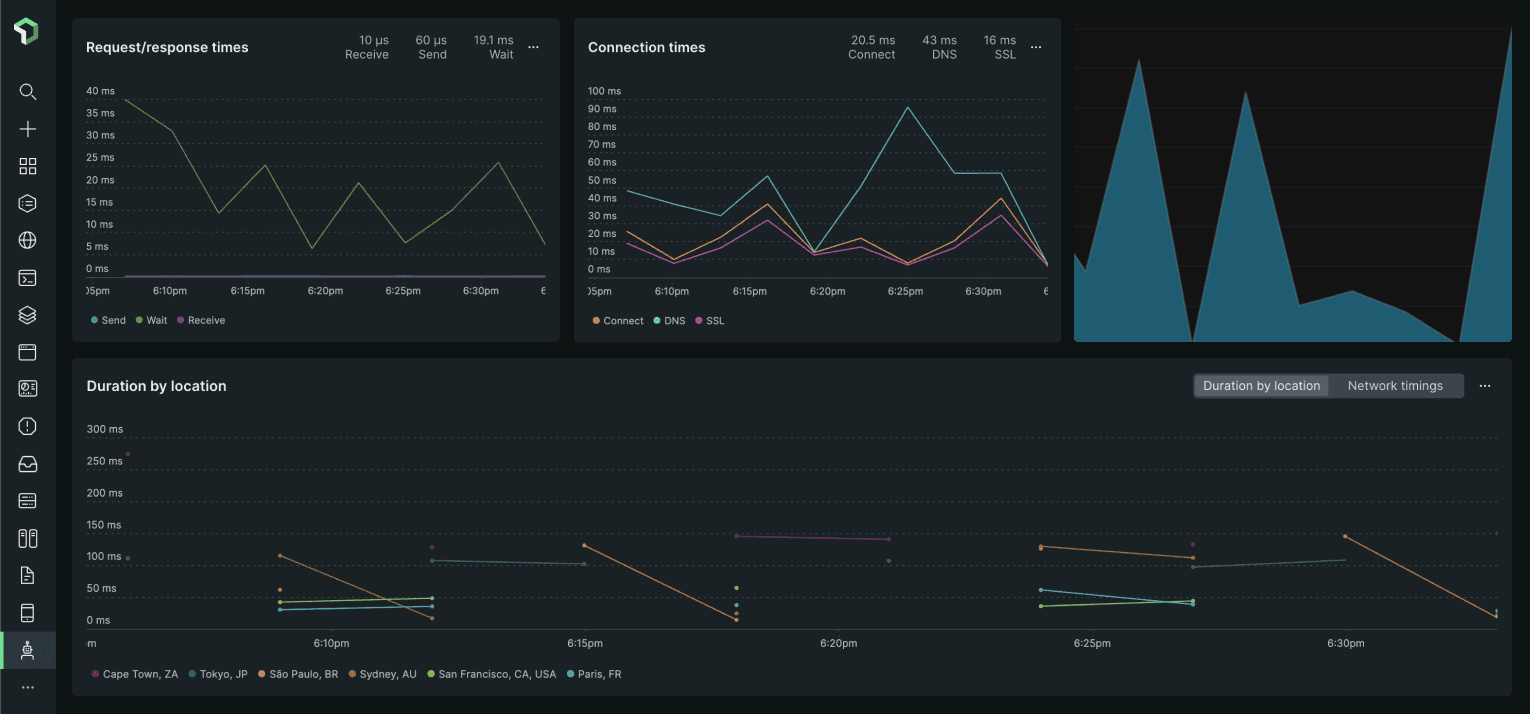
Opdater din side, når et tjek fejler eller kommer sig

Din statusside bliver opdateret

Tilpas opdateringer med skabeloner
- Generér et New Relic-webhook
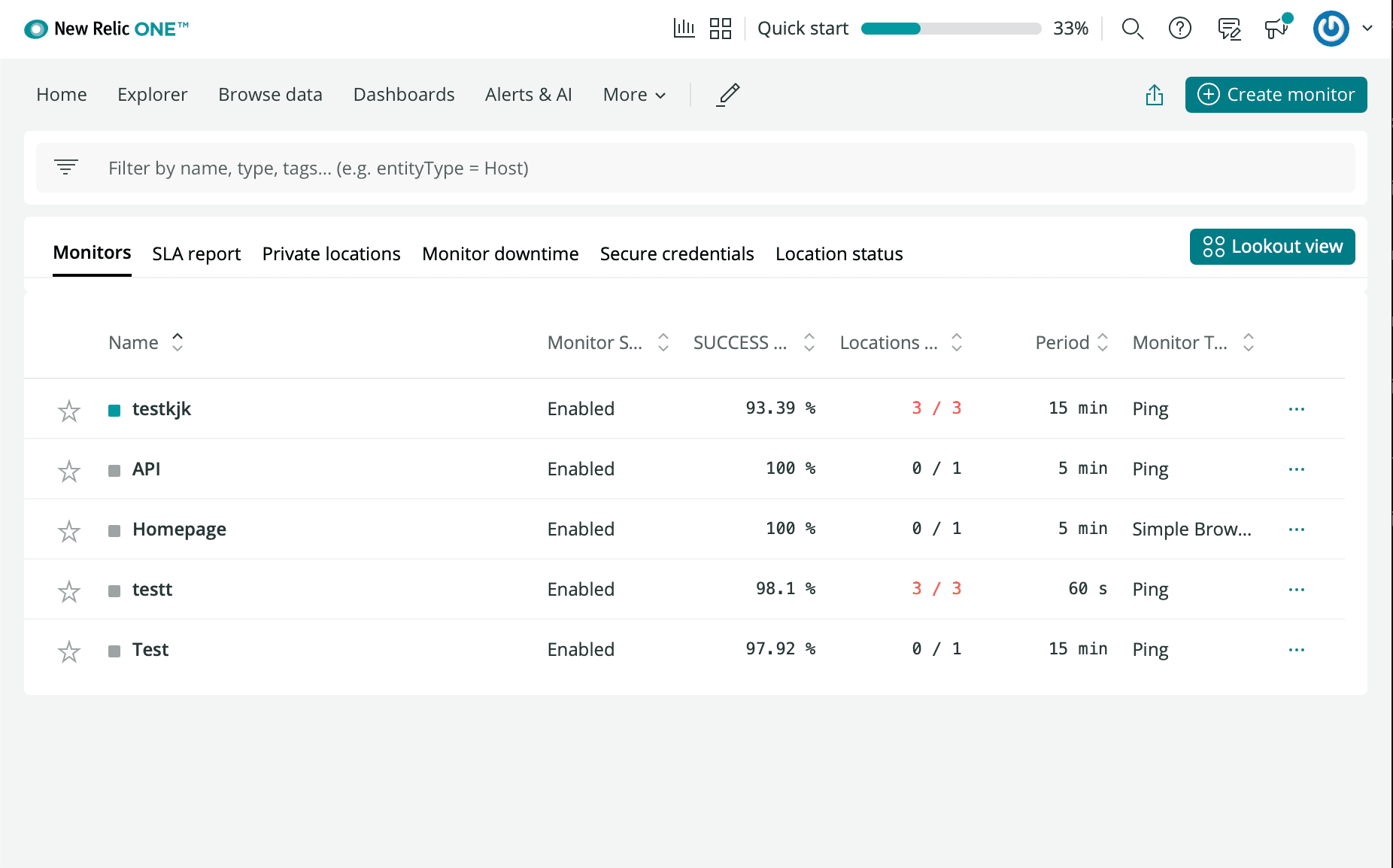
- Log ind på din New Relic-konto, og gå til Synthetics
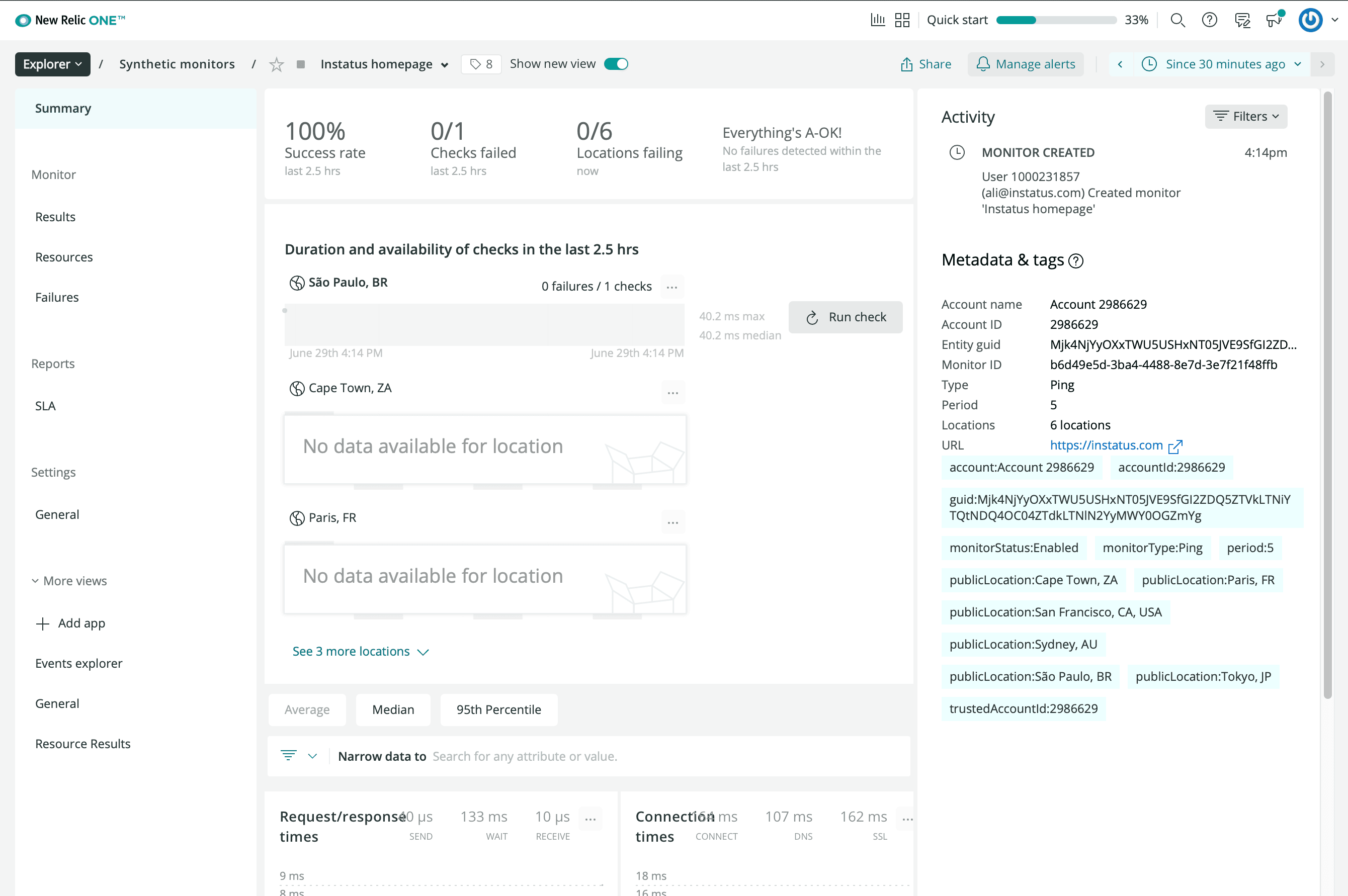
- Klik på Create a new Monitor
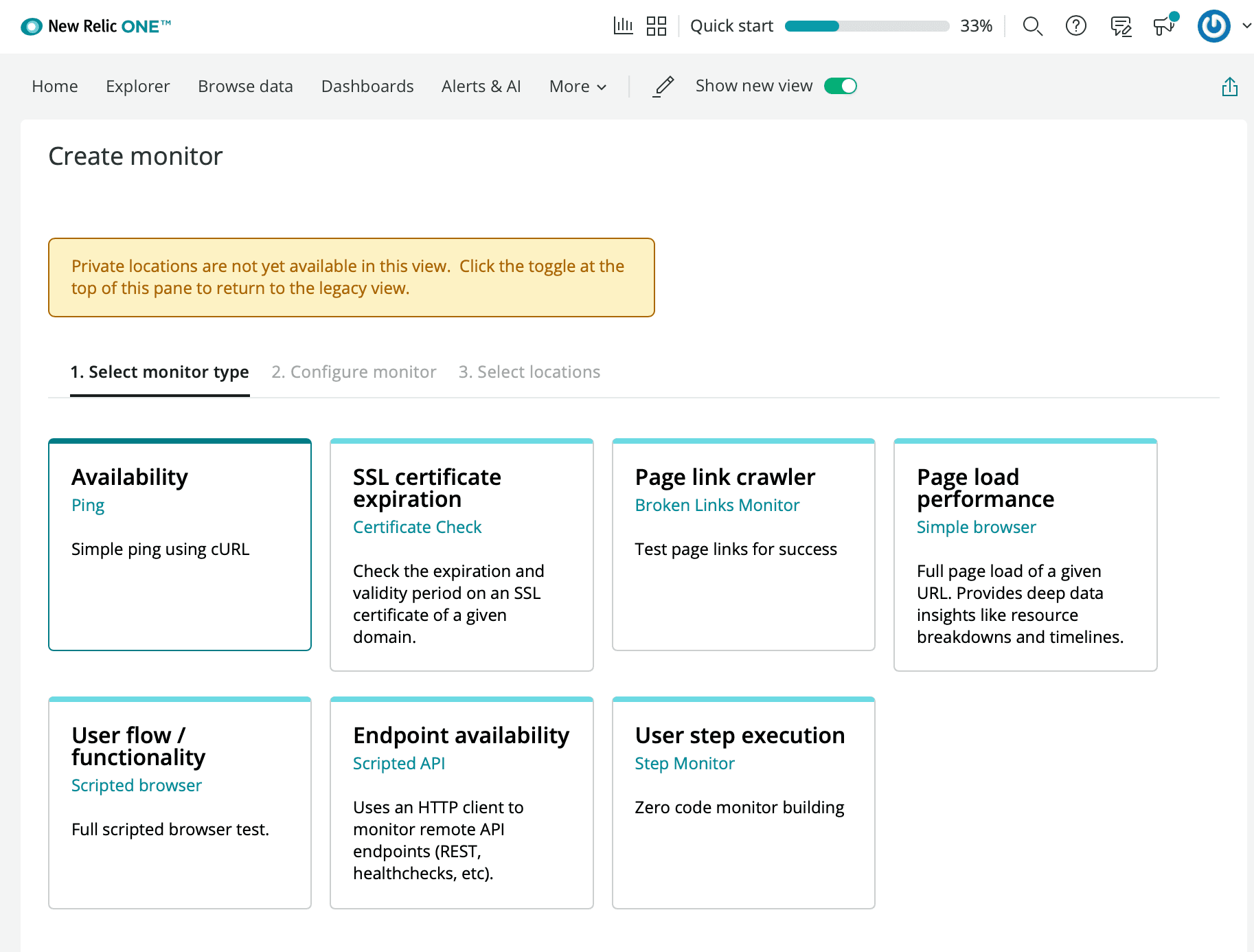
- Vælg den type tilgængelighedsovervågning, du ønsker
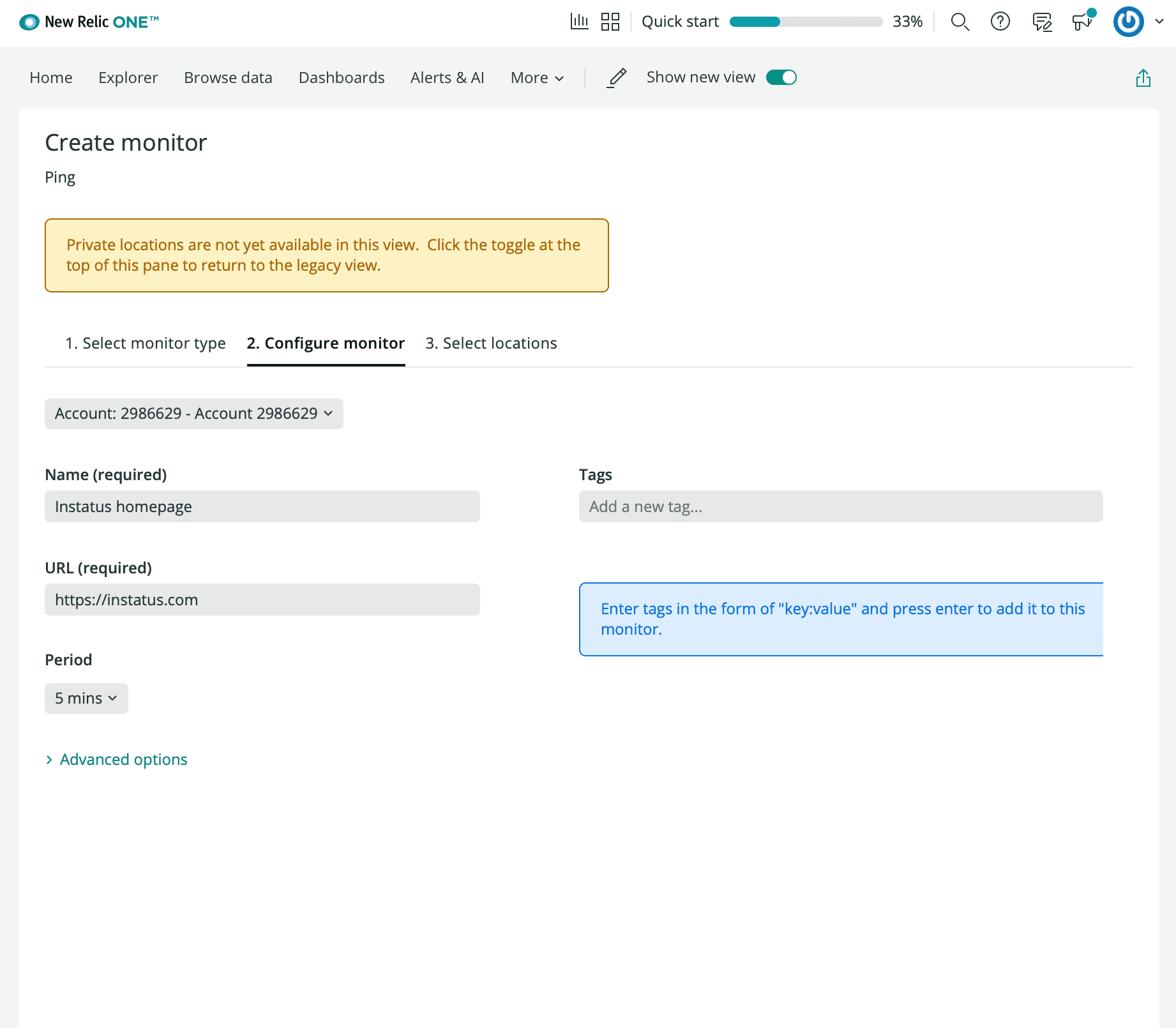
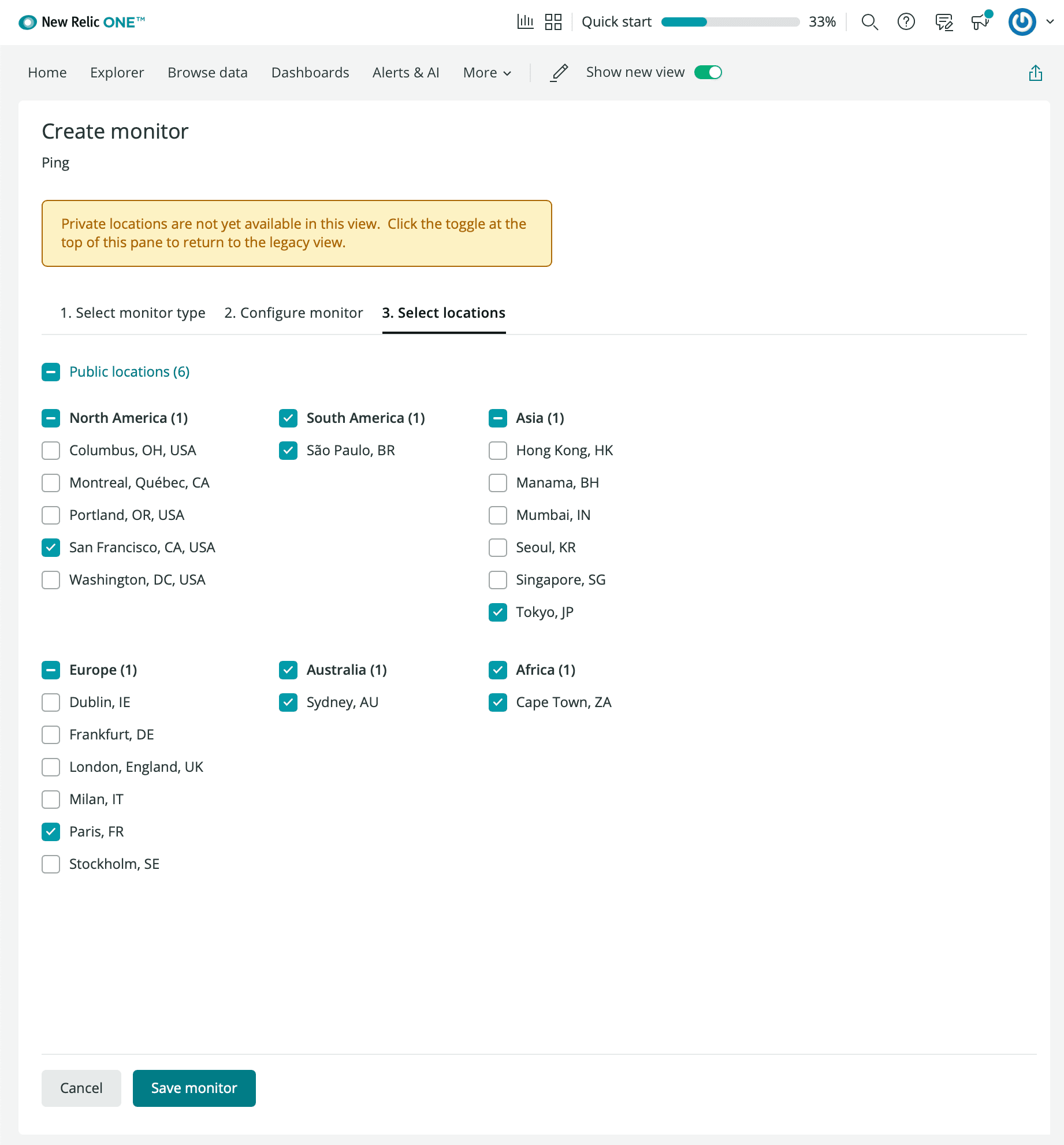
- Angiv et navn på overvågningen, den URL du vil overvåge, interval og foretrukne lokationer.
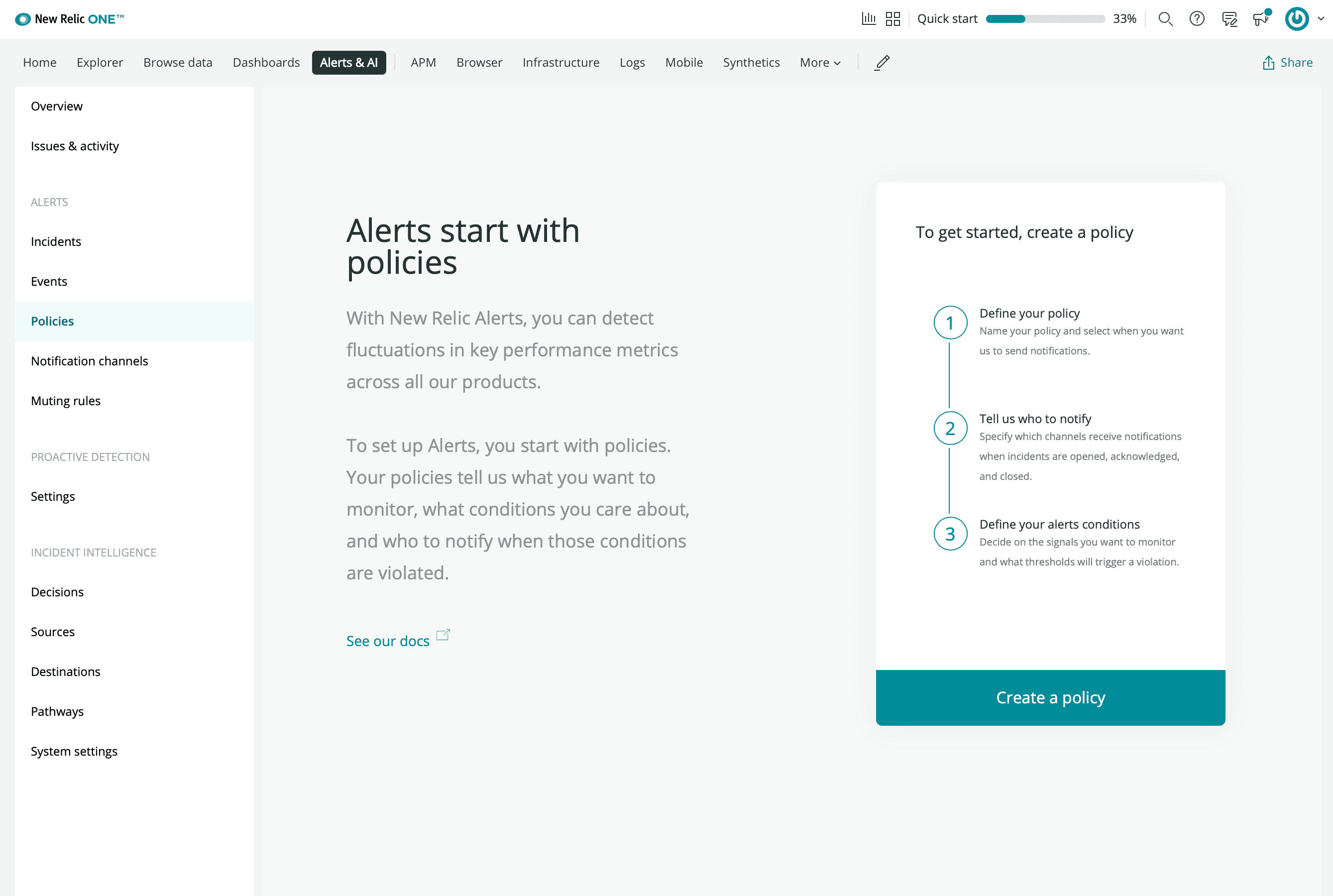
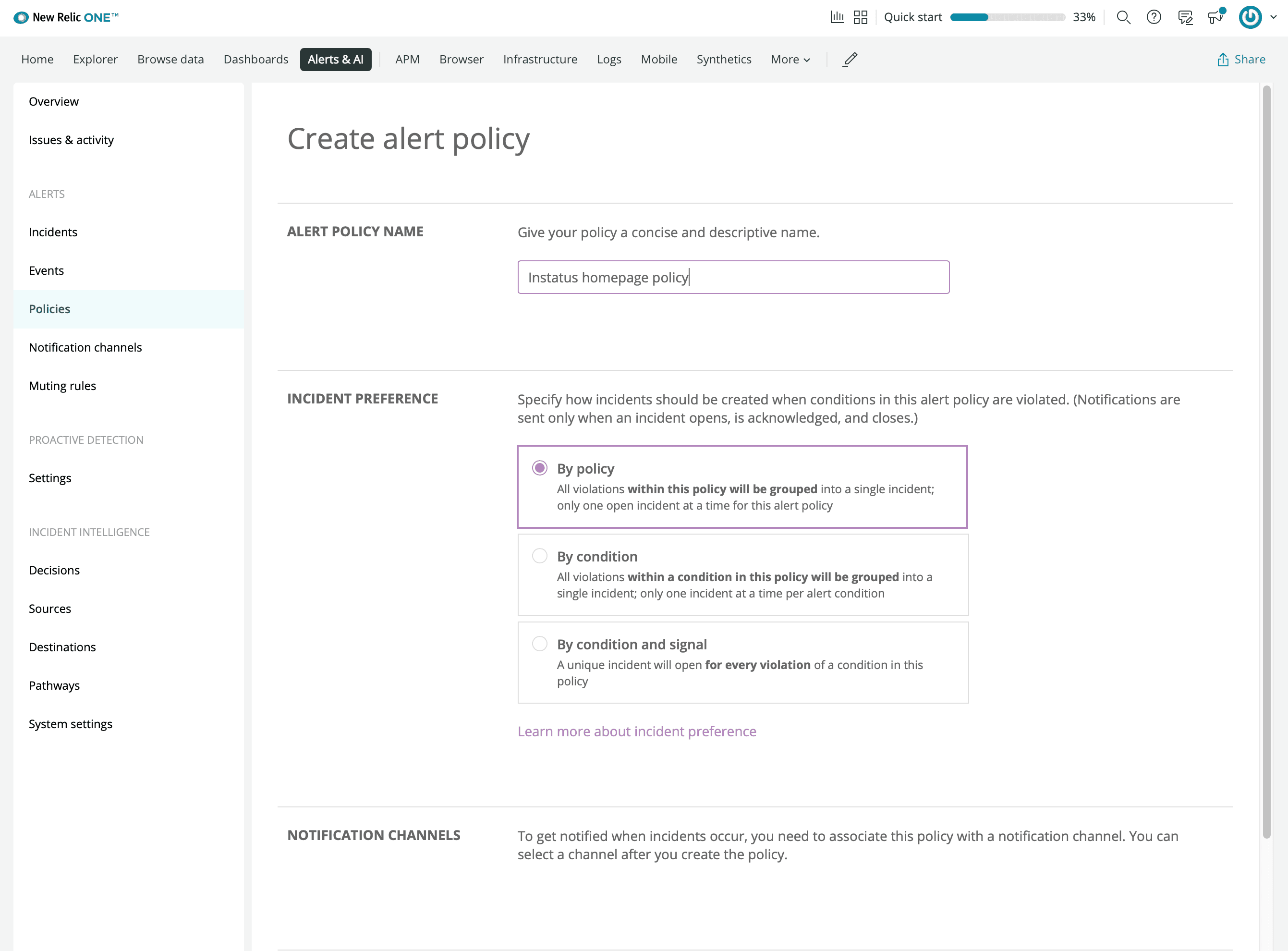
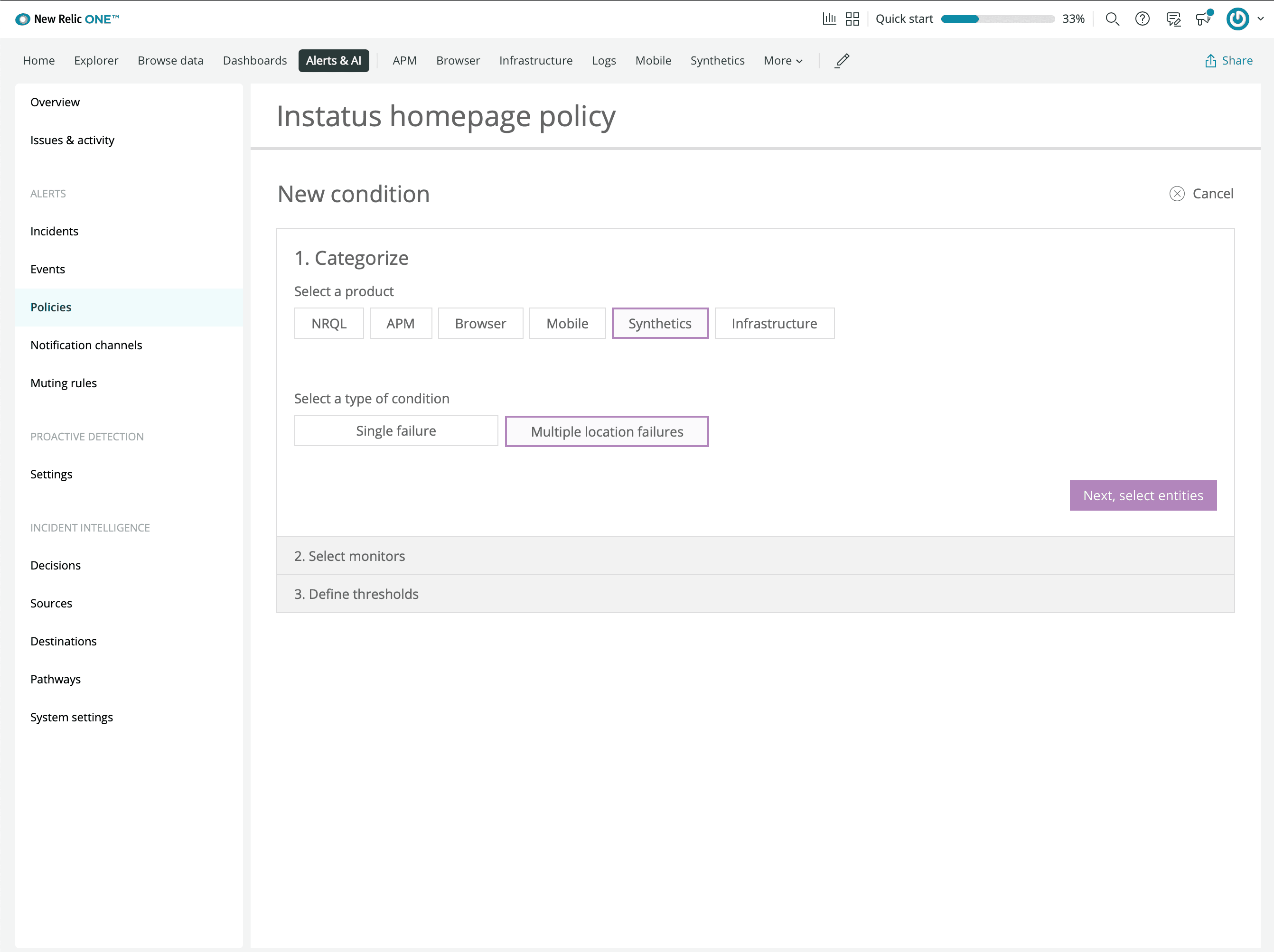
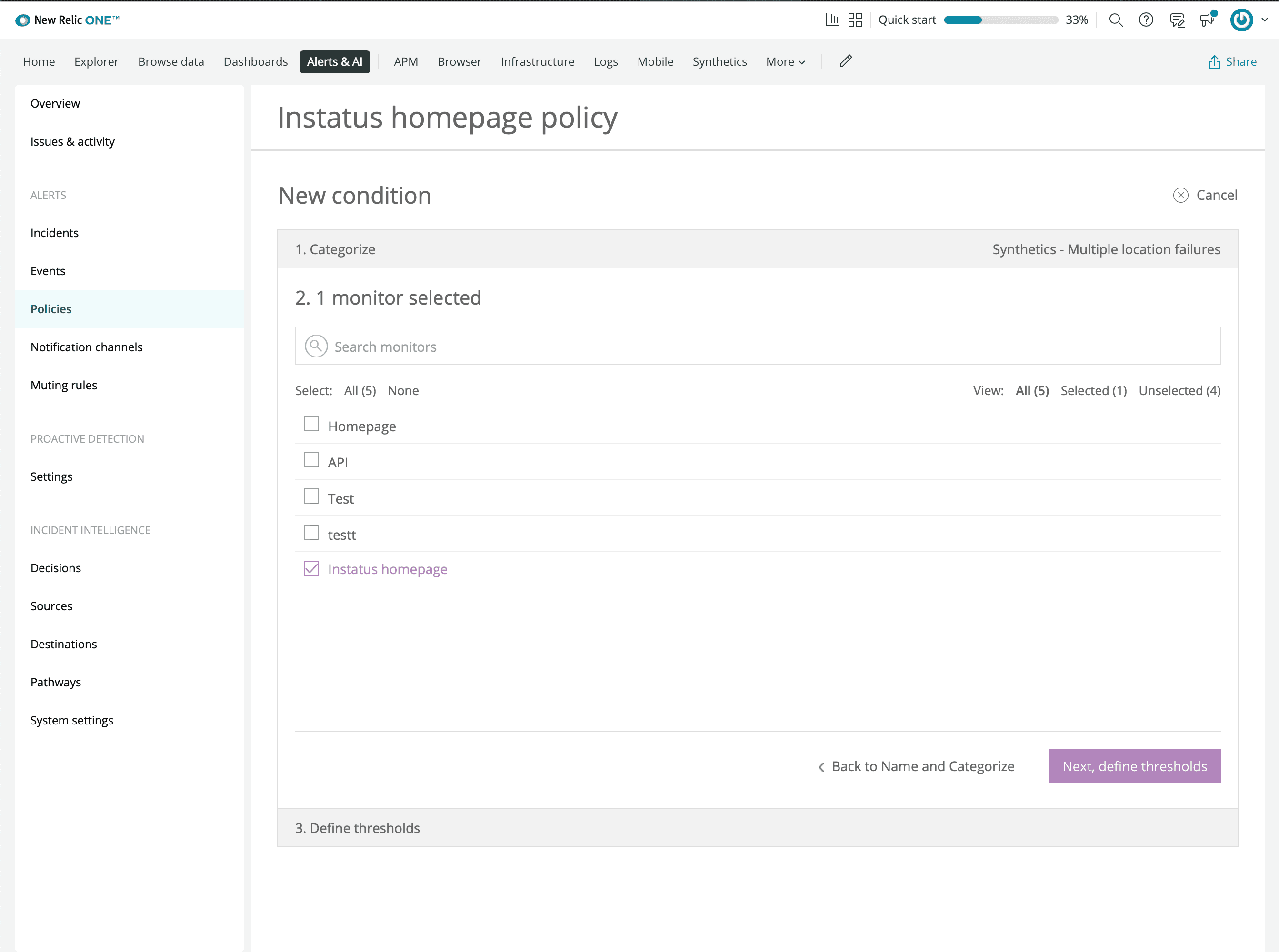
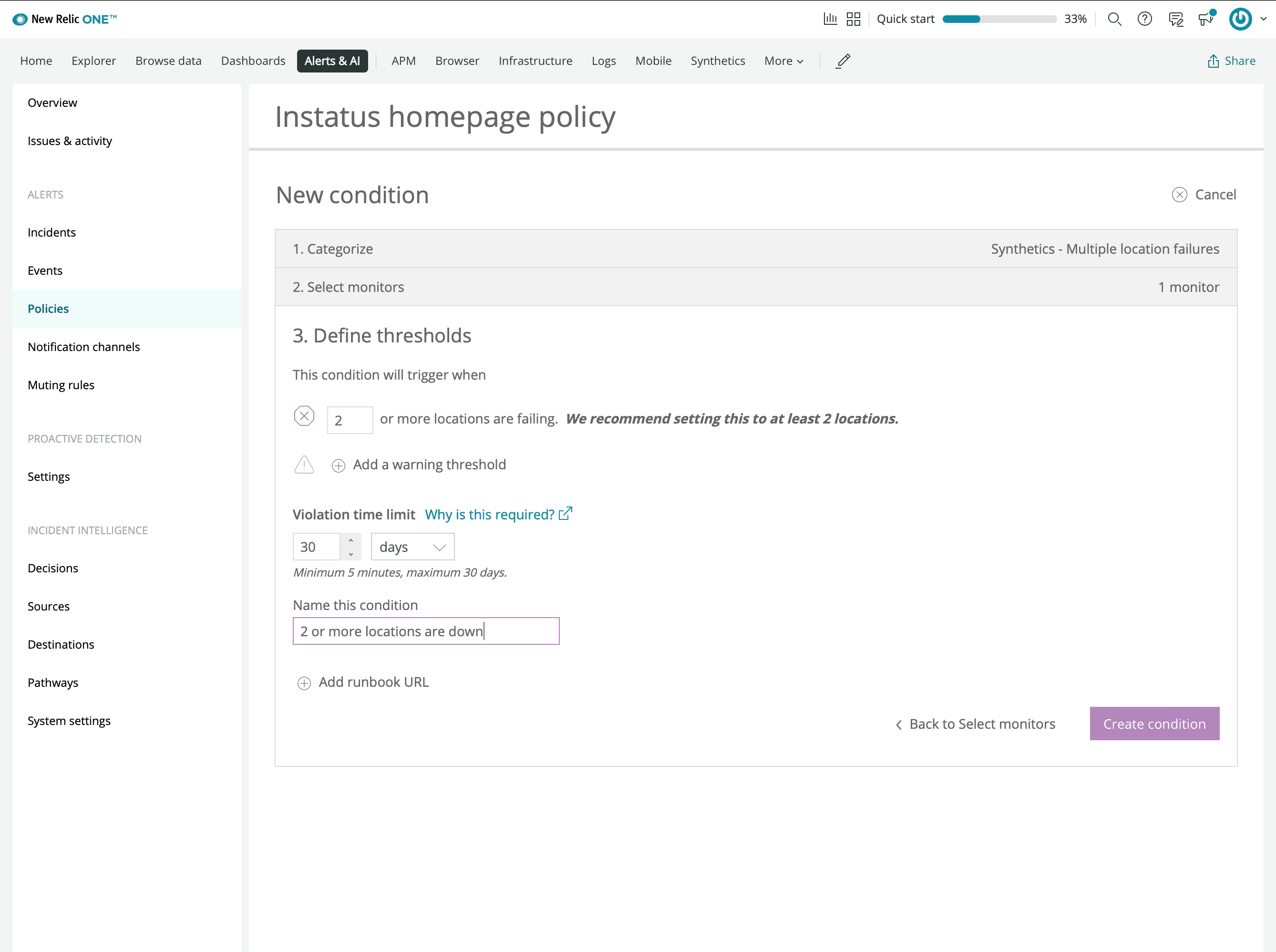
- Klik på manage alerts, og opret en politik
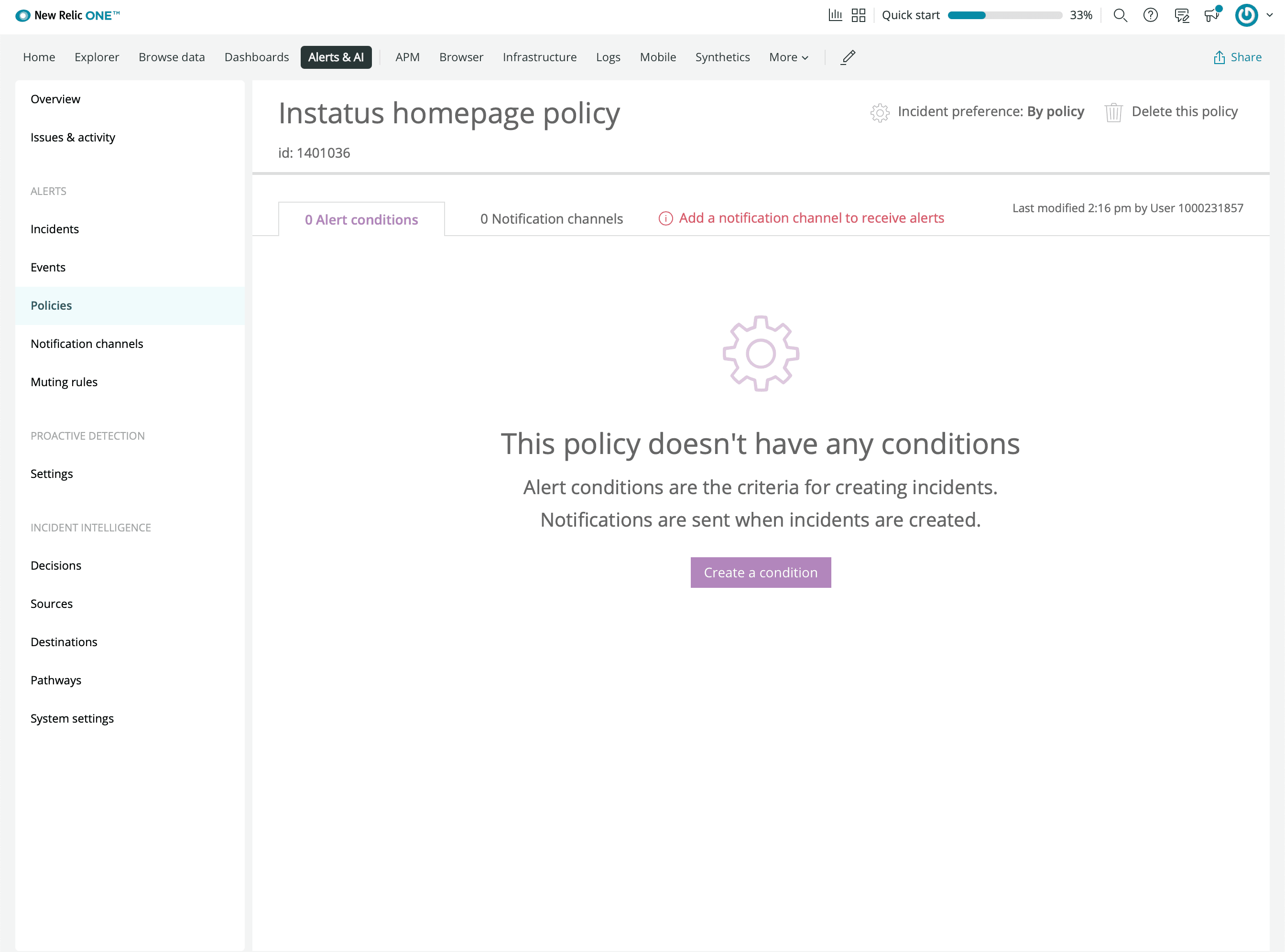
- Opret en betingelse
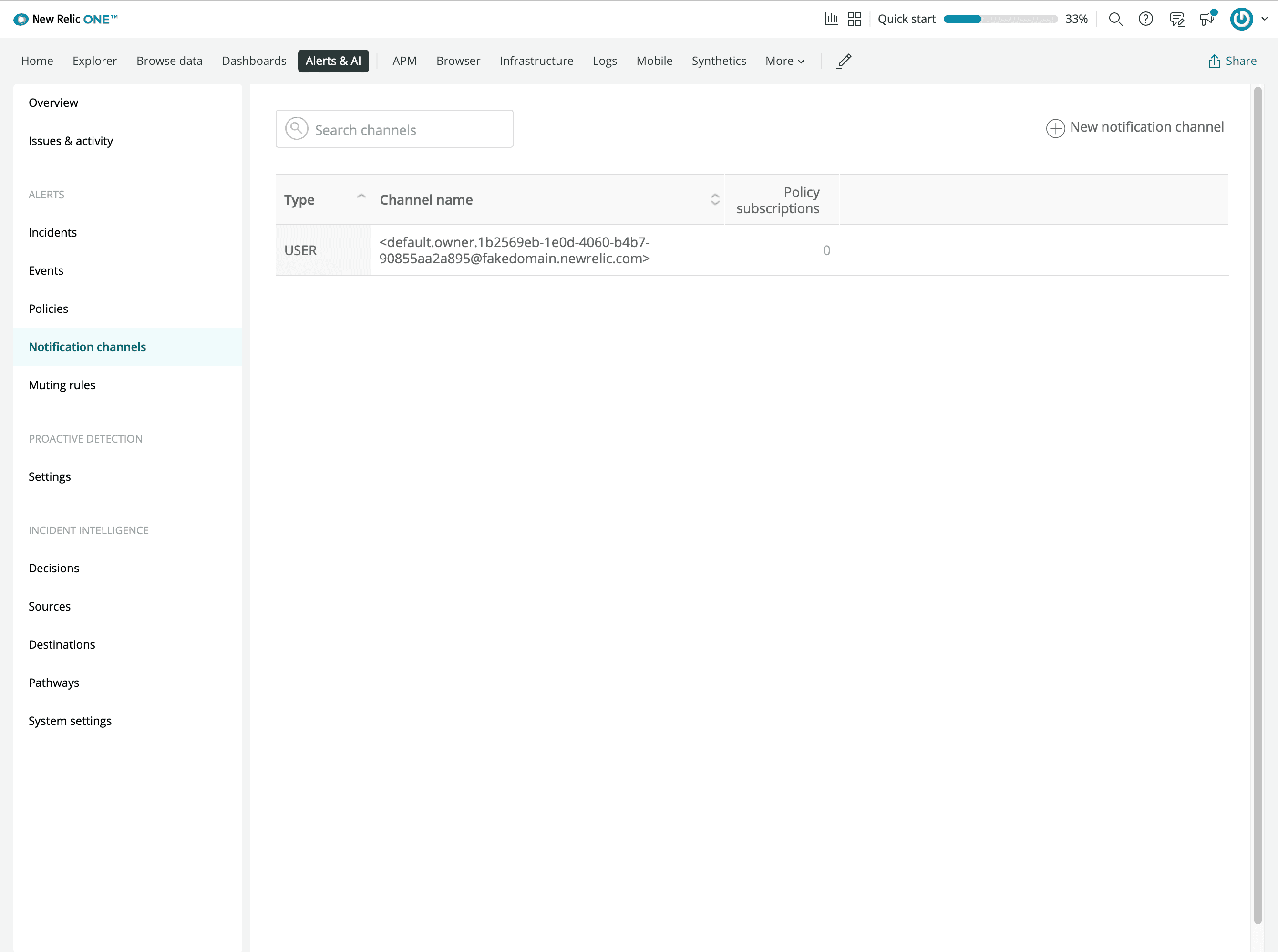
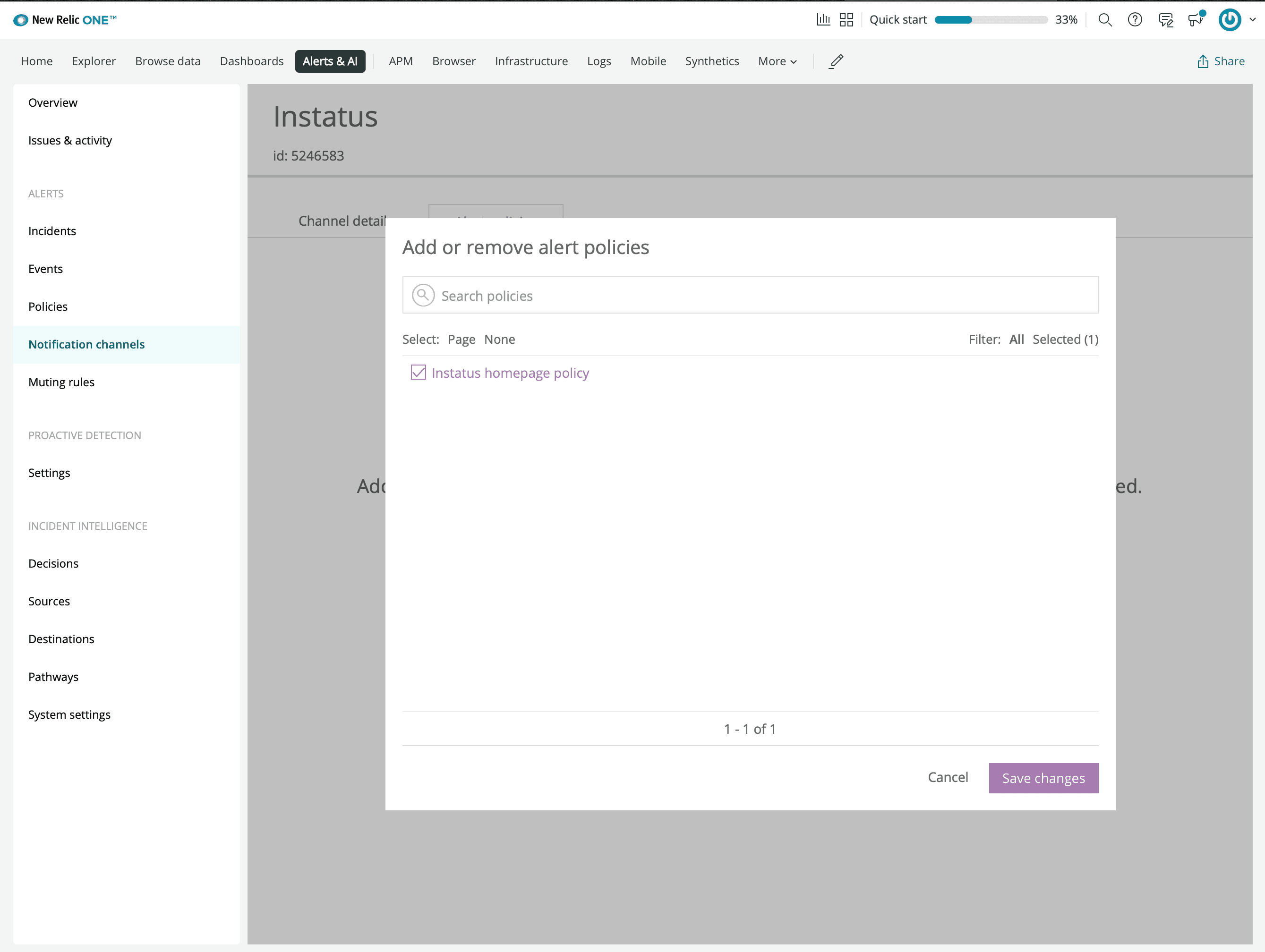
- Tilføj en ny webhook-notifikationskanal
- Indtast den webhook-URL, du kopierede fra Instatus
- Forbind den alarmpolitik, du oprettede tidligere
- Så er du klar! 🙌