Site24x7
Automatizujte svou stavovou stránku pomocí Site24x7
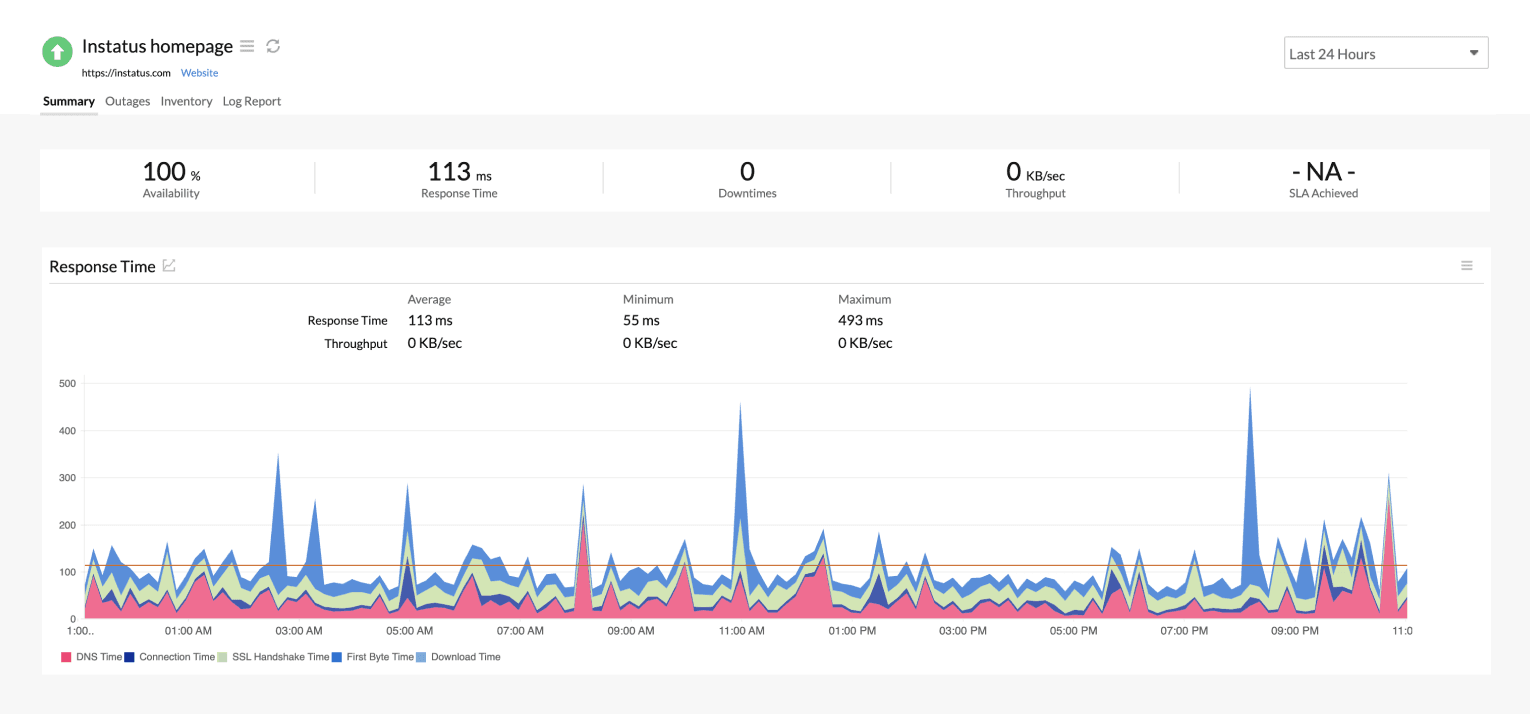
Aktualizujte stránku, když kontrola selže nebo se obnoví

Vaše stavová stránka se aktualizuje

Přizpůsobte novinky pomocí šablon
- Vygenerujte webhook Site24x7
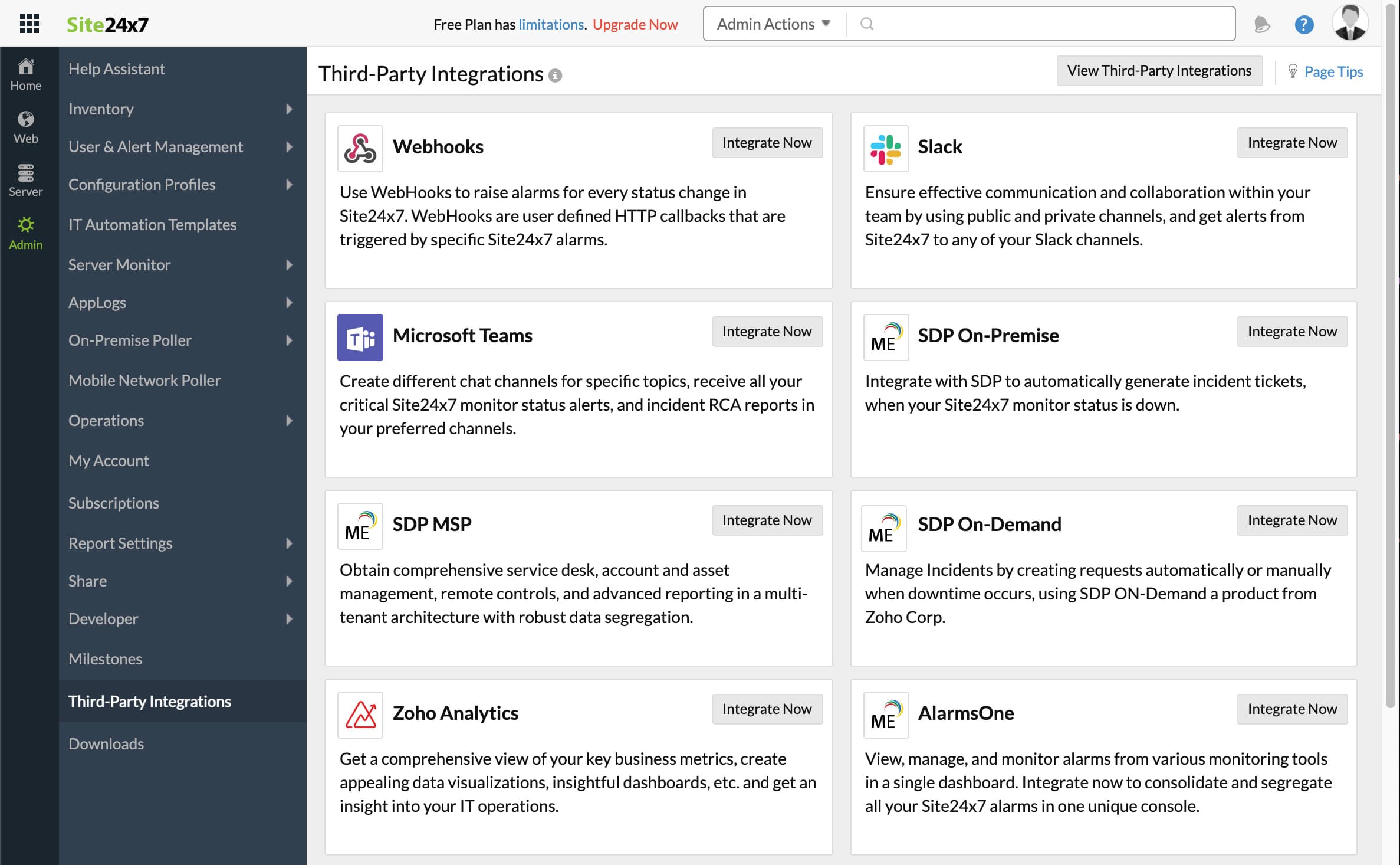
- Otevřete dashboard Site24x7. Klikněte na Admin a poté na Third-Party integrations
- Klikněte na Add Third-Party Integration a poté na Webhooks (Integrate Now).
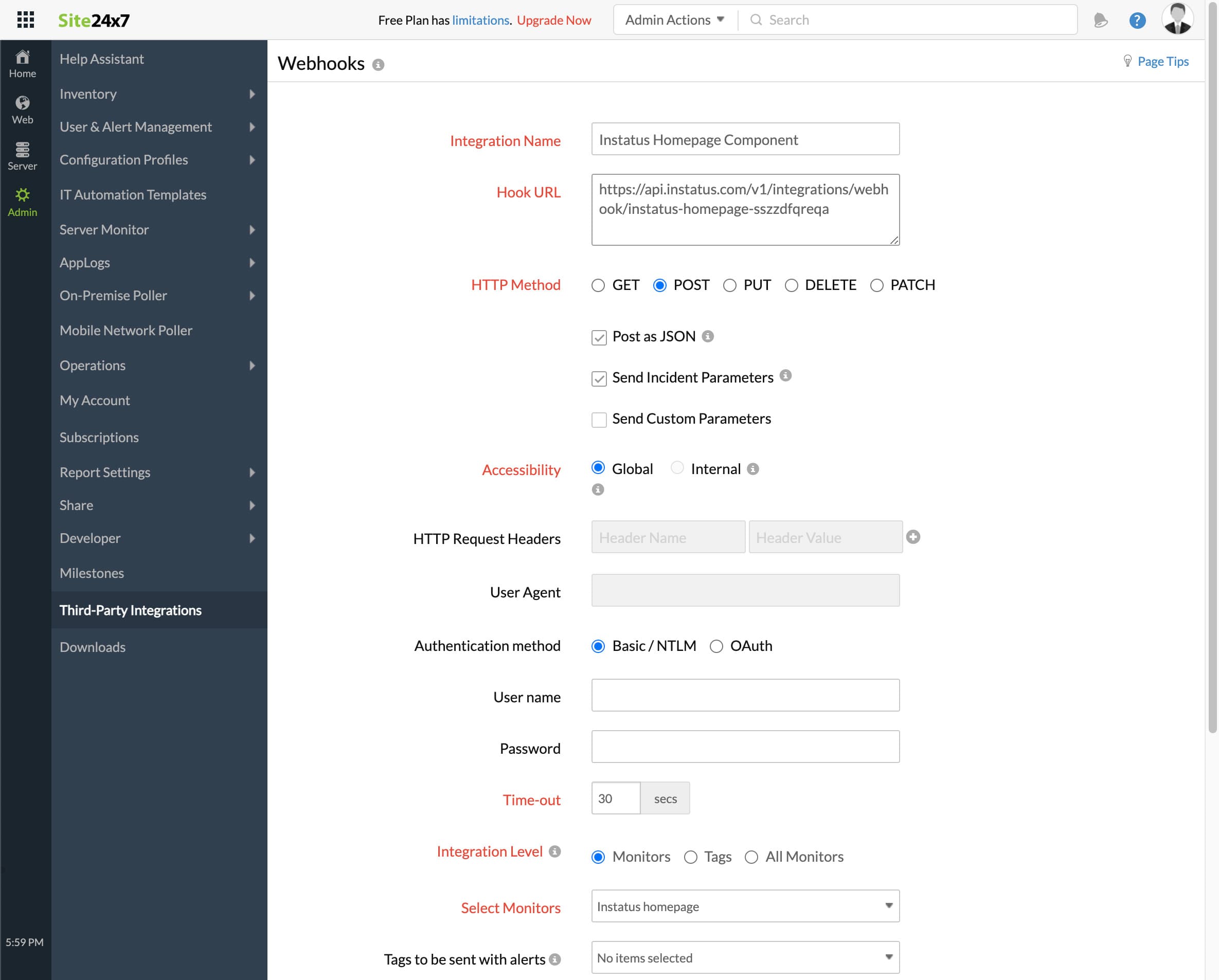
- Vyplňte formulář
- Zadejte libovolný název integrace
- Adresa webhooku, kterou jste zkopírovali dříve
- HTTP method `POST`
- Ujistěte se, že jsou zaškrtnuta tato políčka:
- Post as JSON and Send Incident Parameters
- Úroveň integrace: vyberte monitor odpovídající této komponentě
- U spouštění incidentů, když je monitor ve stavu Critical nebo Trouble, zvolte ano nebo ne podle potřeby
- Klikněte na uložit!
- Hotovo! 🎉