Pingdom
Automatizujte svou stavovou stránku pomocí Pingdom
Aktualizujte stránku, když kontrola selže nebo se obnoví

Vaše stavová stránka se aktualizuje

Přizpůsobte novinky pomocí šablon
- Vygenerujte webhook Pingdom
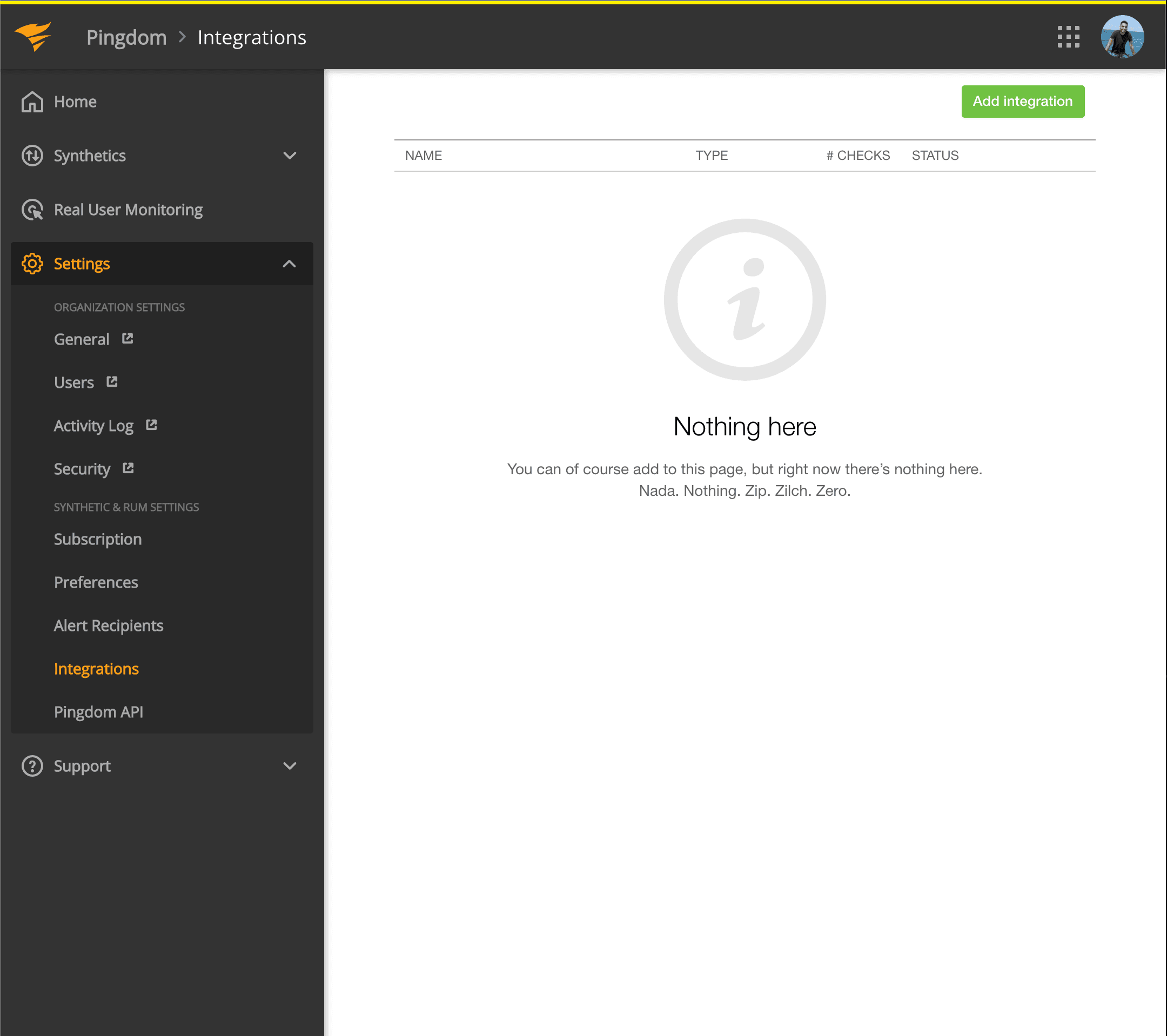
- Otevřete dashboard Pingdom. Klikněte na Settings → Integrations
- Klikněte na tlačítko Add integration
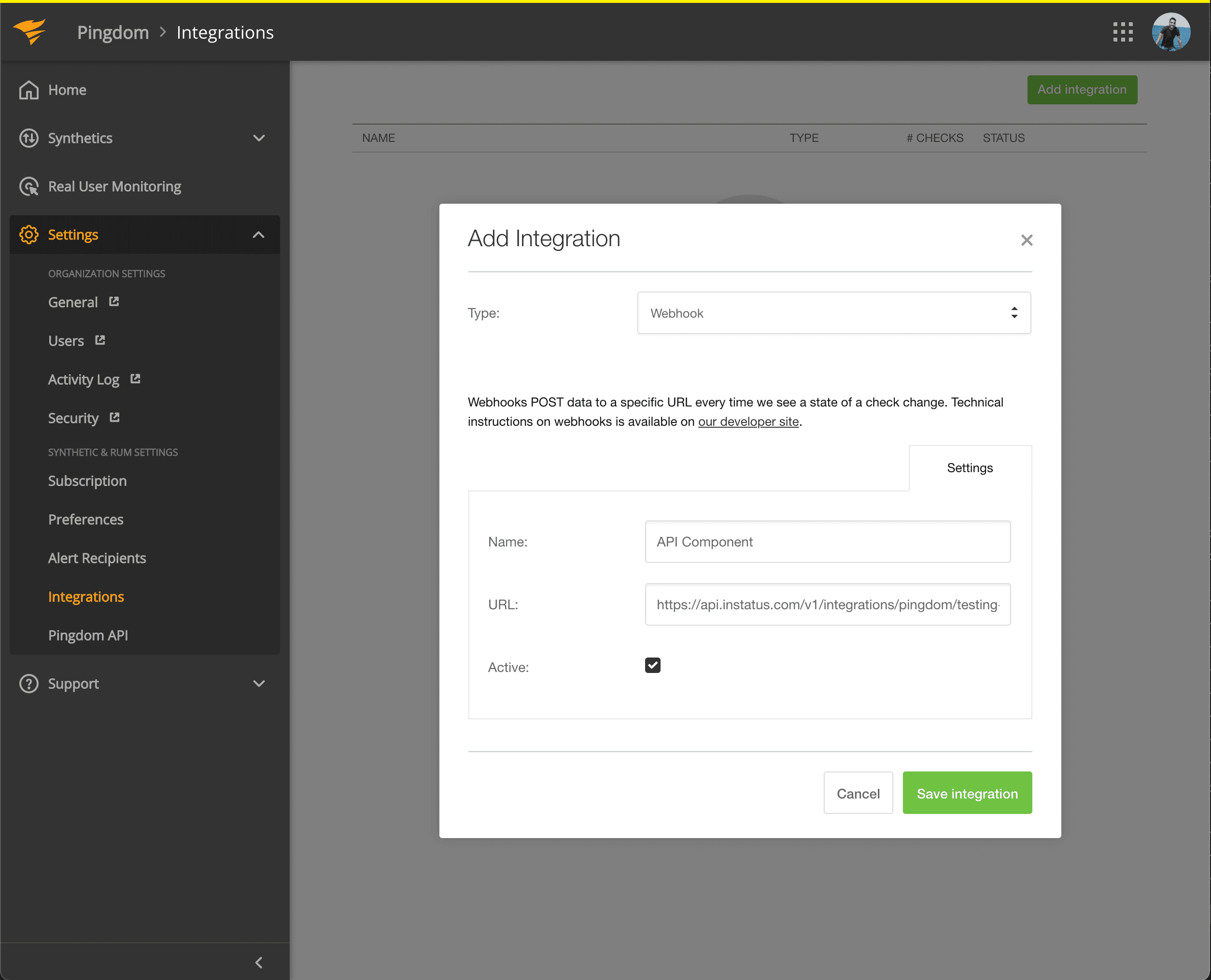
- Vyberte typ Webhook, zadejte název a adresu webhooku komponenty, kterou jste právě zkopírovali.
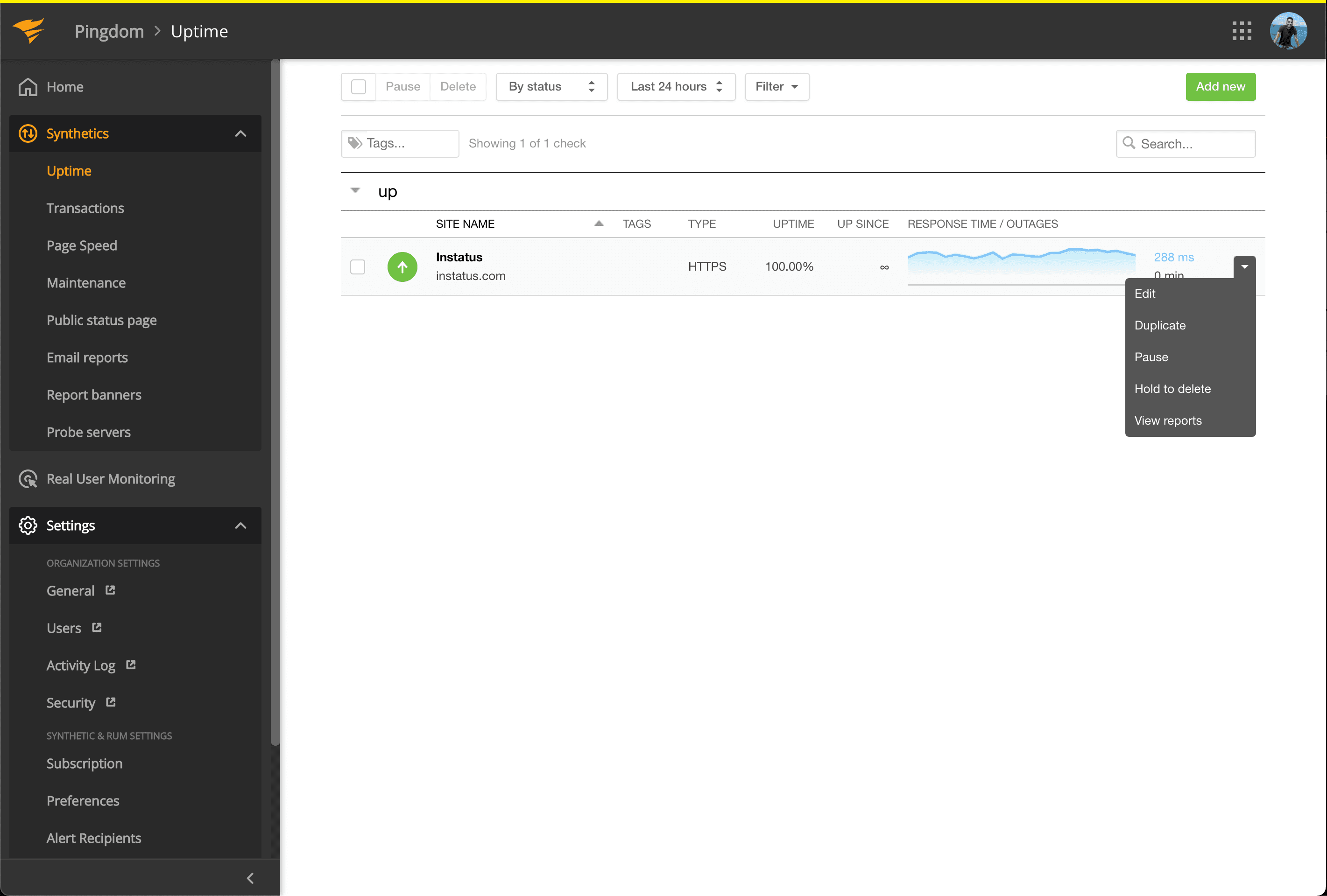
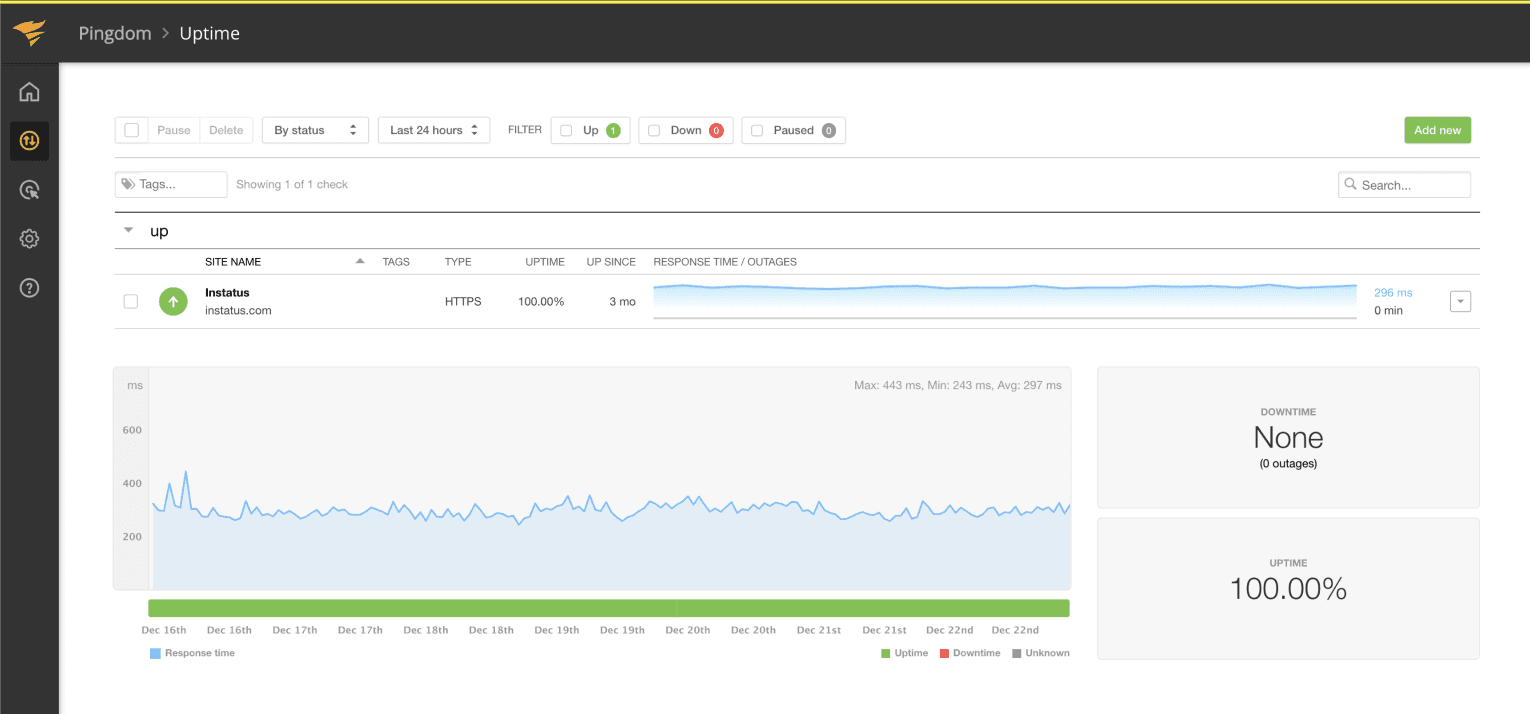
- Přejděte na Synthetics → Uptime
- Upravte kontrolu Uptime, která souvisí s komponentou, kterou chcete automatizovat.
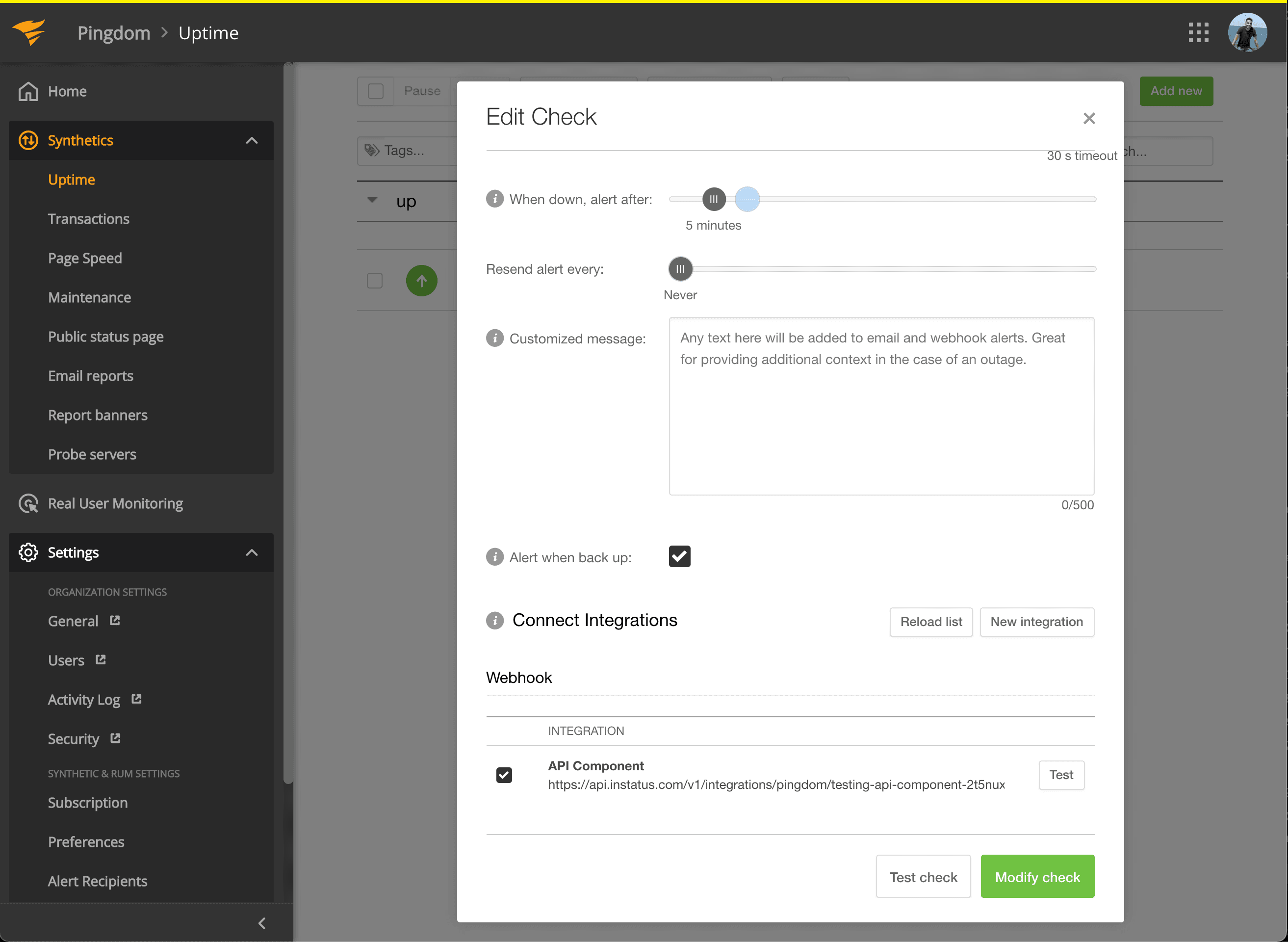
- V části Connect Integrations zaškrtněte právě vytvořenou integraci a klikněte na modify check!
- Hotovo! 🍪