New Relic
Automatizujte svou stavovou stránku pomocí New Relic
Aktualizujte stránku, když kontrola selže nebo se obnoví

Vaše stavová stránka se aktualizuje

Přizpůsobte novinky pomocí šablon
- Vygenerujte webhook New Relic
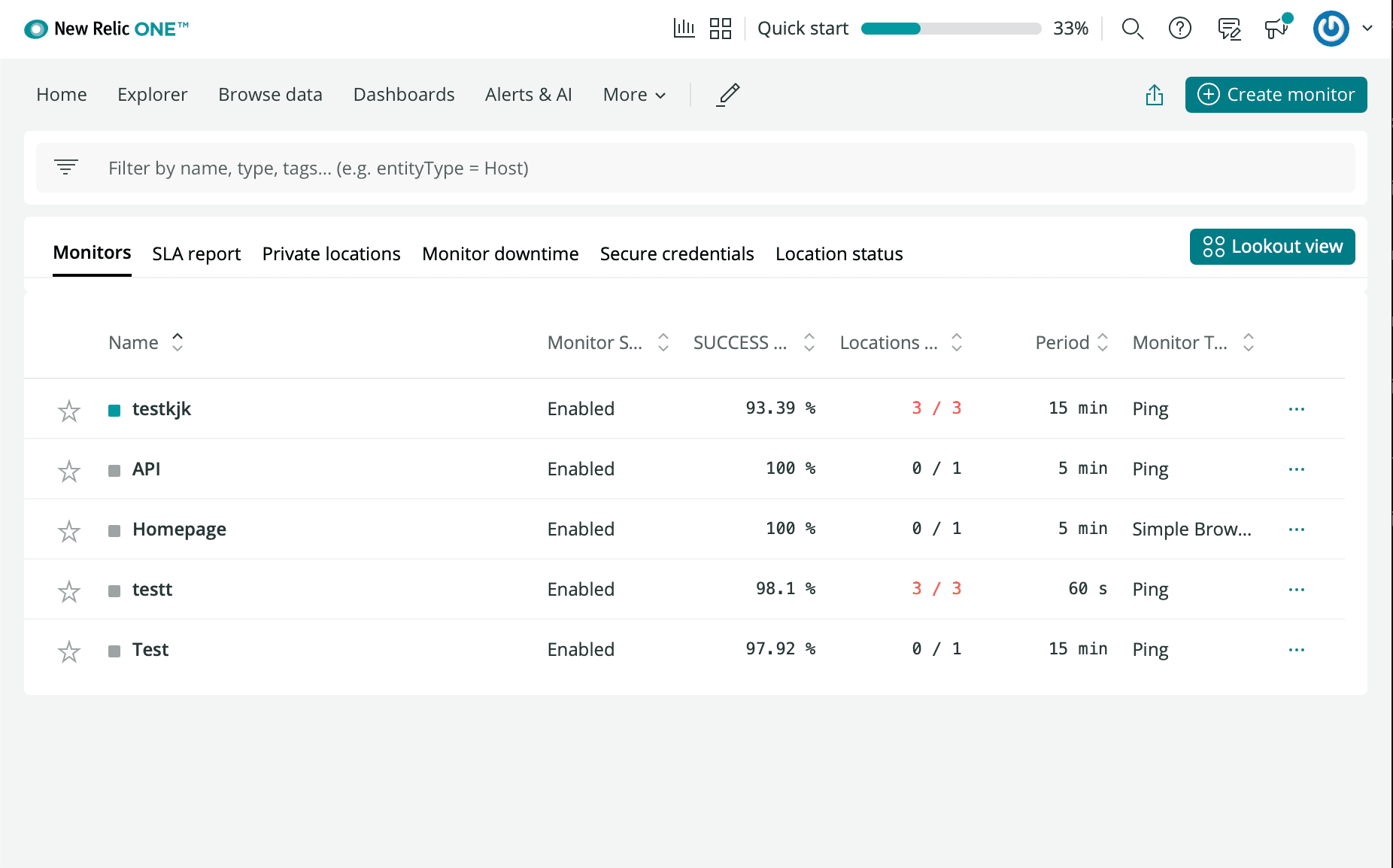
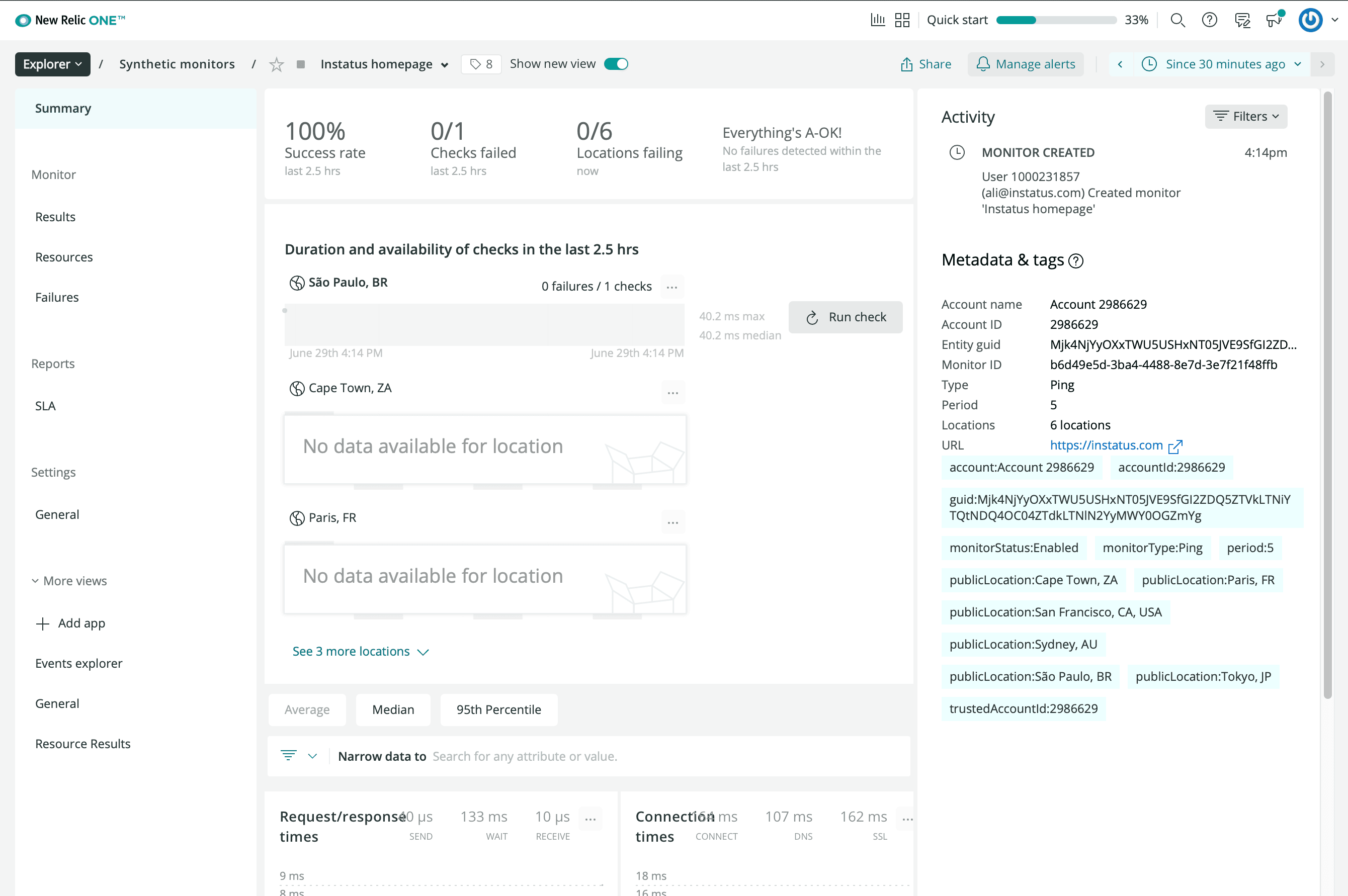
- Přihlaste se k účtu New Relic a přejděte na Synthetics
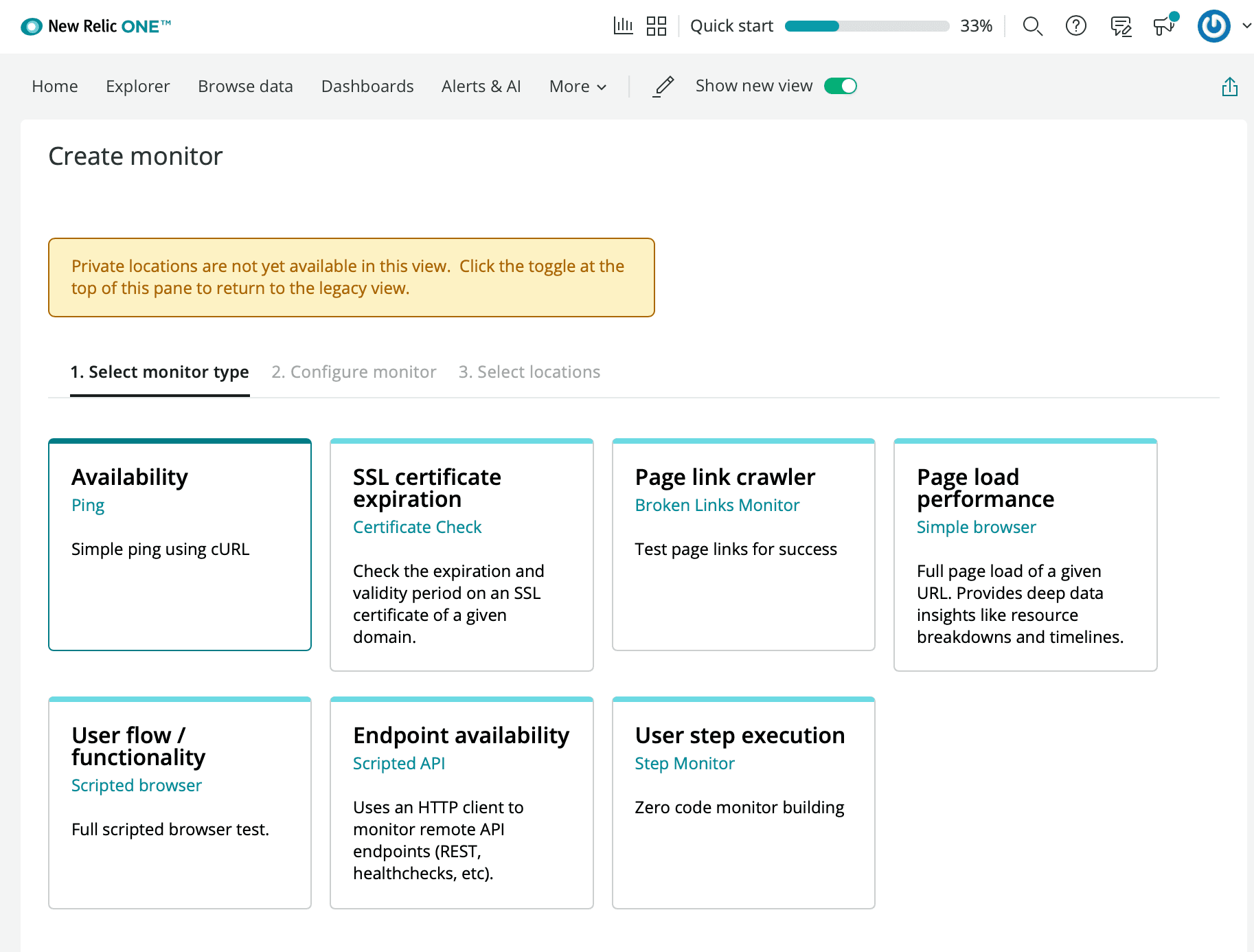
- Klikněte na Create a new Monitor
- Vyberte libovolný typ monitoru dostupnosti
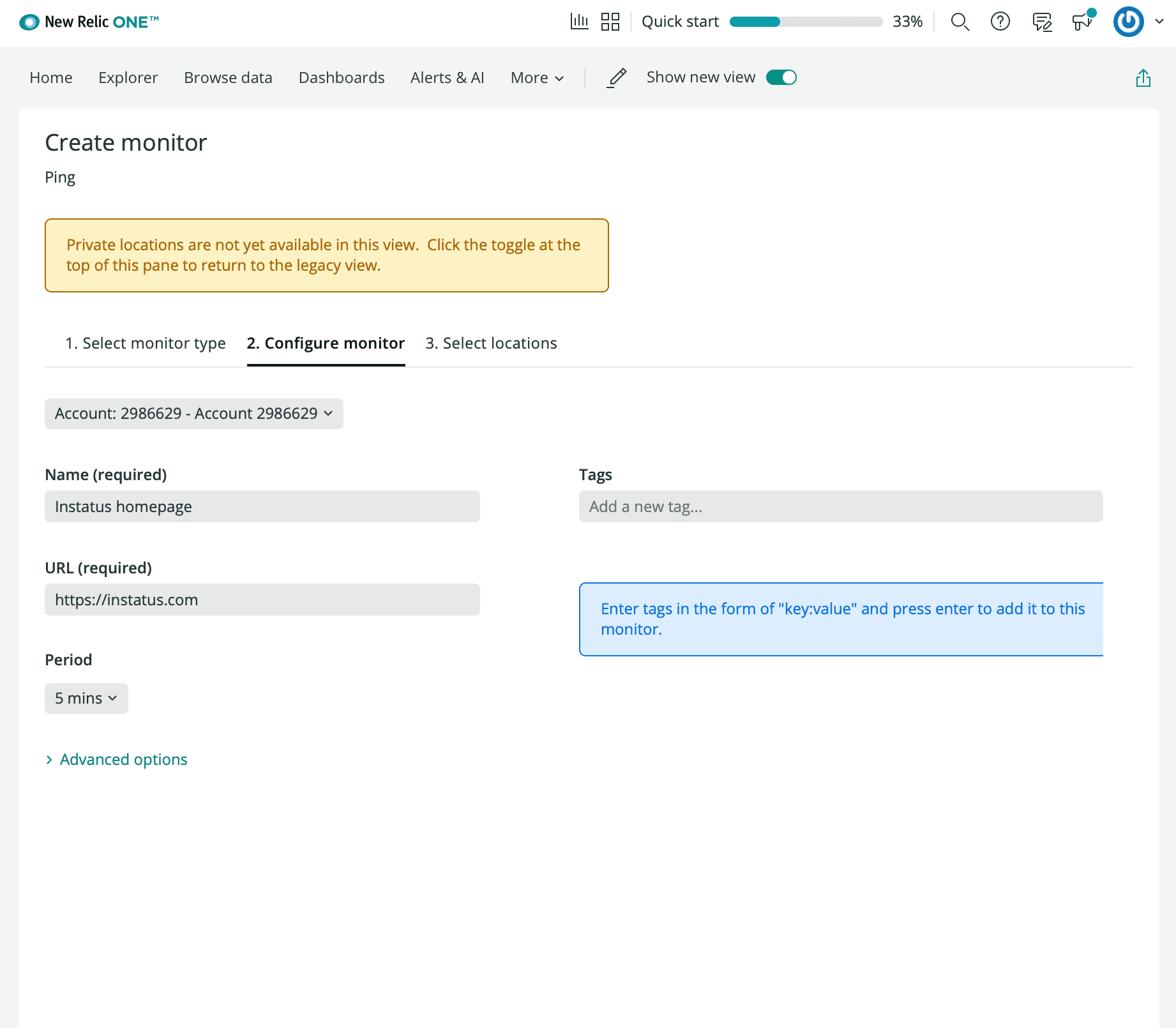
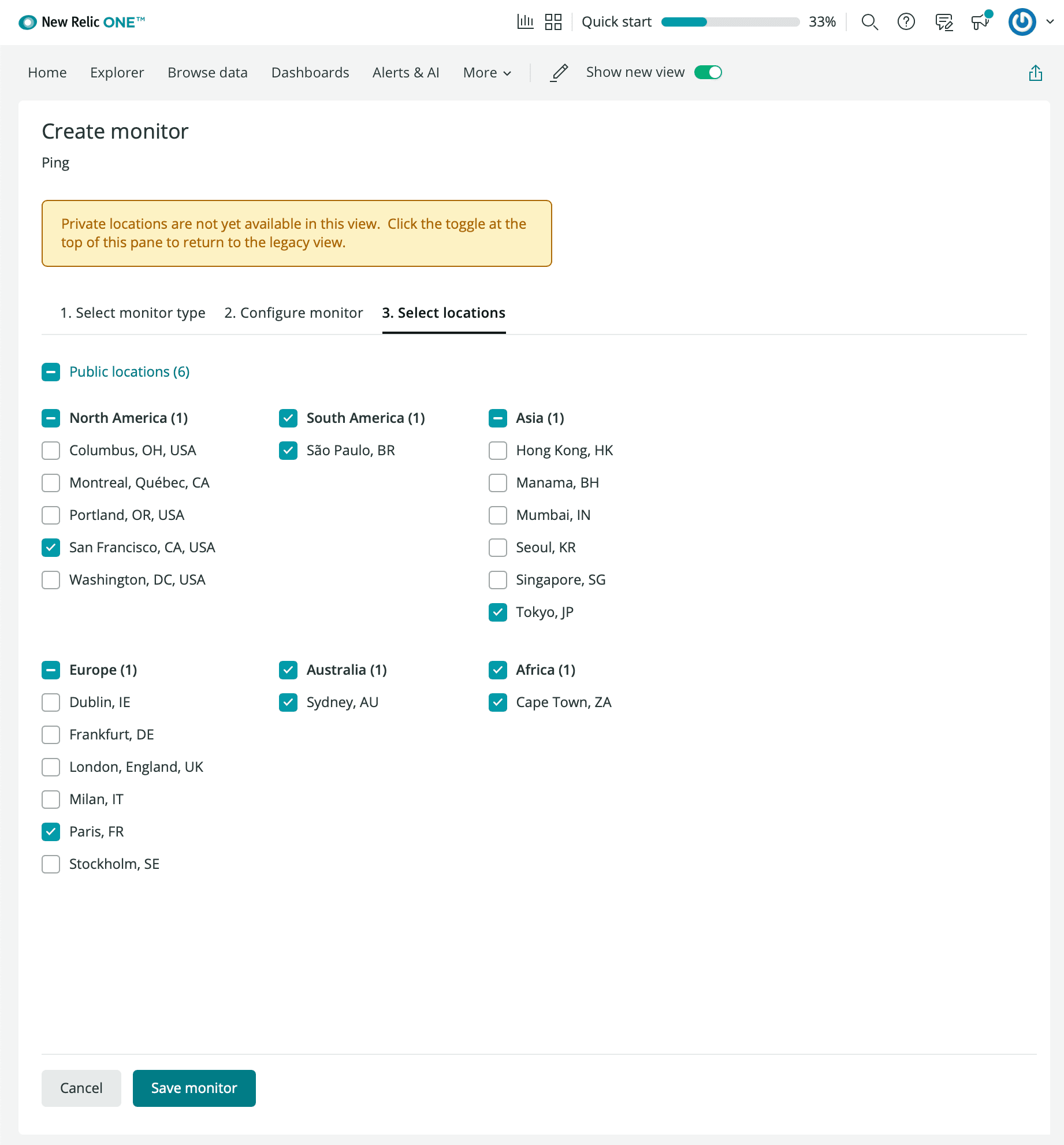
- Zadejte název monitoru, adresu URL, kterou chcete sledovat, interval a preferované lokality.
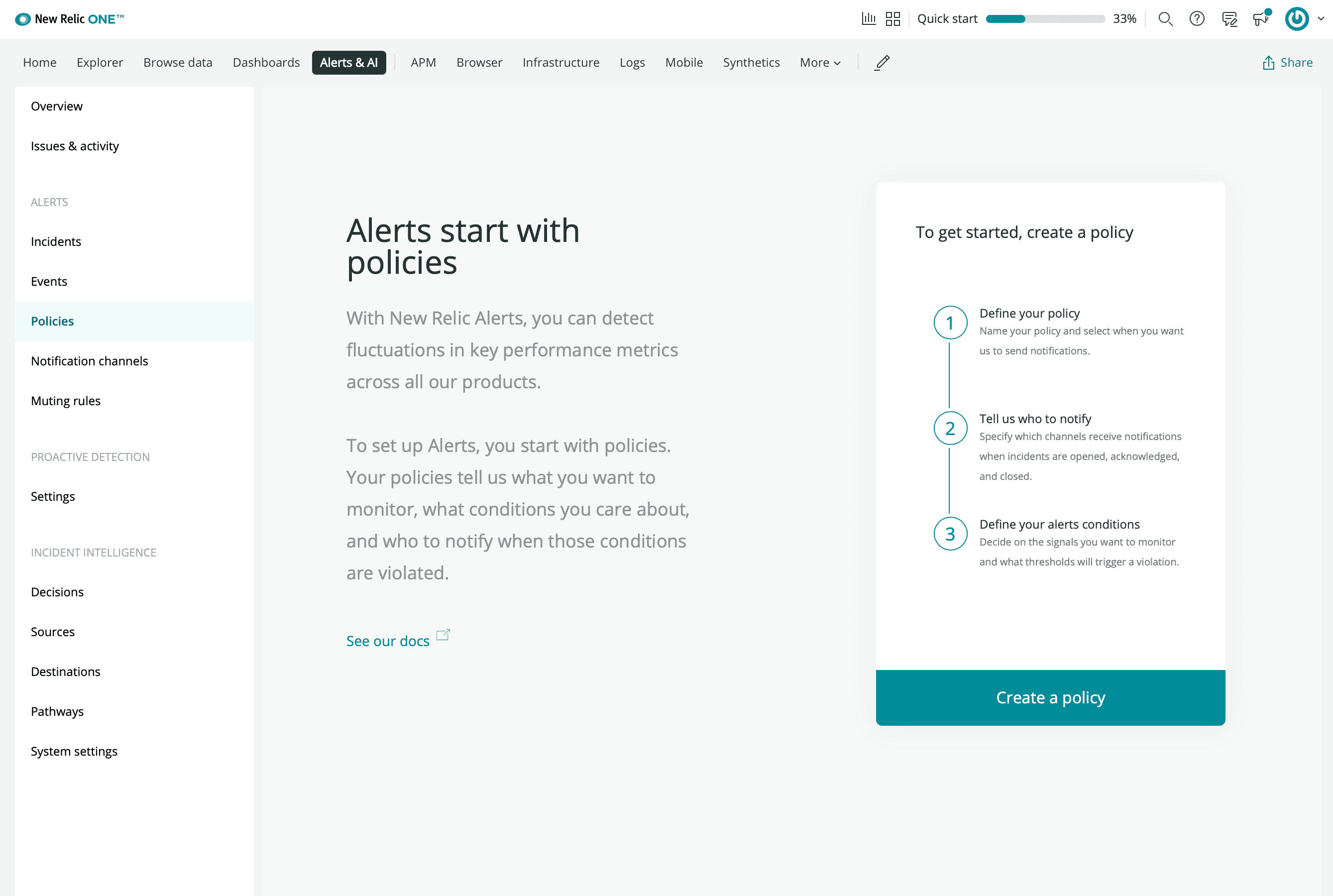
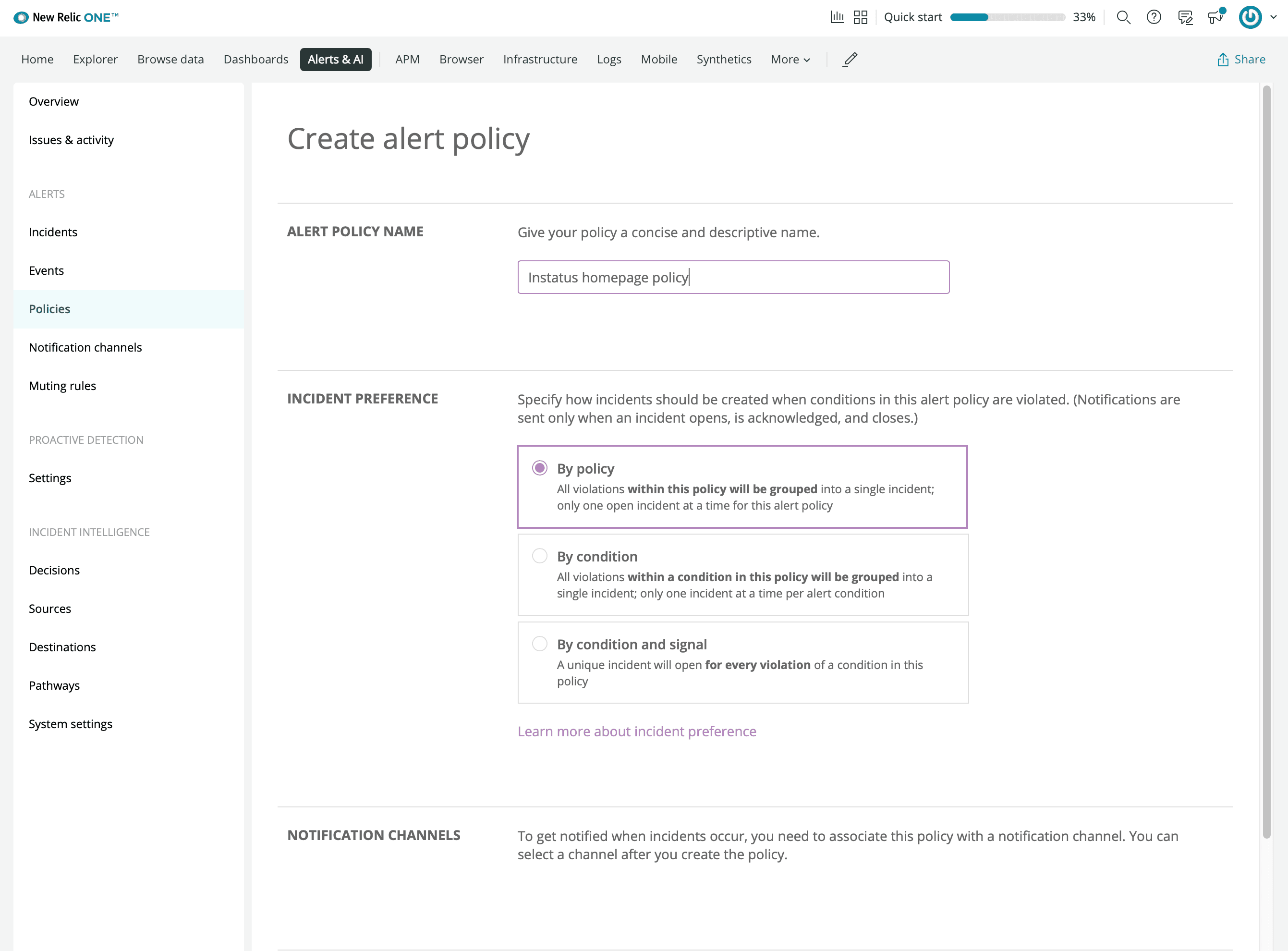
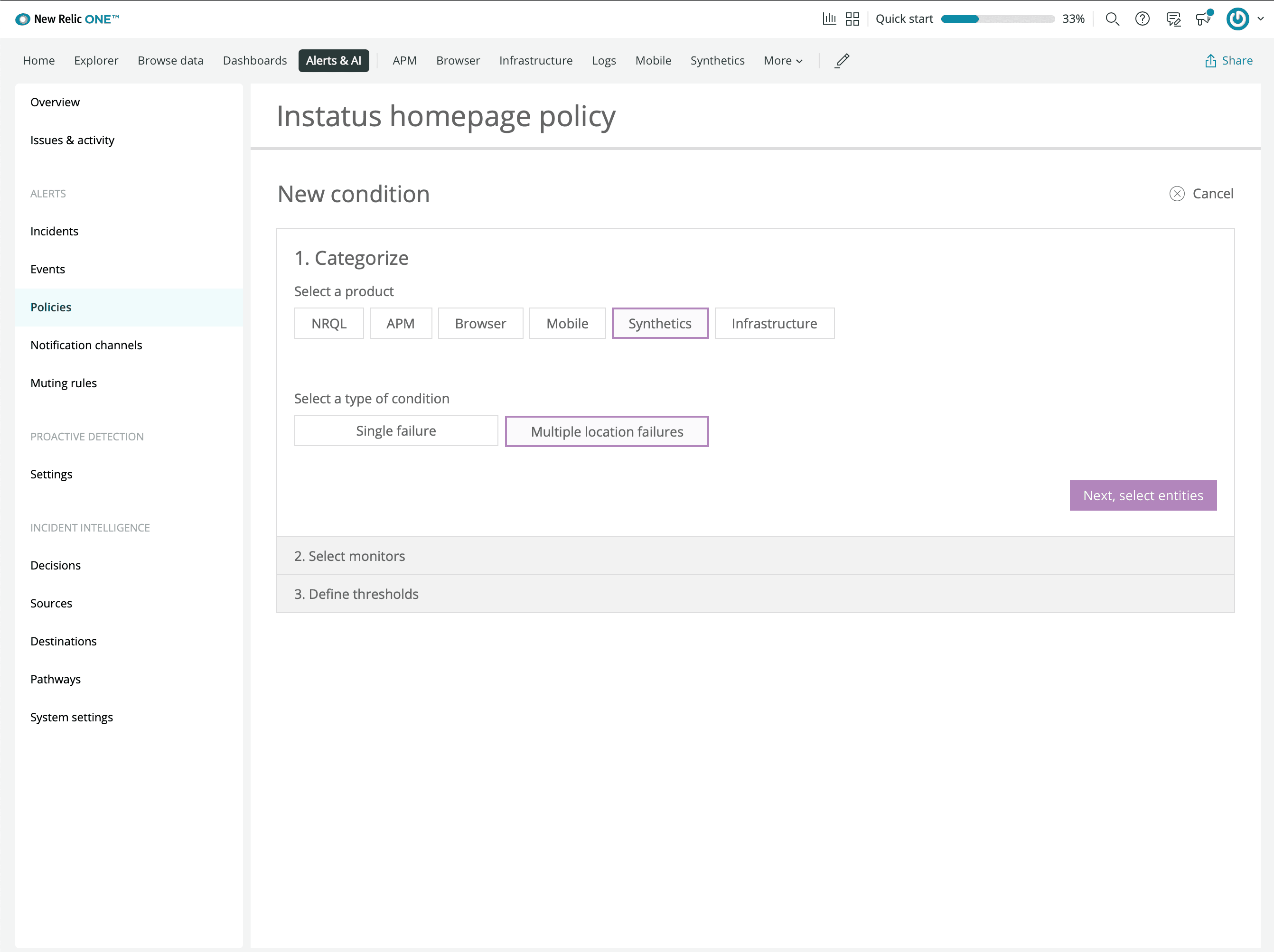
- Klikněte na manage alerts a vytvořte zásadu
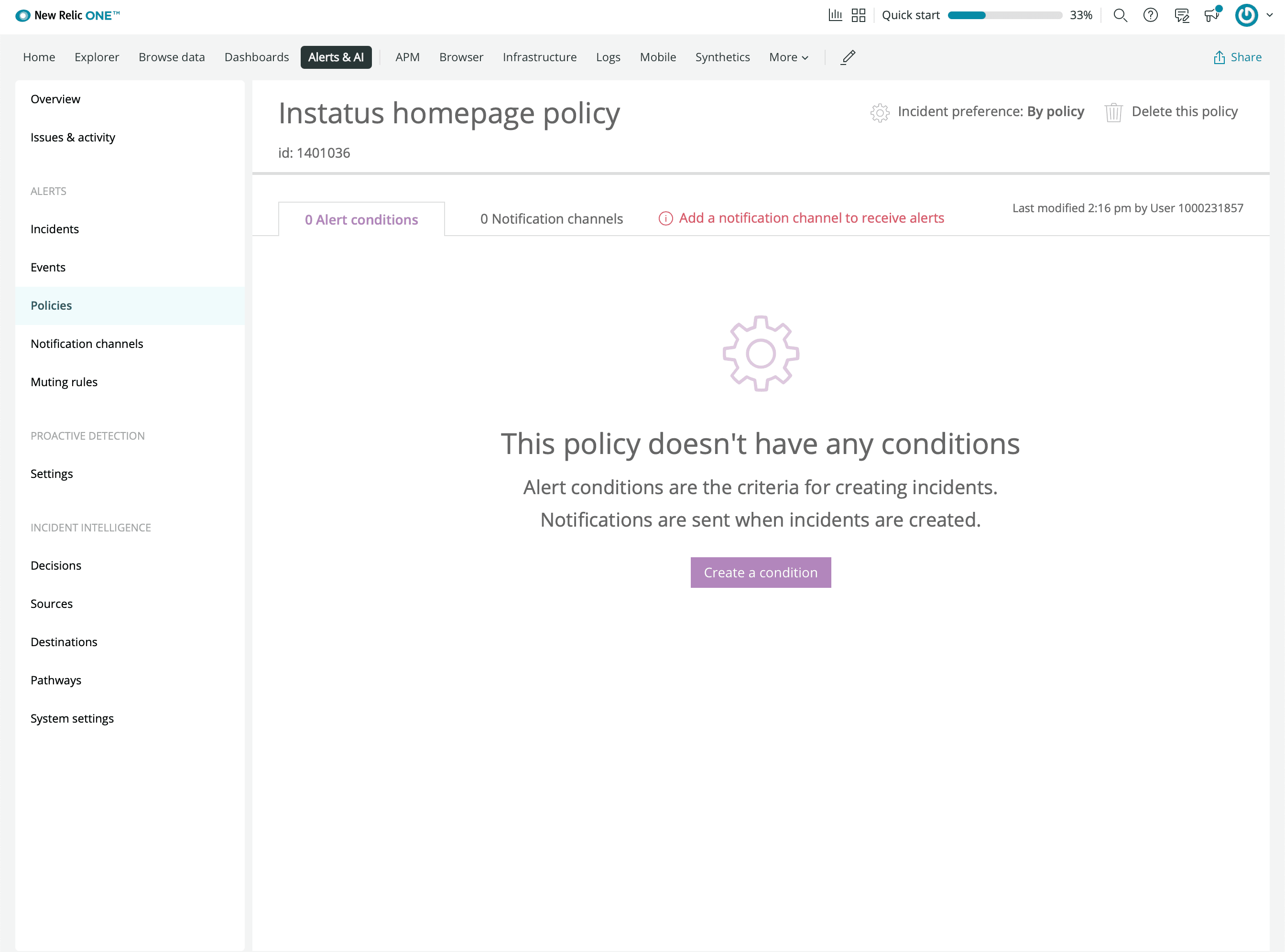
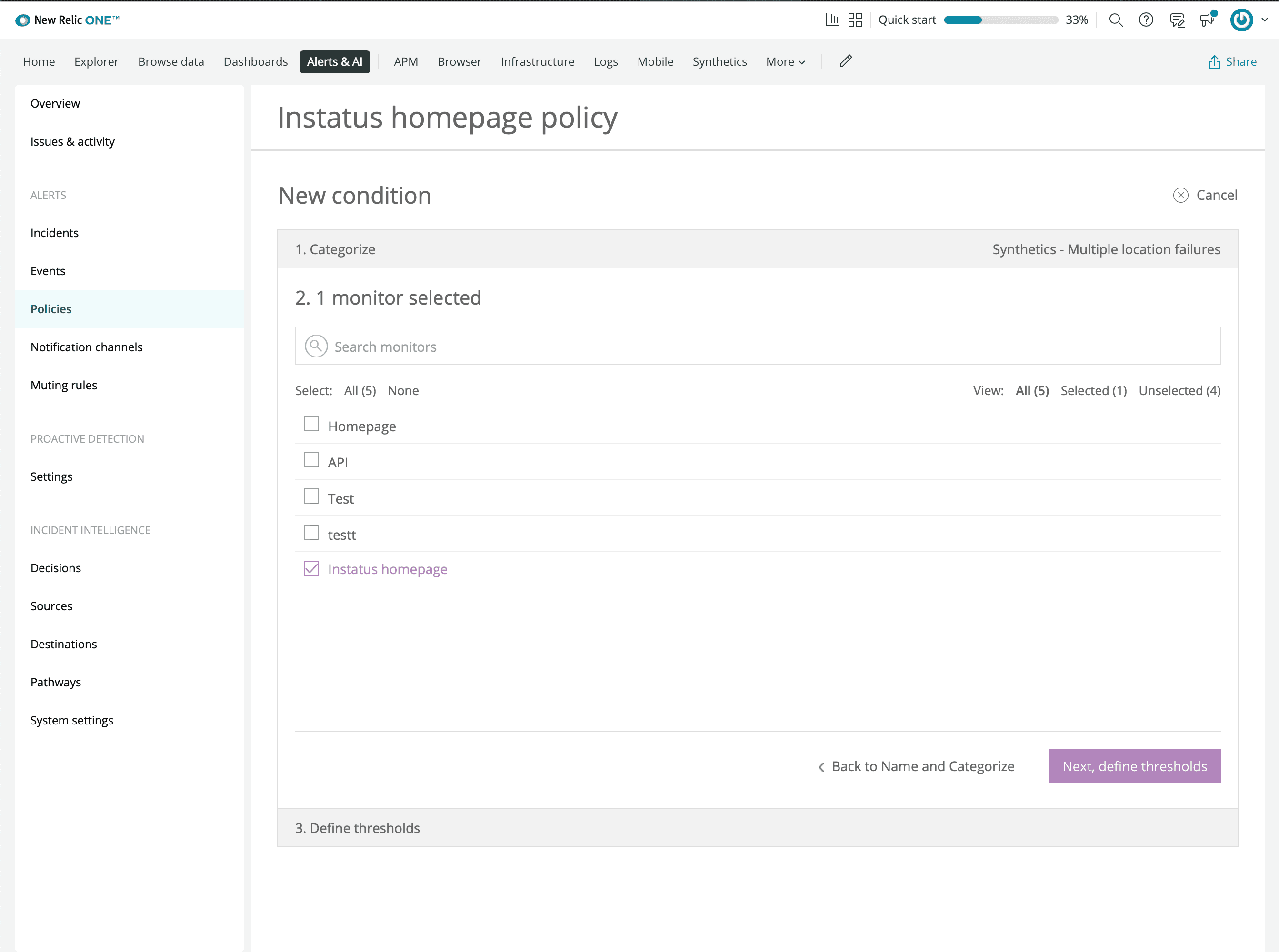
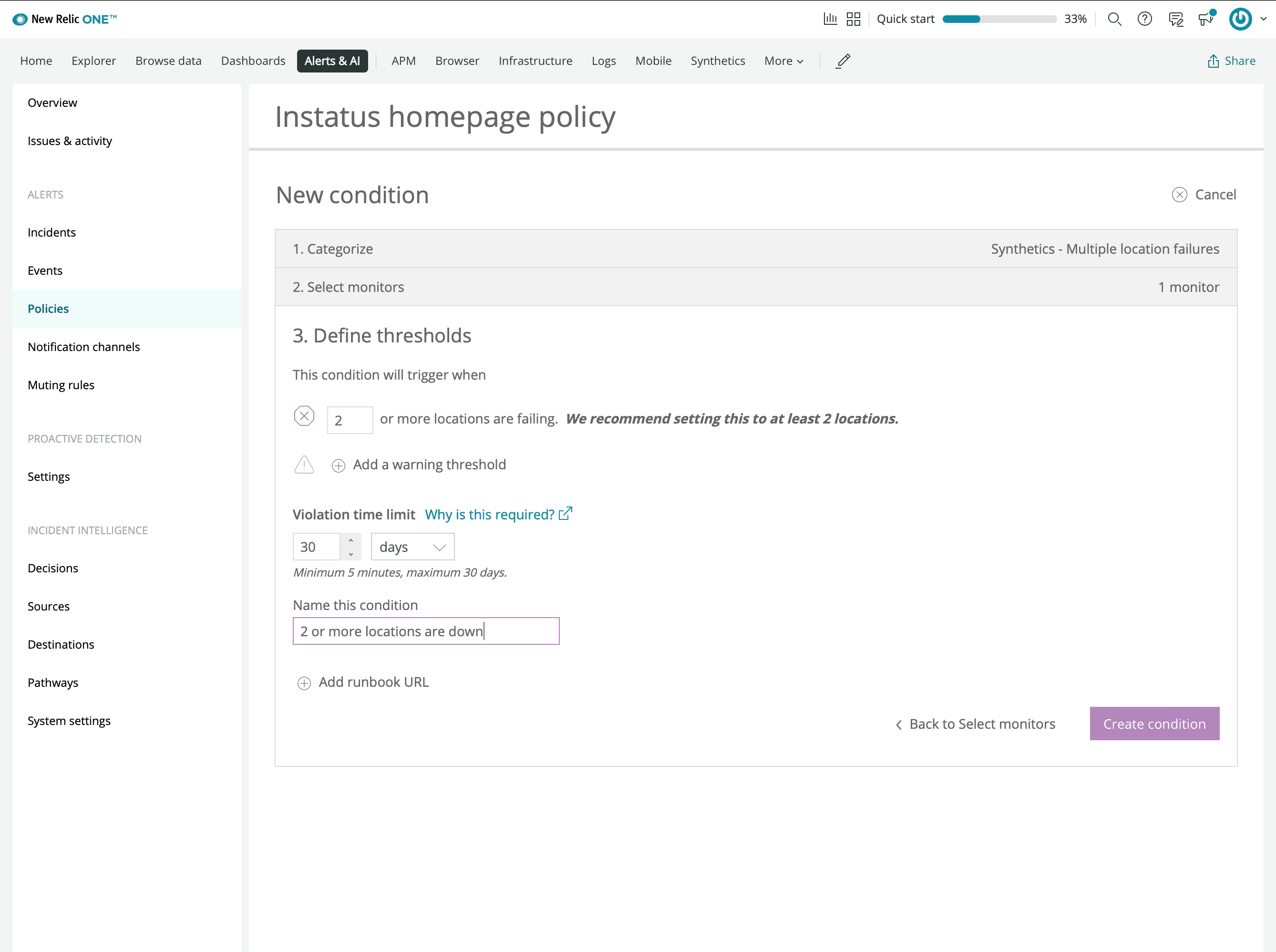
- Vytvořte podmínku
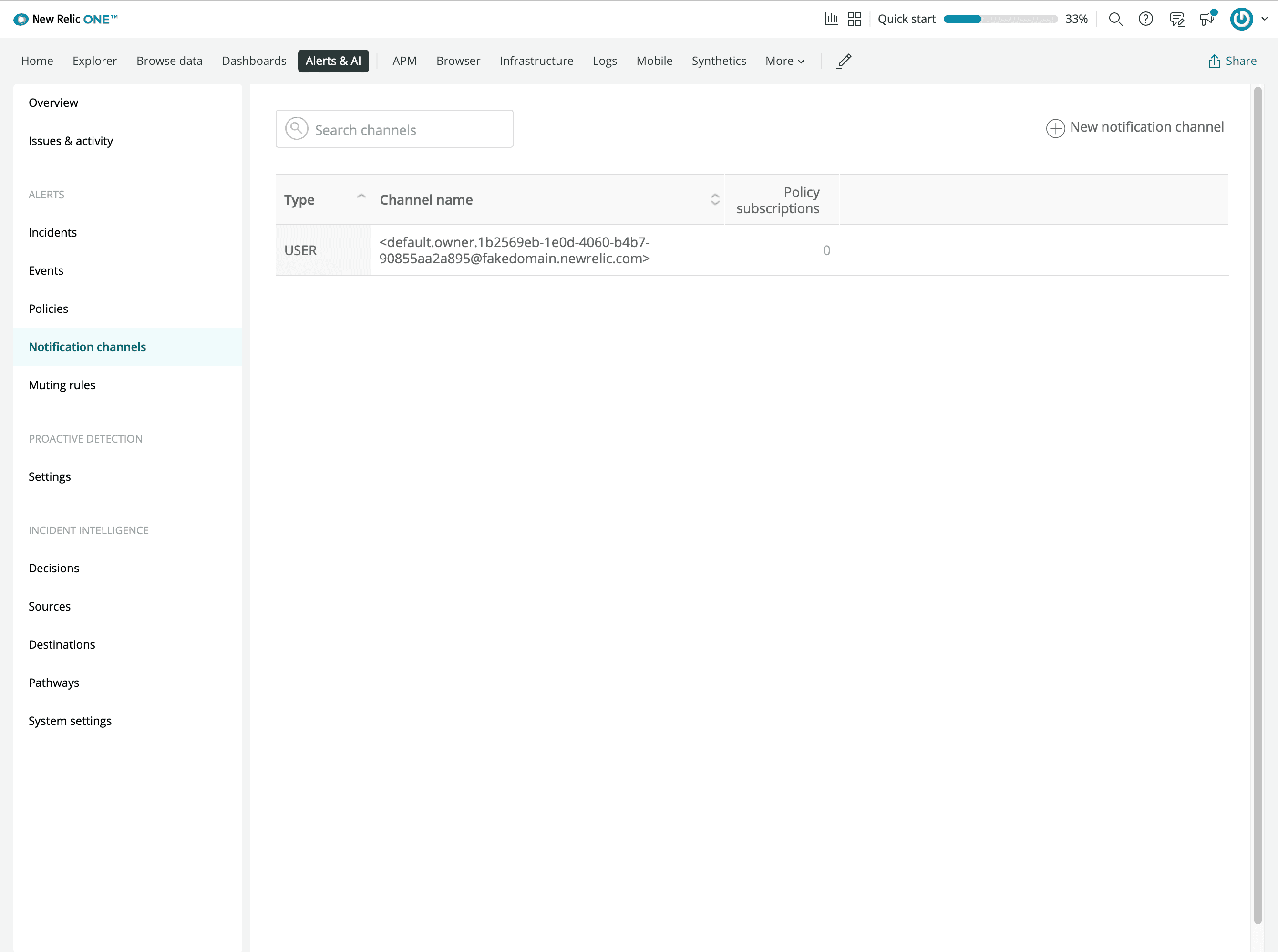
- Přidejte nový oznamovací kanál Webhook
- Zadejte adresu webhooku zkopírovanou z Instatus
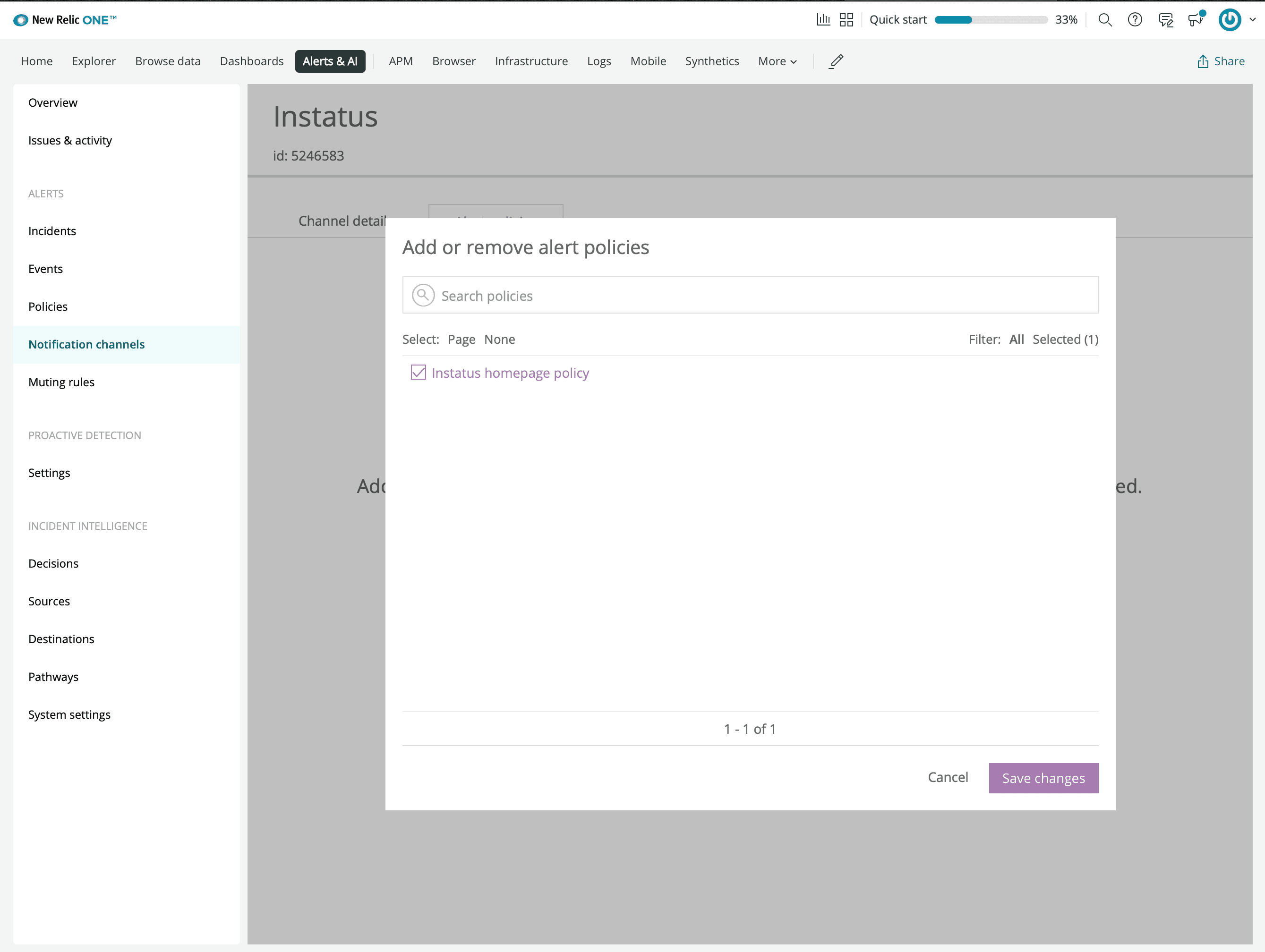
- Připojte zásadu upozornění, kterou jste vytvořili dříve
- Hotovo! 🙌